
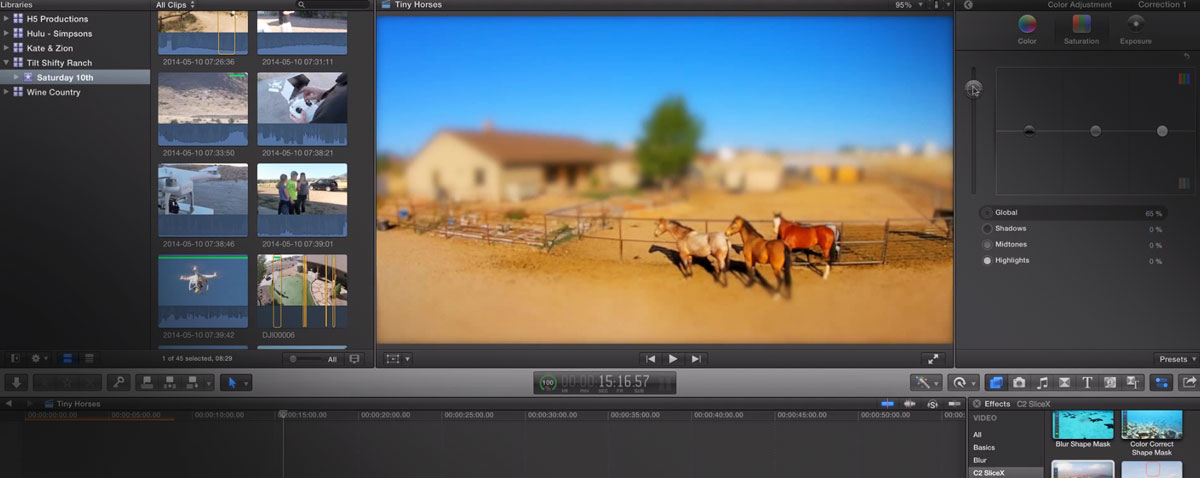
In this week's episode of MacBreak Studio, the guys return to Coremelt's SliceX plugin to remove a shadow and animate a tilt shift effect.


In this week's episode of MacBreak Studio, the guys return to Coremelt's SliceX plugin to remove a shadow and animate a tilt shift effect.
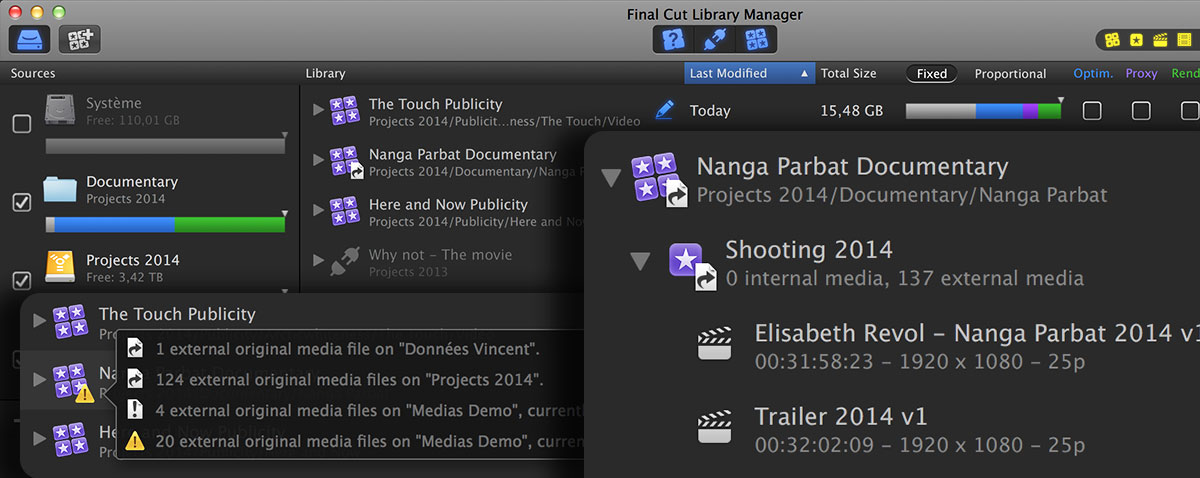
If there was an award for constant product development, it would go to Tim and Vincent at Arctic Whiteness. They have just released version 2 of their popular application for handling those FCPX libraries.
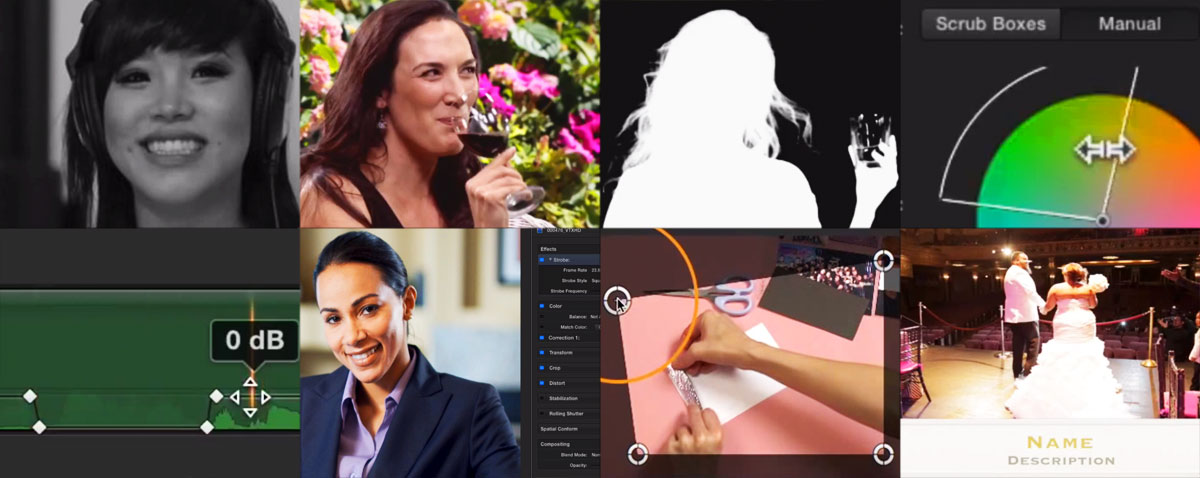
It was mentioned that we haven't done one of our big fat FCPX tutorial roundups recently. Let's fix that right now with range of videos from the quick tip to a detailed three part class.

In this week's episode of MacBreak Studio, Marks Spencer shows Steve Martin how to manage FCPX libraries using Final Cut Library Manager from Arctic Whiteness.

UPDATED
Filip Vandoorne has put together a very detailed guide on how to use libraries on an NFS filesystem. Could this be a much cheaper option to Xsan? Is desktop shared storage here?

There's some new functionality between the recent 10.0.7 update to Apple's Logic Pro X and Final Cut Pro X. Most interesting is the assignment of tracks from Roles.
You might have noticed that we had to take the site down for a little over 24 hours. So what exactly happened?
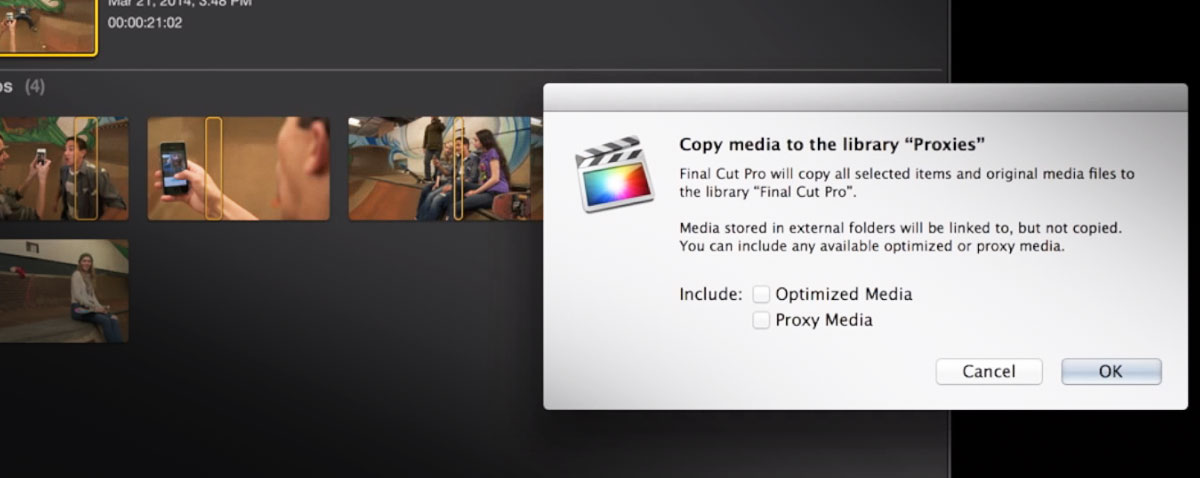
So what happens if you want to take a large editing project on the road and use proxies only? Standby Mark and Steve with the answer in this week's new MacBreak Studio.
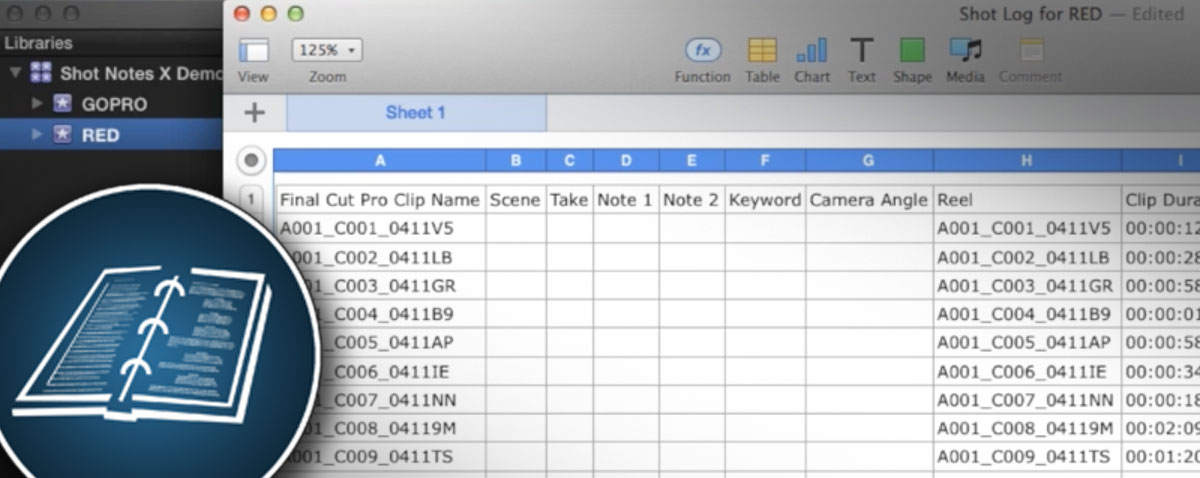
Hot on the heels of the Lumberjack System, Shot Notes X is an application that takes the data from a script supervisor on set and makes it available in the edit. Sam Mestman explains for FCP.co "no dailies, no carts, no labs, and no transcoding!"

Want to log on set on an iOS device or in a browser and then have all the keywords imported into Final Cut Pro X ready to edit? The Lumberjack System is a clever and quick way of first logging and then getting all that data into FCPX.
Page 103 of 188
© fcp.co 2010-2026
