


3 Post Moderation Rule for New Boarders (25 Jan 2021)
New boarders will have their posts moderated - Don't worry if you cannot see your post immediately.
MacOS High Sierra - What works and doesn't work?


Please Log in to join the conversation.
- Tom Wolsky
-

- Offline
- Moderator
-

Please Log in to join the conversation.

According to CCC Bombich Software Blog when you encrypt a volume under HS Disk Utility is also converting that volume to APFS. This cannot be undone without erasing the drive and losing data. The example they tested was a RAID volume and that to me is even more troubling.
bombich.com/blog/2017/09/29/think-twice-...lumes-on-high-sierra
Hope this helps, Greg
Please Log in to join the conversation.

Please Log in to join the conversation.
Please Log in to join the conversation.
BTW, what specifically about Mac hardware (not drives, we know), and the pro app issues? I'm not hearing tons and tons. All in all it seems quite reasonable, for a major OS upgrade, honestly.
What else? Who's had pro-app specific, repeatable issues?
Just saying...
Please Log in to join the conversation.

Please Log in to join the conversation.

I cannot get realtime playback anymore, and any kind of clip is hopping and stuttering.
I would strongly advise against anyone with a similar Macbook to upgrade to High Sierra, as it will render FCPX useless.
It's the same with the latest version of iMovie.
Same clips that are choppy and stuttering in FCPX/iMovie plays fine in Quicktime player, using Quicklook & VLC.
Please Log in to join the conversation.

- Posts: 971
- Thank you received: 46
8GB RAM, 2x 4GB, and it reports ok ok, so RAM must be fine...
I wish I knew what cause the flashes to print to the export video, so damn annoying to spend hours editing, export and the export is ruined, suffice to say, the client walked away...I don't blame him, never was able to figure out the root, RAM, graphics, hard drive, software...intermittent fault...
Please Log in to join the conversation.
Remember, we're using a version NOT optimized for High Sierra yet. We'll probably see the next big FCPX upgrade in three weeks (Creative Summit). Then you'll see more stability and performance, IMHO. No one knows for sure, though. Only 3 weeks away.
Also, Coremelt has an update for Chromatic coming, which again I'll speculate that they'll show at FCPX Creative Summit with new features and a major performance bump (especially for the late 2013 Mac Pro).
And there's another update, seems the bug fixes are coming fast and furious on this one! Good to see!
www.macrumors.com/2017/10/05/apple-relea...supplemental-update/
Please Log in to join the conversation.
chrisb wrote: FCPX is 100% useless for me on my MBP 2014 with the Nvidia GT 750M.
I cannot get realtime playback anymore, and any kind of clip is hopping and stuttering.
I would strongly advise against anyone with a similar Macbook to upgrade to High Sierra, as it will render FCPX useless.
It's the same with the latest version of iMovie.
Same clips that are choppy and stuttering in FCPX/iMovie plays fine in Quicktime player, using Quicklook & VLC.
Please Log in to join the conversation.
- Posts: 971
- Thank you received: 46
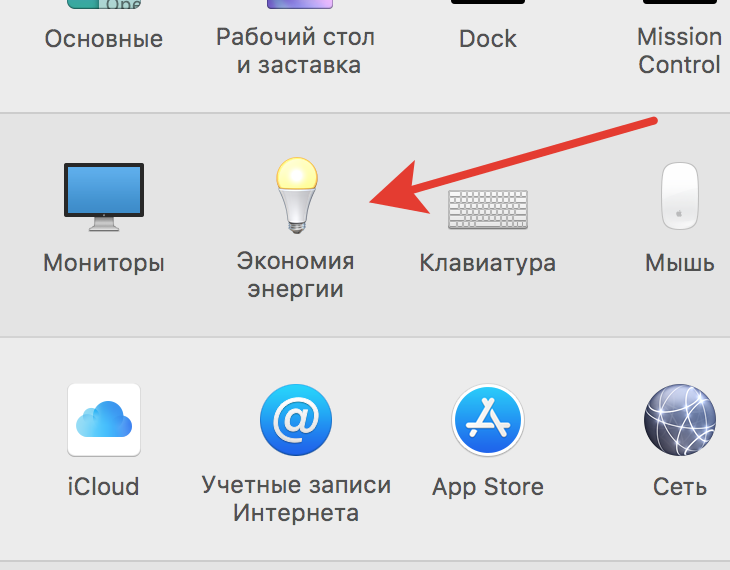
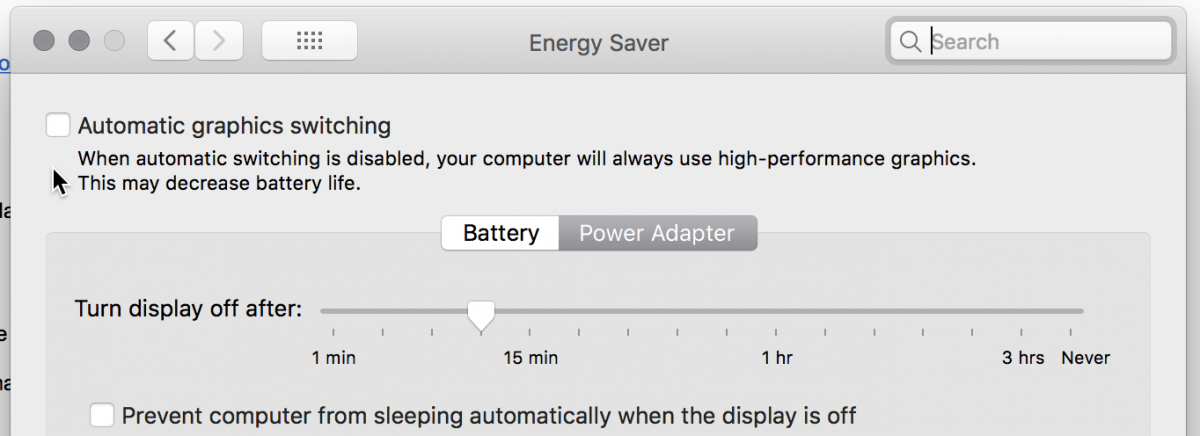
I have tried to find something like you describe in preferences...nothing...Could you supply a screen grab of what you mean???
Thanks
Please Log in to join the conversation.
MsJustine wrote: Hi Antamov...
I have tried to find something like you describe in preferences...nothing...Could you supply a screen grab of what you mean???
Thanks
Please Log in to join the conversation.
Could also try switching FCPX 'View' to Better Performance...
Please Log in to join the conversation.
- Posts: 971
- Thank you received: 46
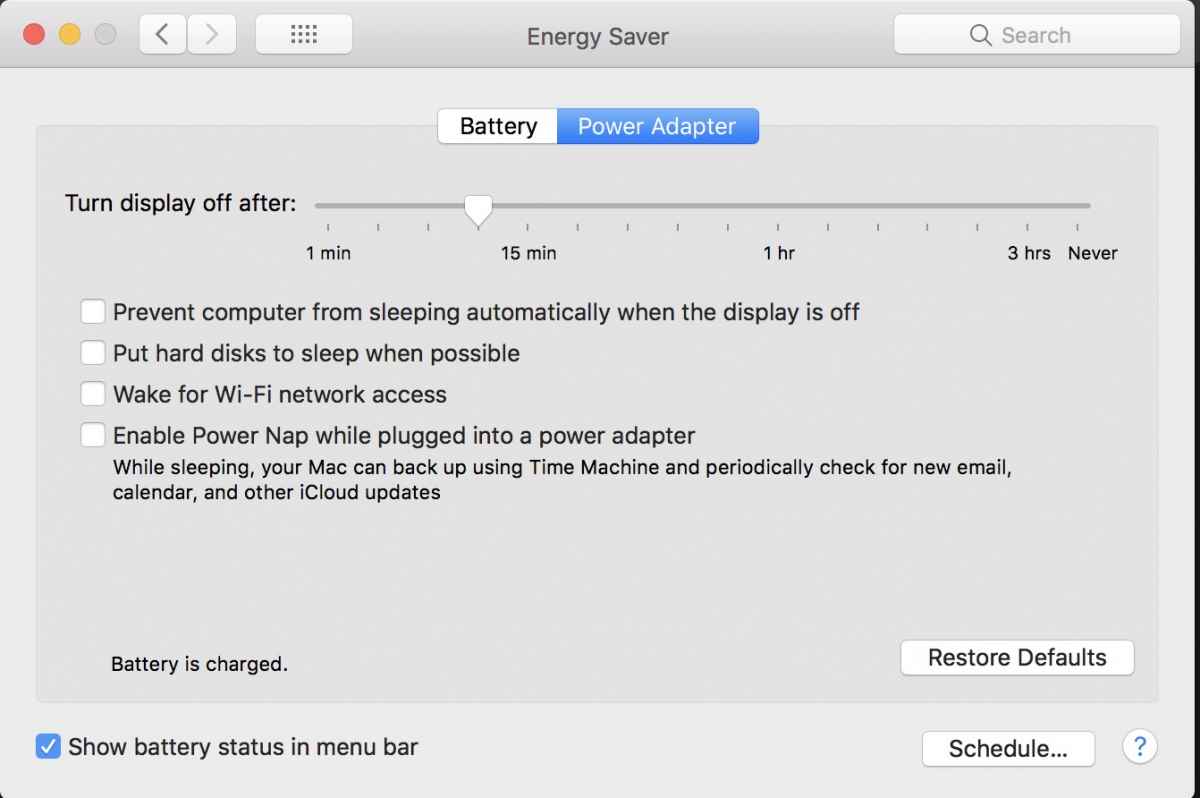
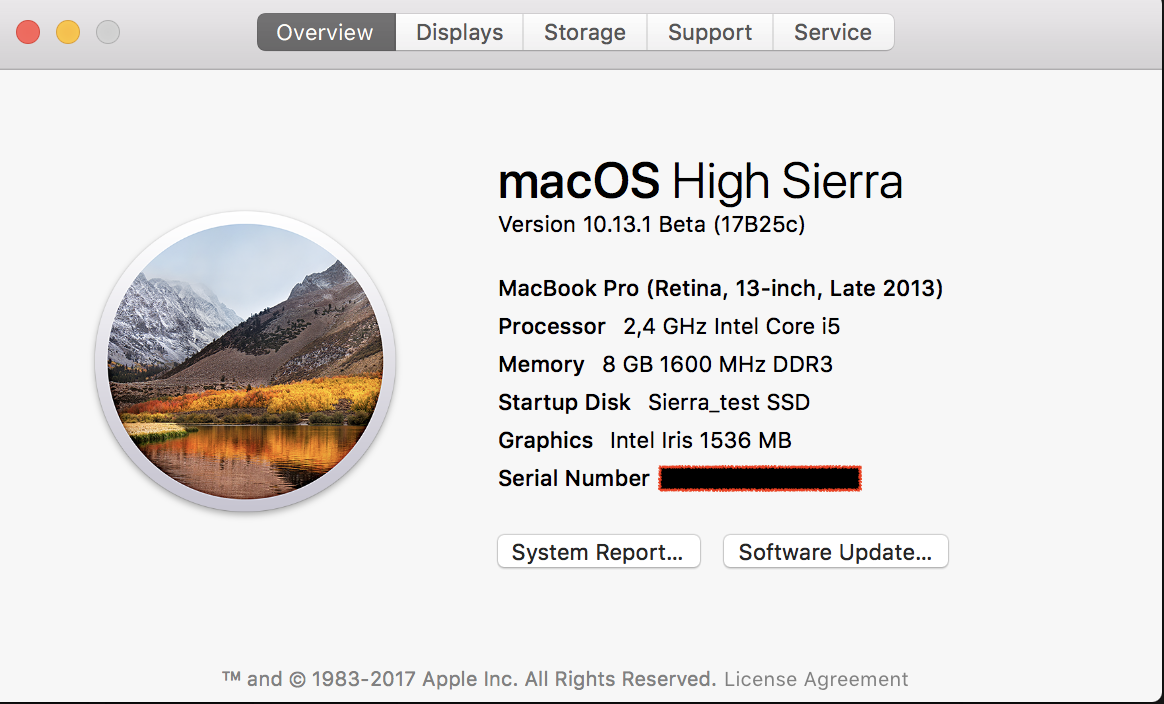
Seems maybe to be a mac pro setting, not on my retina 2014 MacBook pro...
no worries...
Thanks
Please Log in to join the conversation.
- Tom Wolsky
-
- Offline
- Moderator
-
Please Log in to join the conversation.
- Posts: 971
- Thank you received: 46
Please Log in to join the conversation.
- Tom Wolsky
-
- Offline
- Moderator
-
Please Log in to join the conversation.
- Posts: 971
- Thank you received: 46
Anyway, no worries, I have never seen that checkbox top left..first time today on that attachment...strange...Saving to replace this one one day...laptops are very spendy here!!!
Thanks for the information Tom...
Please Log in to join the conversation.
- Tom Wolsky
-
- Offline
- Moderator
-
Please Log in to join the conversation.
