






























Visual Effects innovator The Foundry have developed STORM which assists RED Digital Camera workflows. There's a Public Beta available for download until 1 March 2011. Take a look here.
The Foundry have an impressive list of visual effects to their credit on features such as Harry Potter, The Dark Knight, Spider Man 3, The Incredible Hulk, Iron Man, Star Trek, Watchmen, District 9, Transformers, Avatar, Alice in Wonderland.
So if they say that STORM is the way to assists RED workflow you have to believe them. This is what they've got to say about it:
"STORM is quick and easy to navigate allowing producers, directors and editors to view takes in high resolution without interruption or delay.
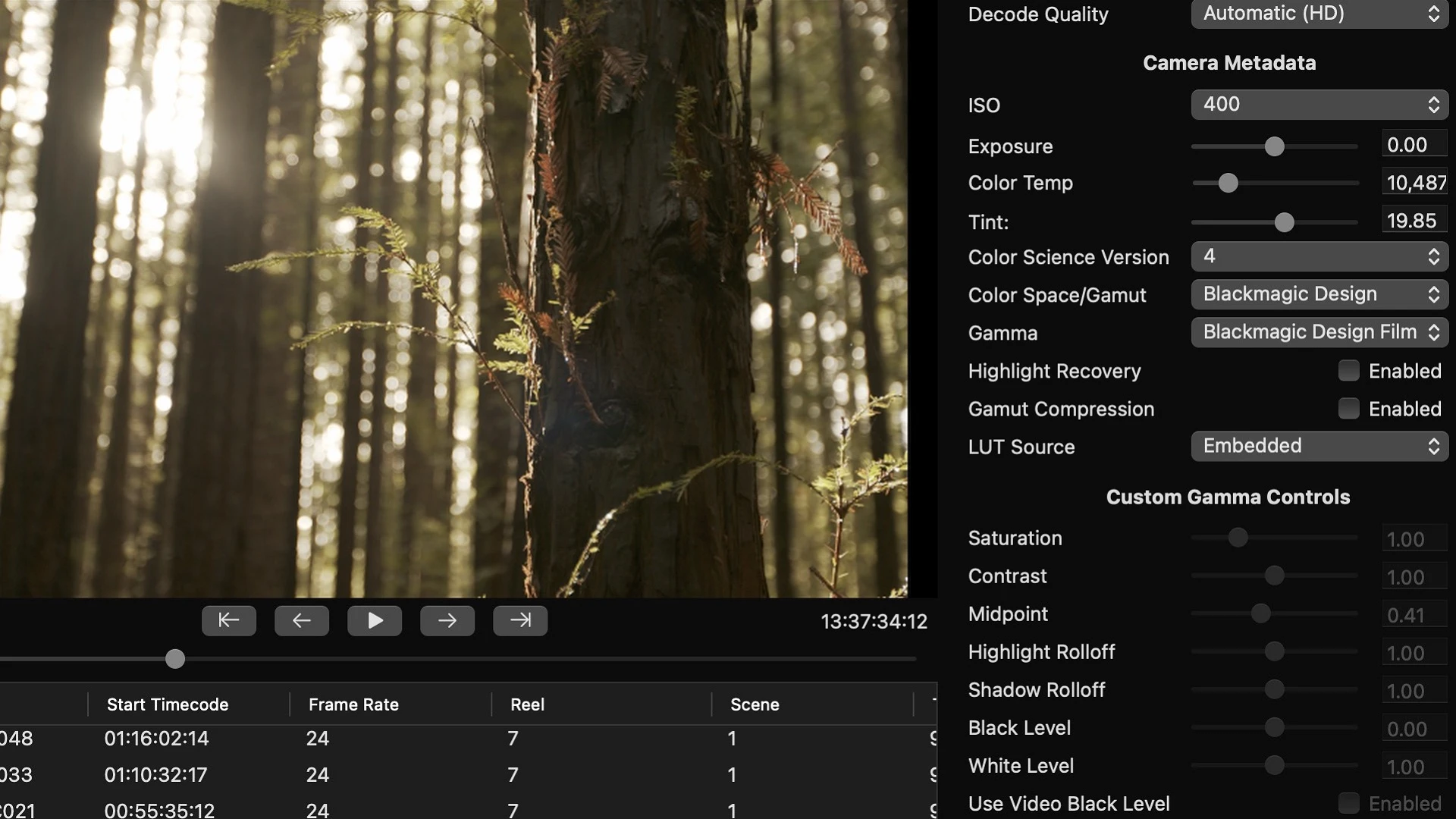
Anyone who has done basic colour correction and editing will feel comfortable sitting at STORM and cutting together a basic edit or exploring a look interactively with the cinematographer. STORM supports the digital technician, providing simple and intuitive metadata tagging and timeline re-conform speeding up exchange with editorial and post production. Its non-destructive toolset allows you to check, tag, select, edit, grade and deliver in whatever order you choose using your original RAW material.
All image processing in STORM is in floating-point and on the original material. You can rest assured that no captured data is going to be thrown away and that the output will be of the highest possible quality. Single effects or whole stacks can be saved as Looks for re-use and reference later in the post-production workflow.
Assemble your media on the multi-track timeline to explore the editorial intent further. Synchronize to external audio files. Add Looks to shots directly in the timeline. Export the timeline, or Bin of circle takes, to Final Cut XML along with selects in QuickTime, or consolidated R3D files. Re-conform from FCP to original R3D sources, re-applying any Looks that are being developed."
Here are some tutorials that Nick Shaw of Antler Post (antlerpost.com) has posted. He takes us through the basic STORM workflow. Nick covers ingesting R3D material, reviewing and tagging it, bins, sorting and searching and applying basic grades.
