
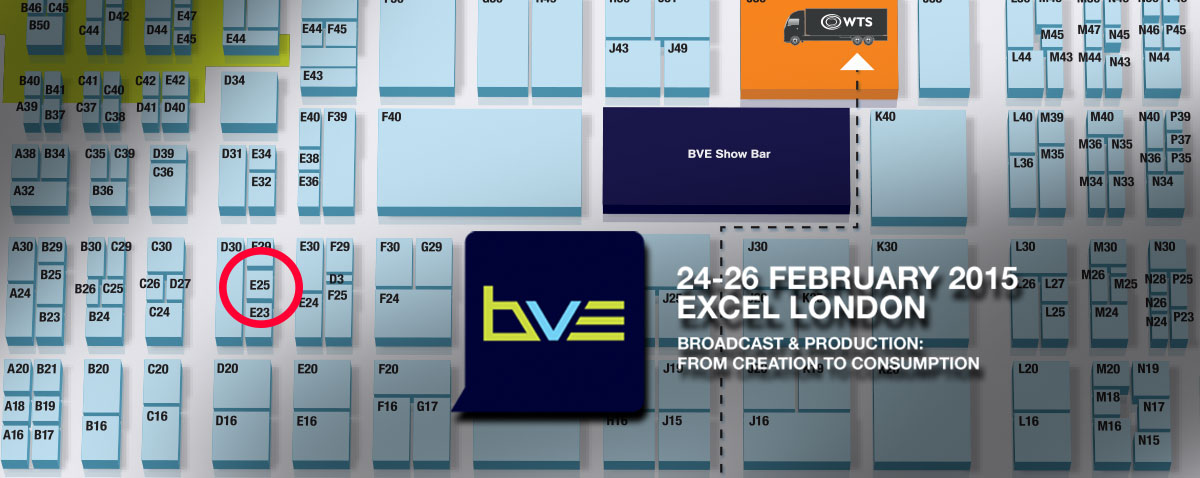
If you are in London at the BVE show on Wednesday, make sure you meet up with fellow FCPX editors on the Softron stand E25 at 4pm. There's beers to be drunk!


If you are in London at the BVE show on Wednesday, make sure you meet up with fellow FCPX editors on the Softron stand E25 at 4pm. There's beers to be drunk!

On the day of the 2015 Oscar presentation ceremony, wouldn't it be good to watch an interview with all the nominees for the Best Film Editing award? The American Cinema Editors (ACE) and Moviola have very kindly published this hour and a half discussion recorded on Saturday featuring those editors in a Q&A session.

Quite a few free tutorials to get through in this roundup. From just starting out in FCPX & Motion, to advanced sound techniques & fixes, there is something for everybody to learn.

Managing your sound effects and batch renaming in Final Cut Pro X and fixing multiple lighting sources in Blackmagic Design's DaVinci Resolve. It must be a Tuesday and time for the Ripple tutorial roundup.

Do you use a stereo microphone when recording interviews and get a wandering audio image in FCPX? This new plugin from CrumplePop centres your audio automatically.

Standby for three minutes of incredible video. Rob Whitworth takes hyperlapses to a new level (quite literally) in this not to be missed Vimeo video.

Three bits of news from Sam Mestman over at FCPWORKS. We have a podcast with a rather familiar guest, a video tutorial on getting daily rushes out of FCPX and details about NAB 2015.

Brandan Fisher from FDPTraining likes organisation in his FCPX projects. In fact he likes organising so much, he's offering his 'Template Library' with colour coded folders to everybody for $4.99.
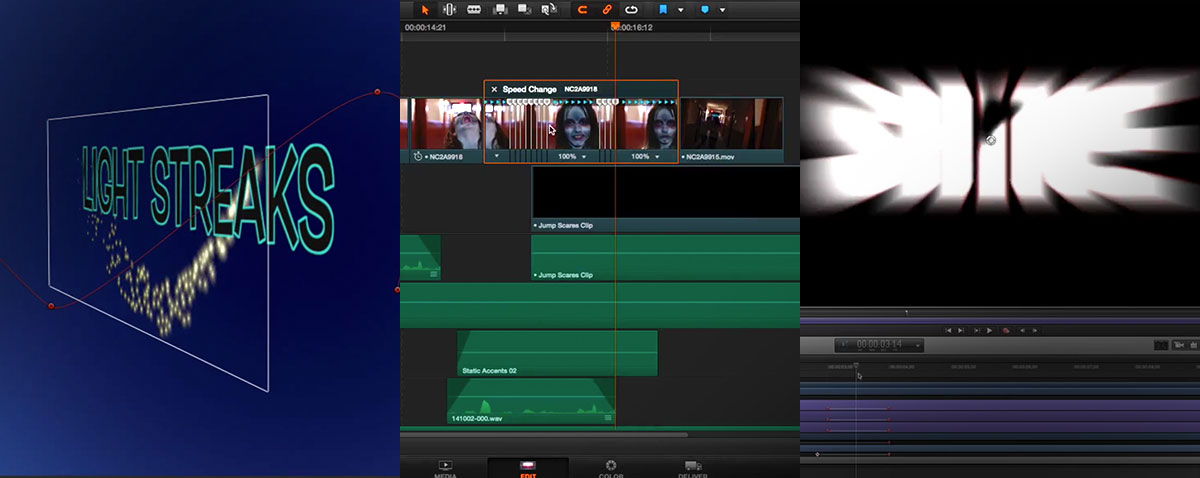
A slightly different lineup this week, We have a new MacBreak Studio and Motion 5 minute episode, but this time they are accompanied by a Resolve tutorial.

One of the best features in FCPX is multi camera editing. It takes seconds to sync up footage and start cutting, but there are things that you can do to before and during editing to make the task easier. Here's ten top tips!
Page 88 of 188
© fcp.co 2010-2026
