


- Posts: 265
- Thank you received: 7
3 Post Moderation Rule for New Boarders (25 Jan 2021)
New boarders will have their posts moderated - Don't worry if you cannot see your post immediately.
Easy way to upscale 1080p project to 4K?
- bradywurtz
-
 Topic Author
- Offline
- Elite Member
-

Less
More
30 Oct 2015 12:38 #70011
by bradywurtz
Easy way to upscale 1080p project to 4K? was created by bradywurtz
I did a whole animated intro for a show all in Motion a while ago and did it all in 1080. Now that I can shoot in 4K on my phone, i want to make my intro in 4K as well. (I know, i should have just made the thing in 4K to begin with)
Anyway, is there an easy way to go about scaling everything up to 4K in Motion from a 1080p project, and not have anything off positioned on the screen? Or is this going to be a very tedious job?
Anyway, is there an easy way to go about scaling everything up to 4K in Motion from a 1080p project, and not have anything off positioned on the screen? Or is this going to be a very tedious job?
Please Log in to join the conversation.

30 Oct 2015 12:52 #70014
by Deyson
Replied by Deyson on topic Easy way to upscale 1080p project to 4K?
Hello. Are you trying to scale your project to 4k? If so go to your inspector and type in the new size you need. I would first make a copy of the project and label it 4k version, just in case you need to go back.
Here is a quick screen record of what I mean: quick.as/vw6iDPRx
Let me know if this helps. Have an amazing day!
Here is a quick screen record of what I mean: quick.as/vw6iDPRx
Let me know if this helps. Have an amazing day!
Please Log in to join the conversation.
- bradywurtz
-
Topic Author
- Offline
- Elite Member
-
Less
More
- Posts: 265
- Thank you received: 7
30 Oct 2015 15:33 #70022
by bradywurtz
Replied by bradywurtz on topic Easy way to upscale 1080p project to 4K?
first off, i love the video response! wish i knew how to do that or was at my computer and not remotely connected so i could show and talk to you with the issue.
but back to the issue.
I was about to duplicate the project and make a 4K version of it. when i do that though, my project and animations are now small and in the center of the canvas. Makes sense and is expected.
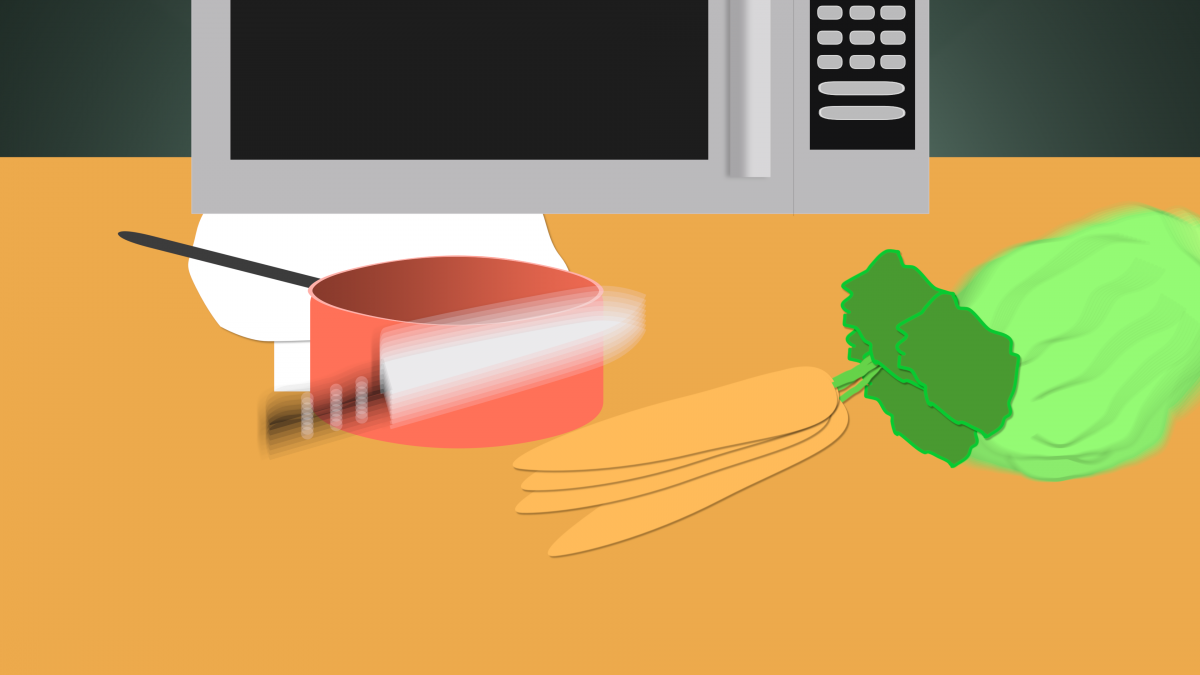
However, once i highlight every object in the project and scale it up to fix the screen, they not longer rest in the same locations they once did. I'll attache a few photos to show you a visual of what i mean...
The first image is a frame from the project in the 1080 project
The second image is what it looks like when i change the project to 4K
The third image is what it looks like when i shift click all the layers and scale them up to fit the screen properly (200%)
but back to the issue.
I was about to duplicate the project and make a 4K version of it. when i do that though, my project and animations are now small and in the center of the canvas. Makes sense and is expected.
However, once i highlight every object in the project and scale it up to fix the screen, they not longer rest in the same locations they once did. I'll attache a few photos to show you a visual of what i mean...
The first image is a frame from the project in the 1080 project
The second image is what it looks like when i change the project to 4K
The third image is what it looks like when i shift click all the layers and scale them up to fit the screen properly (200%)


Please Log in to join the conversation.
30 Oct 2015 15:51 #70026
by Deyson
Replied by Deyson on topic Easy way to upscale 1080p project to 4K?
Could you share your project file with me? It may be quicker if I look at it. Also, out of curiosity what size are your original images?
Please Log in to join the conversation.
- bradywurtz
-
Topic Author
- Offline
- Elite Member
-
Less
More
- Posts: 265
- Thank you received: 7
30 Oct 2015 16:04 #70027
by bradywurtz
Replied by bradywurtz on topic Easy way to upscale 1080p project to 4K?
No problem at all! Here's the file. It's only 4.6 MB.
The images are all created inside Motion. I didn't use any outside programs to create the images. So I'm hoping that scaling them up in Motion won't make them lose any quality.
Let me know if this works.
The images are all created inside Motion. I didn't use any outside programs to create the images. So I'm hoping that scaling them up in Motion won't make them lose any quality.
Let me know if this works.
Please Log in to join the conversation.
30 Oct 2015 16:16 #70028
by Deyson
Replied by Deyson on topic Easy way to upscale 1080p project to 4K?
Hello, The quickest way I can think of is to Group All your 2D layers into one group and then scale that group up and position it as needed. Here is a quick video to show you how:
quick.as/G2lh9y52
Please let me know if this helps. Have an amazing day!
Please let me know if this helps. Have an amazing day!
Please Log in to join the conversation.
- bradywurtz
-
Topic Author
- Offline
- Elite Member
-
Less
More
- Posts: 265
- Thank you received: 7
30 Oct 2015 16:26 #70030
by bradywurtz
Replied by bradywurtz on topic Easy way to upscale 1080p project to 4K?
dude, you're the best! helped a ton using those videos to help me out. I made a group out of everything but the 3d layer, and scaled up and it works fine! just had to make a few adjustments (carrots were starting on screen instead of off and the tomatoes ended on screen so i just had to move them off). Other than that, worked like a charm!
THHHAANKKKSS!!!!
THHHAANKKKSS!!!!
Please Log in to join the conversation.
30 Oct 2015 17:30 #70036
by Deyson
Replied by Deyson on topic Easy way to upscale 1080p project to 4K?
You are very welcome! I am glad I could be of service. Best of luck and have an amazing day!
Please Log in to join the conversation.
