


- Posts: 4
- Thank you received: 0
3 Post Moderation Rule for New Boarders (25 Jan 2021)
New boarders will have their posts moderated - Don't worry if you cannot see your post immediately.
corner pin surface issue
11 Aug 2014 13:41 - 11 Aug 2014 13:43 #51175
by Wessel
corner pin surface issue was created by Wessel
i've done some planar tracking using mocha.
(using this tutorial: )
in motion 5 i can see in the little preview window that its doing what it should, but when i import my tracking data the surface layer is way off... wrong anchor point, wrong size, perspective, behavior etc... (like the example in my screenshot)
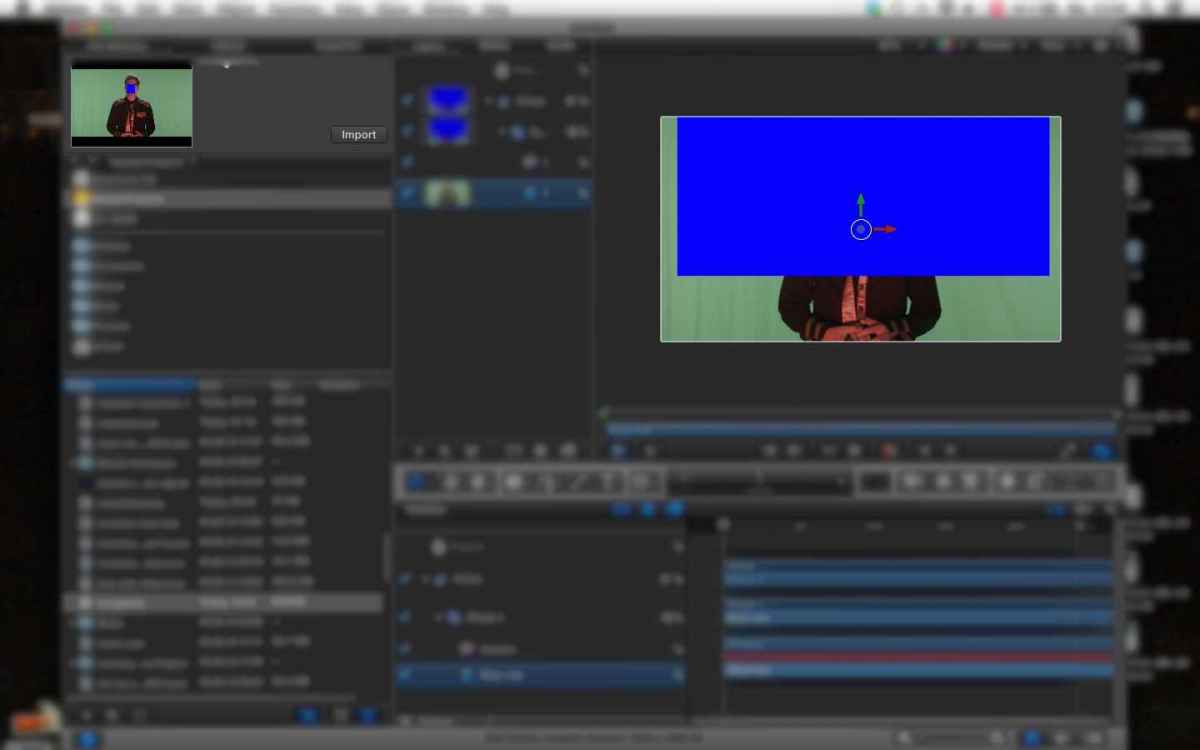
the thing is i am sure i did it right in mocha. (also the previews show exactly what i have done in mocha.)
so what am i doing wrong? or could this be a bug?
would be so happy for help!
thx
(using this tutorial: )
in motion 5 i can see in the little preview window that its doing what it should, but when i import my tracking data the surface layer is way off...
wrong anchor point, wrong size, perspective, behavior etc... (like the example in my screenshot)
the thing is i am sure i did it right in mocha. (also the previews show exactly what i have done in mocha.)
so what am i doing wrong? or could this be a bug?
would be so happy for help!
thx
Last edit: 11 Aug 2014 13:43 by Wessel.
Please Log in to join the conversation.
12 Aug 2014 06:46 #51194
by kmz
Replied by kmz on topic corner pin surface issue
try to directly open your previously saved project from mocha in front window, and copy-paste surface layer to working project.
Please Log in to join the conversation.
12 Aug 2014 07:37 #51196
by Wessel
Replied by Wessel on topic corner pin surface issue
hey thank you so much! that worked for me. i spent a day trying different things, but not that....STUPID...
Please Log in to join the conversation.
