


- Posts: 129
- Thank you received: 3
3 Post Moderation Rule for New Boarders (25 Jan 2021)
New boarders will have their posts moderated - Don't worry if you cannot see your post immediately.
Custom Overlays and Pixel Peek
16 Jan 2023 13:21 - 16 Jan 2023 13:26 #123674
by tangierc
Custom Overlays and Pixel Peek was created by tangierc
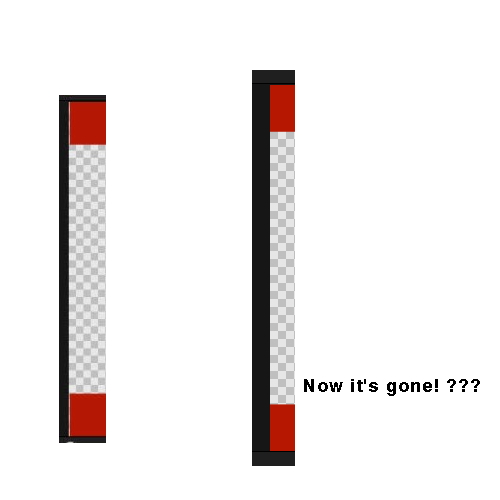
Hey FCP community. I have an issue with Final Cut Pro's custom overlay feature which is a handy alternative than using a matte generator. I've been trying to use an overlay for various cropping such as 2.35:1 or 2.39:1. Every overlay I've created even wit format-specific dimensions (like 3840x2160) never goes edge to edge in the viewer window. There's always video from the storyline around the edges that peeks through which is distracting when editing. I've tried making adjustments to my overlay dimensions to be larger than the required dimensions such and nothing gets rid of this issue. Scaling the size of the viewer window doesn't help either.
Attached is a sample 4K UHD overlay (red for matching against a burned in crop) . Have any of you encountered this and found a remedy?

Also attached is a screen grab of my viewer with the custom overlay applied. My timeline is set to 3840x2160 as is the dimensions of the custom overlay.
FCP 10.6.5
Attached is a sample 4K UHD overlay (red for matching against a burned in crop) . Have any of you encountered this and found a remedy?
Also attached is a screen grab of my viewer with the custom overlay applied. My timeline is set to 3840x2160 as is the dimensions of the custom overlay.
FCP 10.6.5
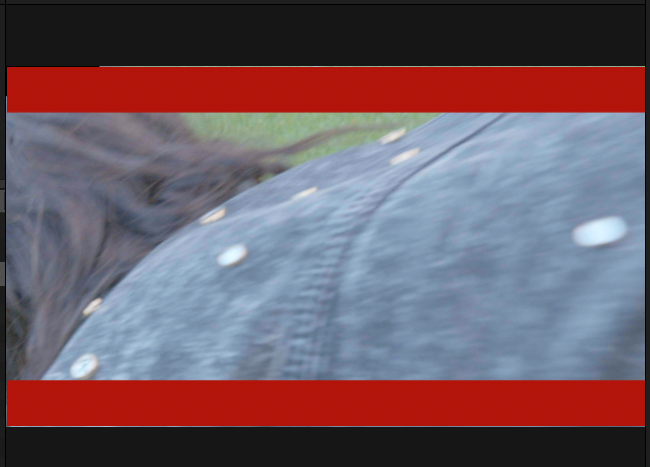
Last edit: 16 Jan 2023 13:26 by tangierc. Reason: Add example image
Please Log in to join the conversation.


22 Jan 2023 19:39 - 22 Jan 2023 19:41 #123756
by dmetz
Replied by dmetz on topic Custom Overlays and Pixel Peek
I just did a quick test on my loaded 2019 iMac, and can confirm... but ONLY when the viewer is set to 'Fit'. All the specific percentages fill to the edges as expected.
EDIT: spoke a bit too soon. 12.5% also leaves a thin line at the top.
EDIT: spoke a bit too soon. 12.5% also leaves a thin line at the top.
Last edit: 22 Jan 2023 19:41 by dmetz.
Please Log in to join the conversation.

22 Jan 2023 20:47 #123760
by DaveM
Replied by DaveM on topic Custom Overlays and Pixel Peek
I'm not seeing any "pixel peek" at the predefined Viewer sizes. I am seeing it for non-whole number frame dimensions (e.g., 2160/(decimal percentage) ≠ whole number).
It's likely due to non-whole-number dimensions from scaling the Viewer, in that we're dealing with pixel images and not vectors. Hence, a limitation of scaling raster images (the ovleray). I tried converting the overlay to a PDF file and that seemed to work without any "pixel peek" in my limited testing.
It's likely due to non-whole-number dimensions from scaling the Viewer, in that we're dealing with pixel images and not vectors. Hence, a limitation of scaling raster images (the ovleray). I tried converting the overlay to a PDF file and that seemed to work without any "pixel peek" in my limited testing.
Please Log in to join the conversation.
22 Jan 2023 22:15 #123764
by tangierc
Replied by tangierc on topic Custom Overlays and Pixel Peek
Thanks or checking it out. It's a nice feature to have, but very distracting if it doesn't work (scale) correctly.
Please Log in to join the conversation.

22 Jan 2023 22:19 #123765
by VTC
Replied by VTC on topic Custom Overlays and Pixel Peek
This is so very odd. I was running a test and DID get the peek you got momentarily but then it went away while compiling screen shots. Came back briefly after a restart.
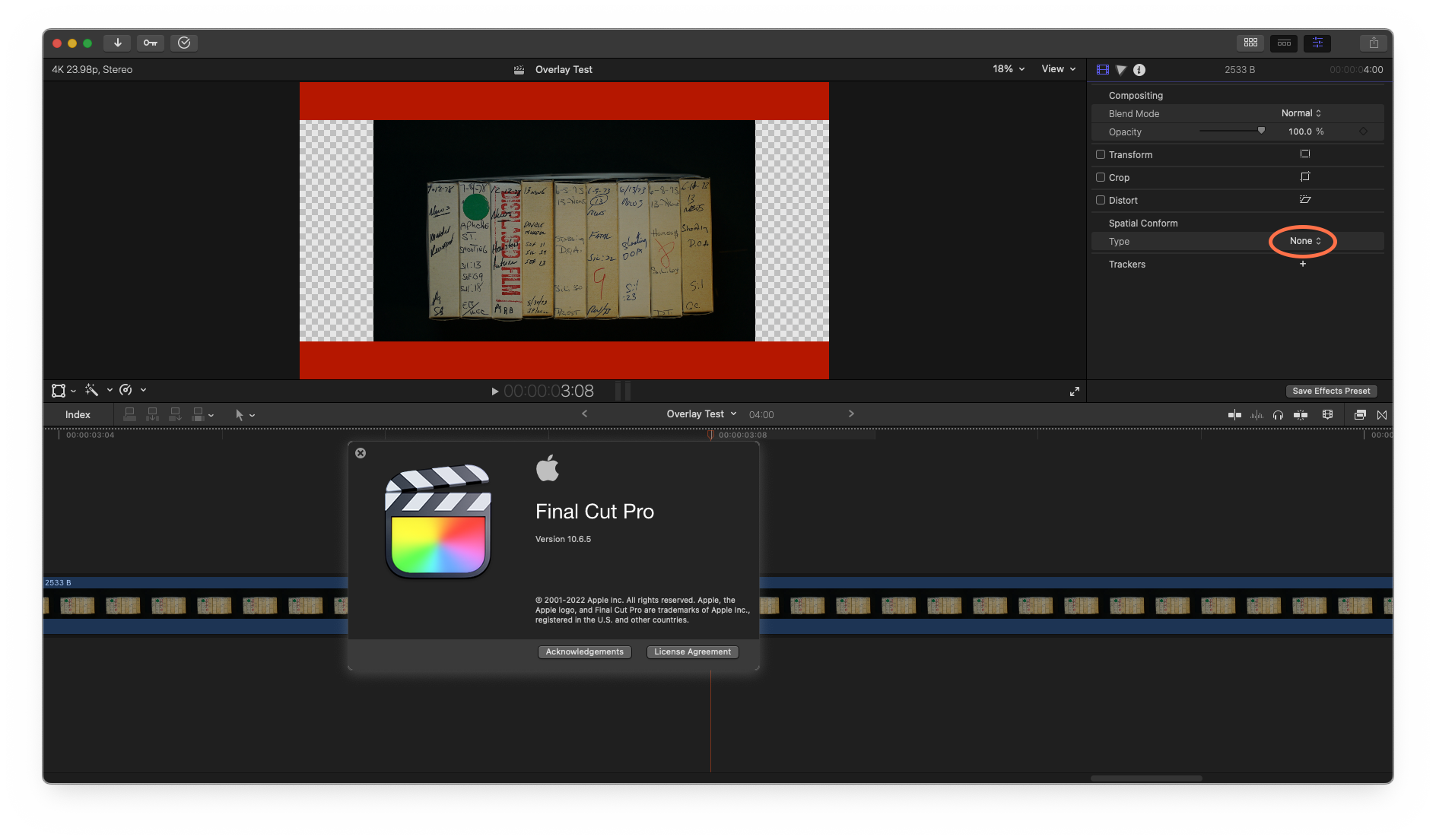
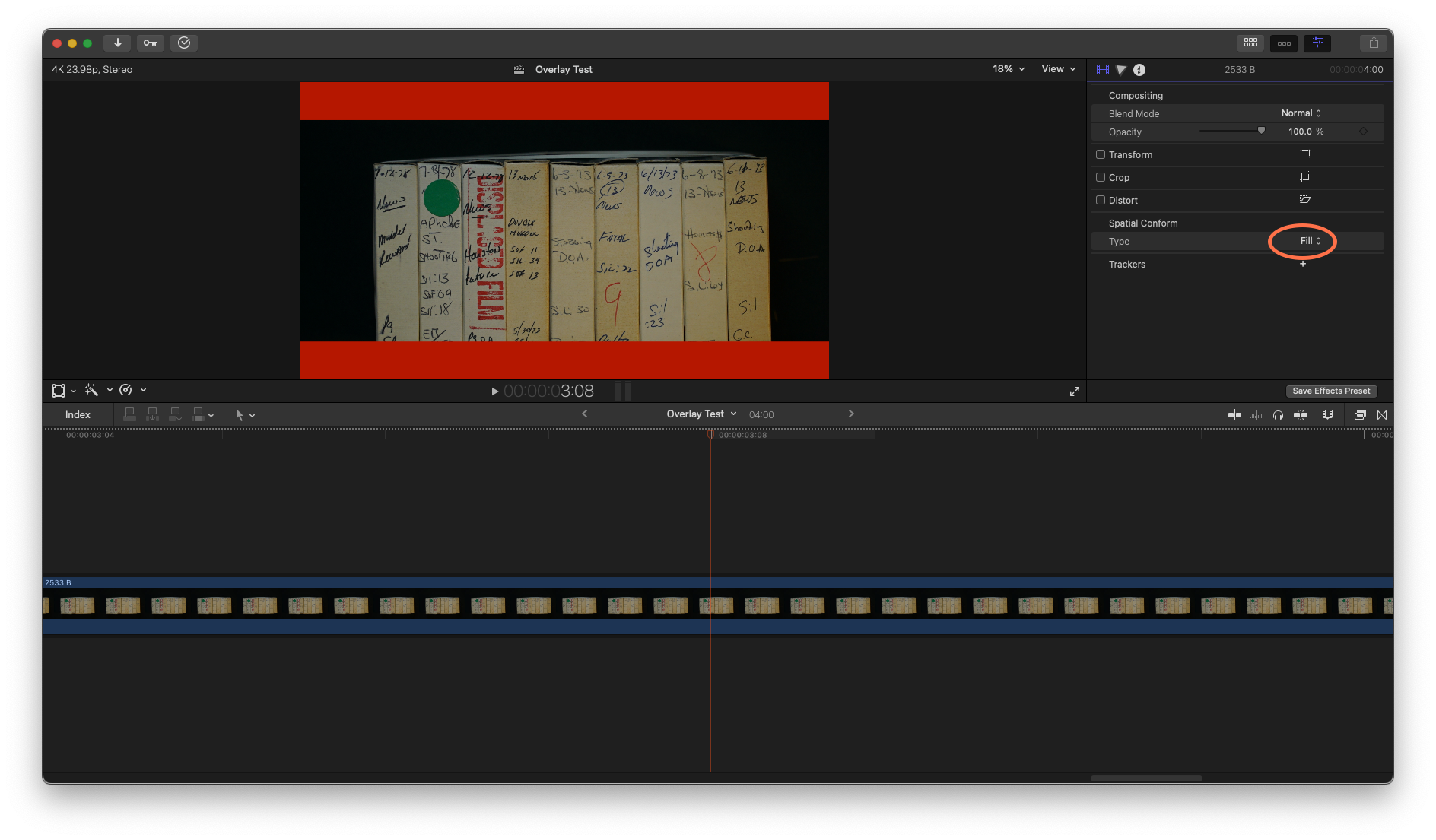
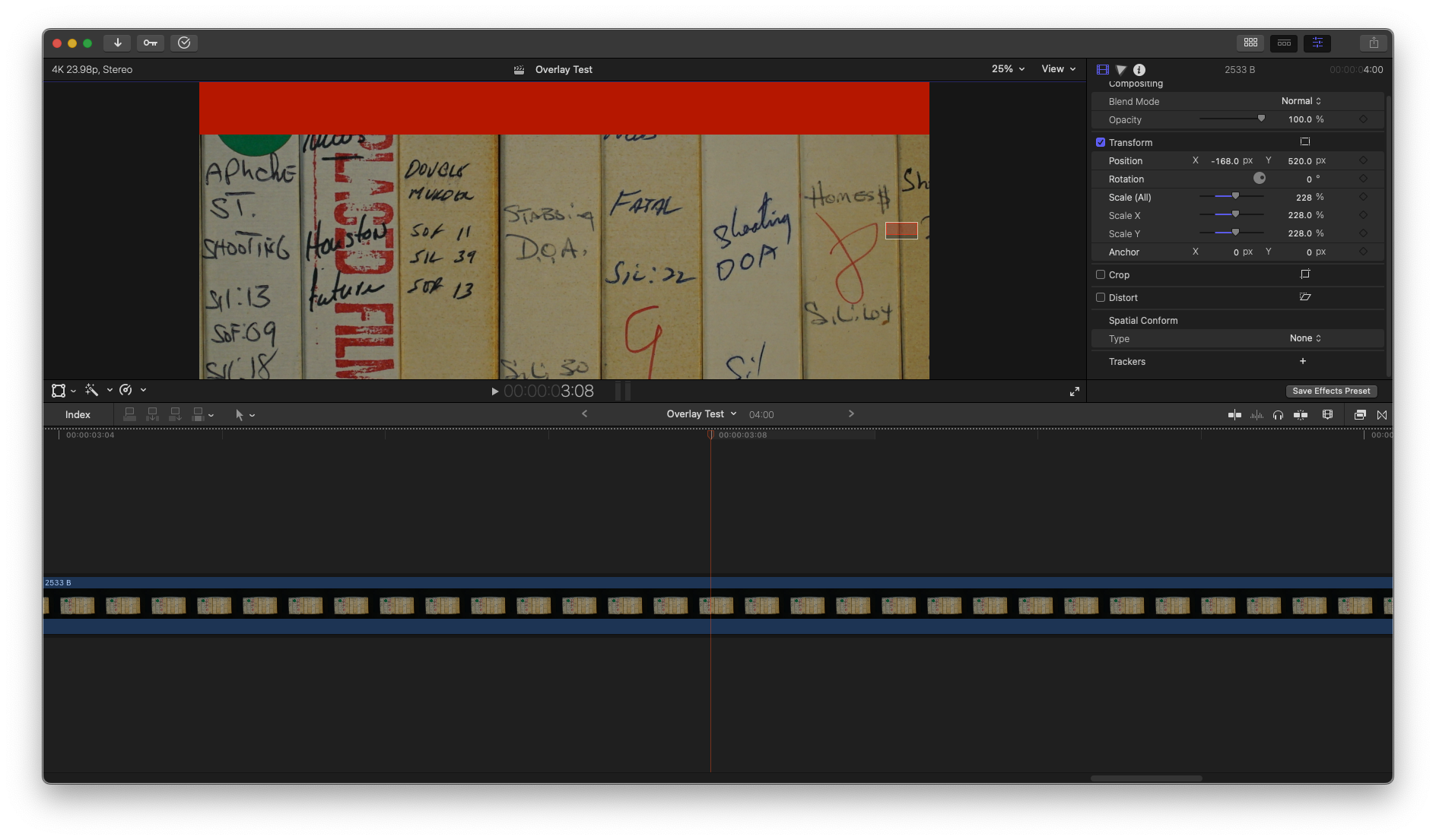
The technique that never fails is to place it atop the video as a mask.
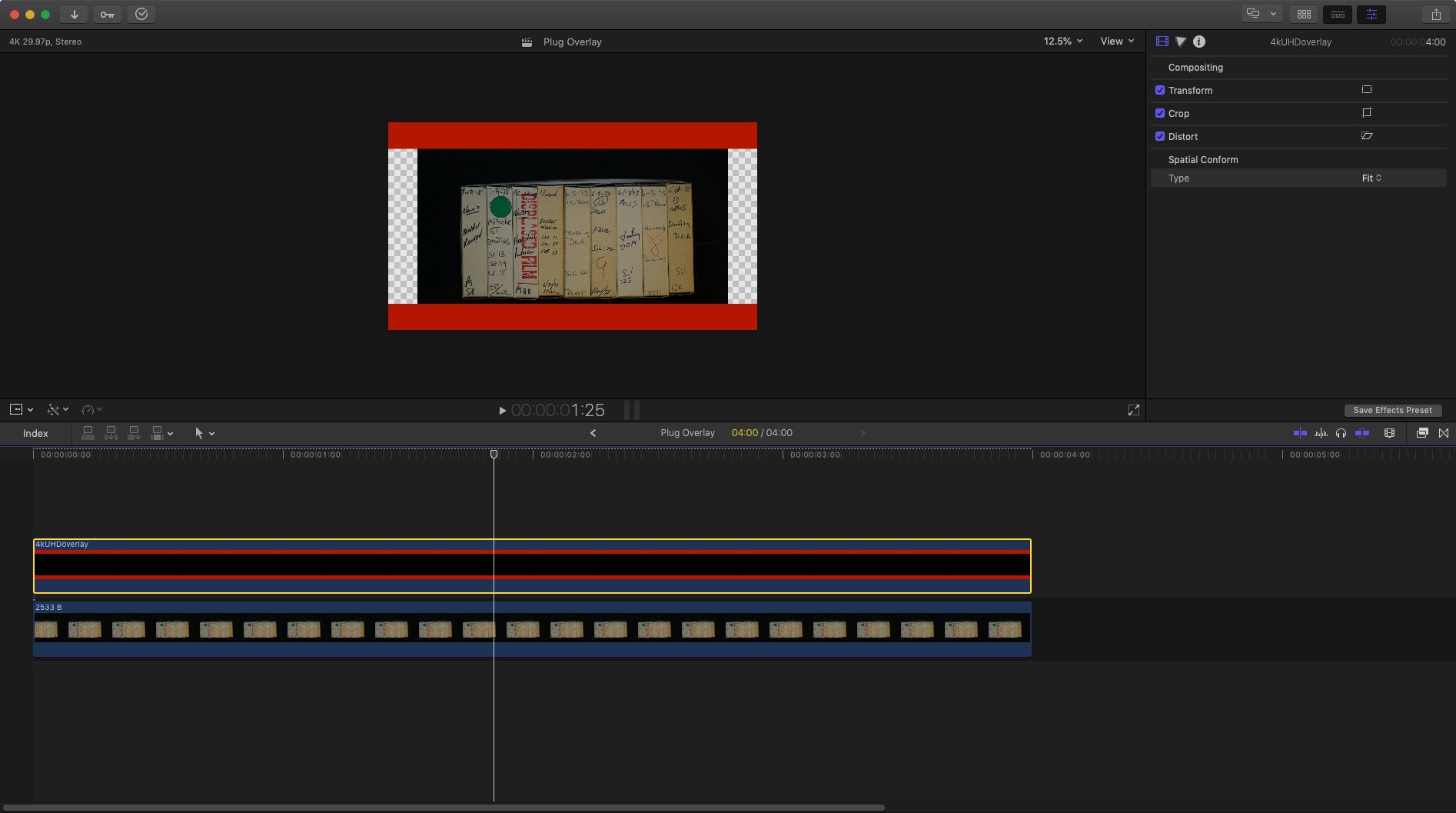
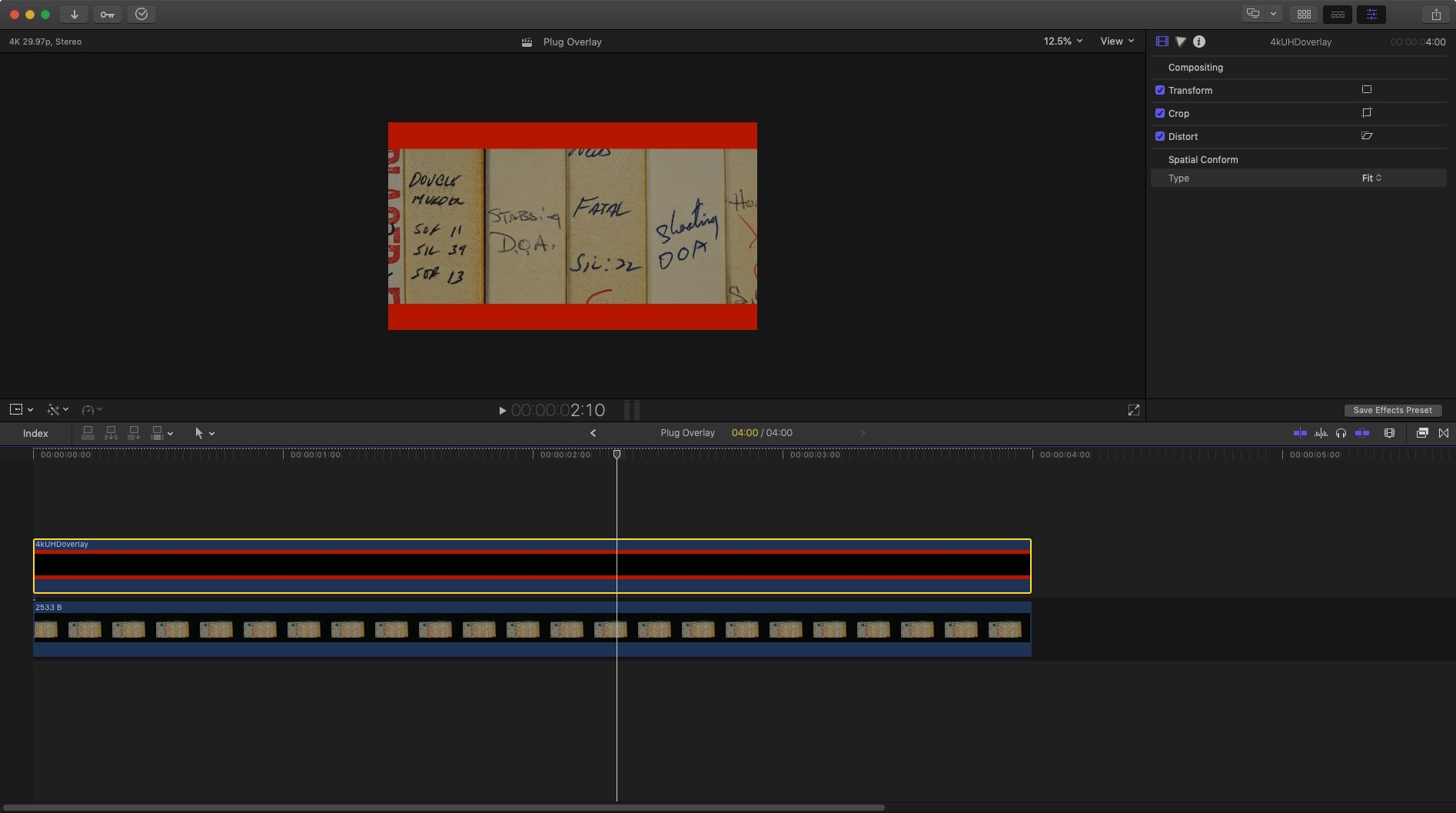
The technique that never fails is to place it atop the video as a mask.
Please Log in to join the conversation.
22 Jan 2023 22:25 #123766
by tangierc
Replied by tangierc on topic Custom Overlays and Pixel Peek
Thanks for checking into this Dave. I tried your file and I agree that the pdf seems to work better. Shame on my if I missed that caveat in the instructions on how to use this feature correctly. I didn't think to try PDF. At one point I thought about trying an SVG, but likely got sidetracked with work and didn't make the attempt.
I used the red just so I could have higher contrast and better see if if there is pixel peek or not. Even still, based on your tests would you say it's still working correctly? I would think that even if the source image is a jpg or png that scaling would degrade the image, but not change the resolution (scaled) with the viewer scaling. We're essentially missing entire horizontal and/or vertical pixels along typically on one or both sides of the image.
I used the red just so I could have higher contrast and better see if if there is pixel peek or not. Even still, based on your tests would you say it's still working correctly? I would think that even if the source image is a jpg or png that scaling would degrade the image, but not change the resolution (scaled) with the viewer scaling. We're essentially missing entire horizontal and/or vertical pixels along typically on one or both sides of the image.
Please Log in to join the conversation.
22 Jan 2023 22:29 #123767
by tangierc
Replied by tangierc on topic Custom Overlays and Pixel Peek
This happens to me too. It's not consistent. As I mentioned above, using black bars may make it difficult to see so the red really helps solidify how this works or doesn't work. It's yet to be said if this is a bug or not and maybe it's trivial. Though when I'm editing I want to be confident about everything that I am seeing and using the overlays seems to be far less resource heavy than adding two cropped custom solid generators on the timeline or one generator with a mask to create the same effect.
Please Log in to join the conversation.
23 Jan 2023 01:22 - 23 Jan 2023 01:46 #123768
by DaveM
Replied by DaveM on topic Custom Overlays and Pixel Peek
Tangier, I also tried an SVG but FCP wouldn't import it.
With the PDF version, I don't see any pixel peek.
I doubt that it's a bug, or that Apple would consider it so but who knows (with the PNG or JPG overlays). It's most likely a scaling issue and FCP, the OS, GPU drivers, etc. gets stuck trying to deal with that partial pixel-sized border (for non-whole-number dimensions).
I do recall reading in Apple's docs (maybe it was in pre-X versions of FCP), or it was well-known at the time, that when resizing the Viewer to "non-standard" percentage amounts performance of playback could be affected.
Besides manually adding a generator-mask, or importing the overlay as a clip and putting that over everything, how about just changing the timeline dimensions (and adjusting the clip Spatial Conform setting, as needed) so no overlay is needed?
With the PDF version, I don't see any pixel peek.
I doubt that it's a bug, or that Apple would consider it so but who knows (with the PNG or JPG overlays). It's most likely a scaling issue and FCP, the OS, GPU drivers, etc. gets stuck trying to deal with that partial pixel-sized border (for non-whole-number dimensions).
I do recall reading in Apple's docs (maybe it was in pre-X versions of FCP), or it was well-known at the time, that when resizing the Viewer to "non-standard" percentage amounts performance of playback could be affected.
Besides manually adding a generator-mask, or importing the overlay as a clip and putting that over everything, how about just changing the timeline dimensions (and adjusting the clip Spatial Conform setting, as needed) so no overlay is needed?
Last edit: 23 Jan 2023 01:46 by DaveM.
Please Log in to join the conversation.
