




- Posts: 42
- Thank you received: 1
3 Post Moderation Rule for New Boarders (25 Jan 2021)
New boarders will have their posts moderated - Don't worry if you cannot see your post immediately.
White edge on some of my footage (*edit - I just added some screenshots)
04 Jul 2022 21:46 - 11 Jul 2022 17:24 #121228
by Goldfalme
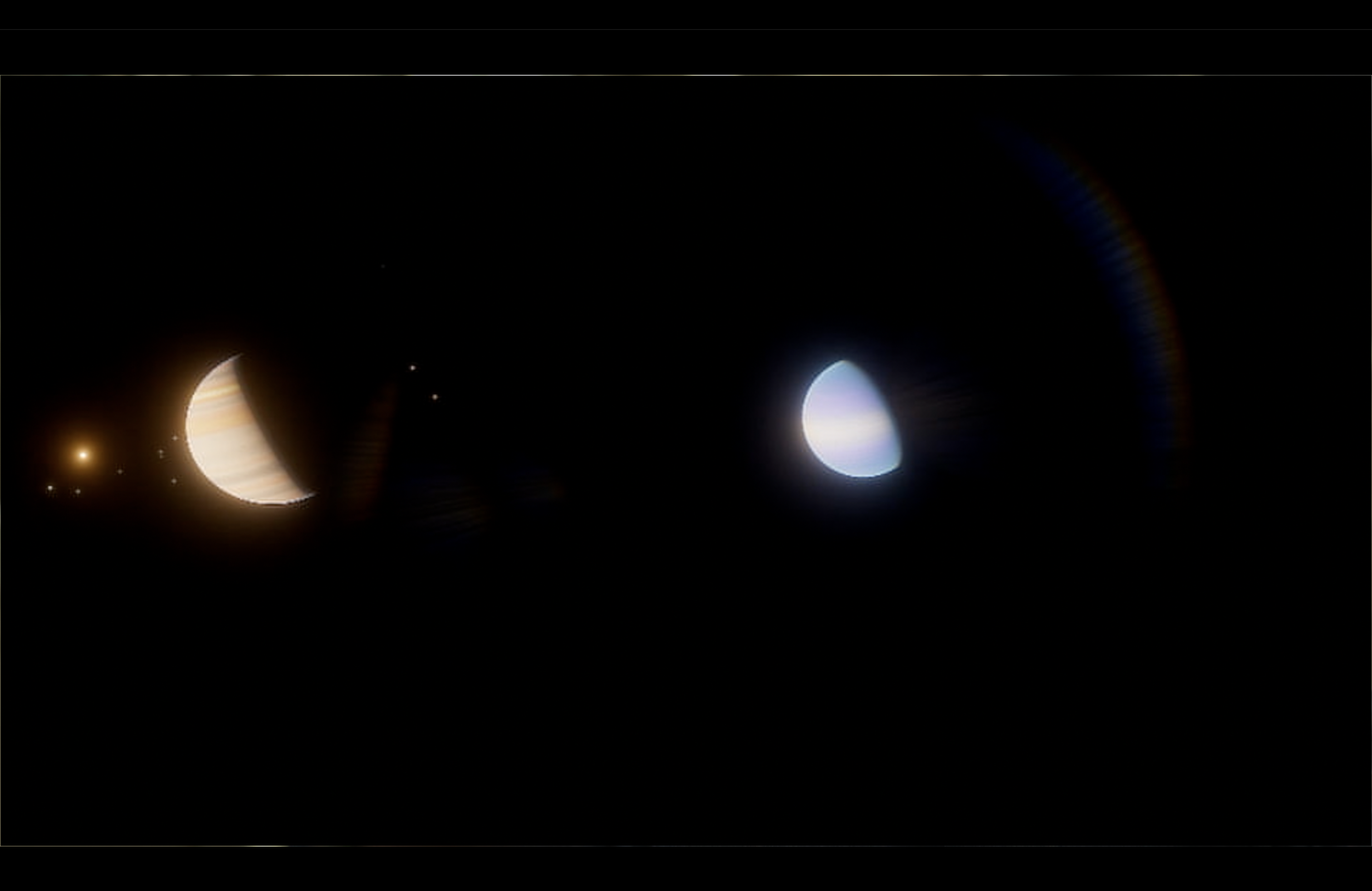
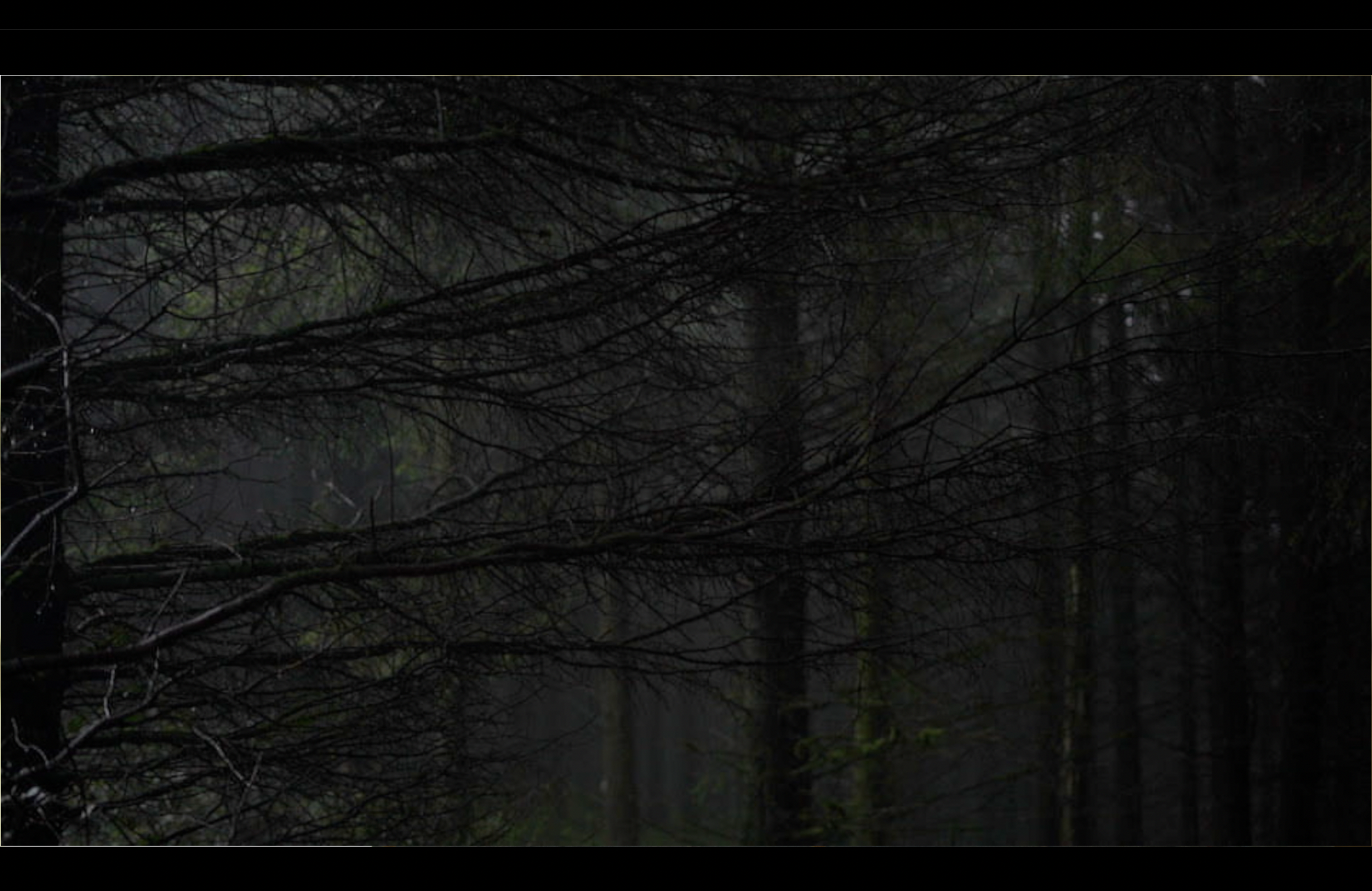
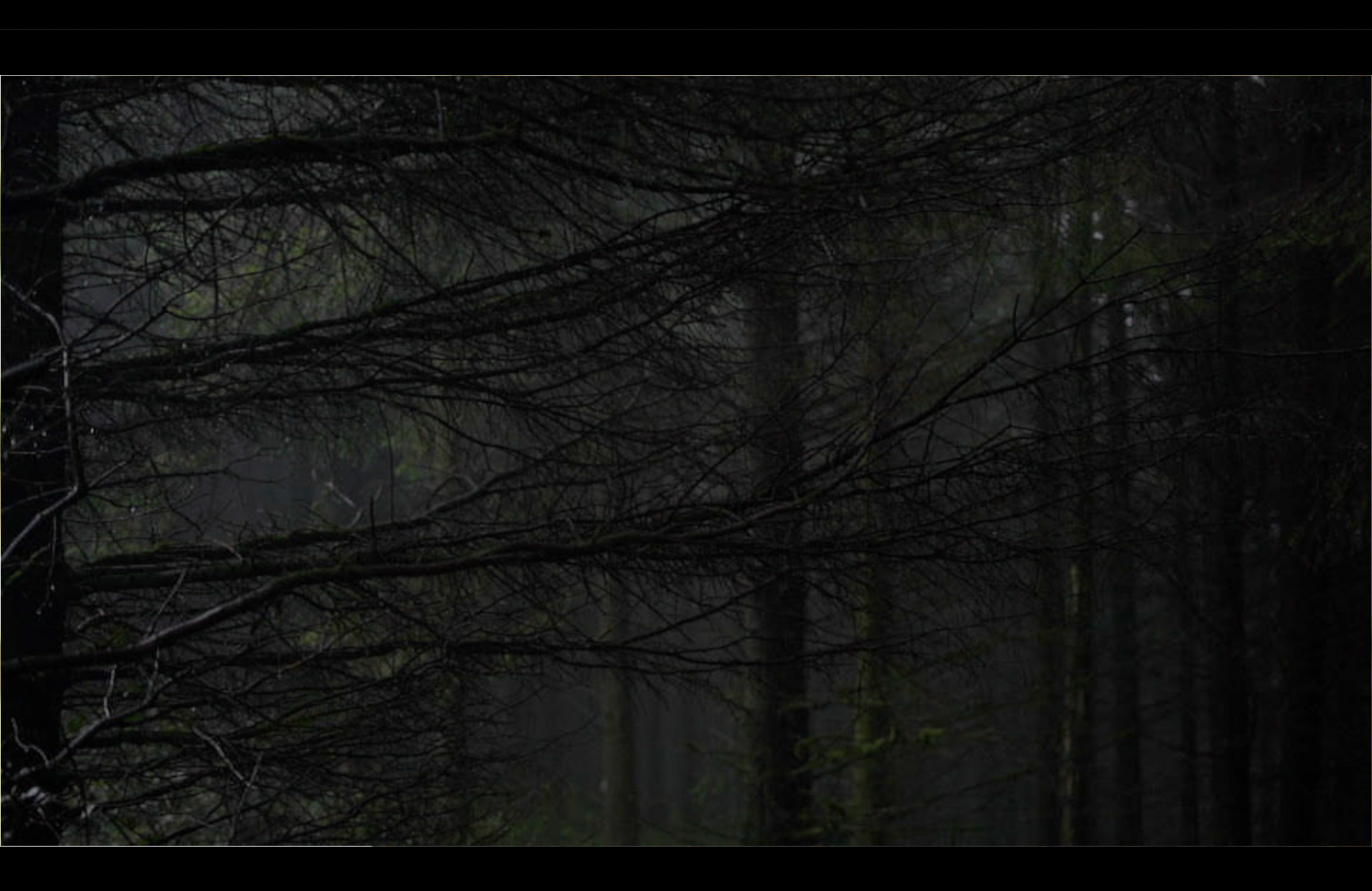 I'm noticing a white line appearing on the edges of some of my footage, not all around, mostly on the left and on the bottom. Also it appears, but then disappears again.
As far as I know, I'm using all 4k media.
It seems to be on the footage from my Sony A7iii camera, but also 4k footage I downloaded.
I'm wondering are there some settings I need to adjust, for these particular pieces of footage.
Any thoughts appreciated.
Many Thanks
As far as I know, I'm using all 4k media.
It seems to be on the footage from my Sony A7iii camera, but also 4k footage I downloaded.
I'm wondering are there some settings I need to adjust, for these particular pieces of footage.
Any thoughts appreciated.
Many Thanks
Last edit: 11 Jul 2022 17:24 by Goldfalme.
Please Log in to join the conversation.
11 Jul 2022 17:24 #121322
by Goldfalme
Replied by Goldfalme on topic White edge on some of my footage (*edit - I just added some screenshots)
Any thoughts appreciated..
Please Log in to join the conversation.
- Tom Wolsky
-

- Offline
- Moderator
-

11 Jul 2022 17:31 #121323
by Tom Wolsky
Replied by Tom Wolsky on topic White edge on some of my footage (*edit - I just added some screenshots)
Is the Viewer background white? If so try scaling up the problem clips a tiny amount.
Please Log in to join the conversation.
11 Jul 2022 17:42 #121325
by Goldfalme
Replied by Goldfalme on topic White edge on some of my footage (*edit - I just added some screenshots)
Hi Tom, thanks for your reply.
I don't think it's white, my project timeline is dark and I'm assuming the viewer uses the same background.
However, scaling up might solve it anyway if the problem is limited to the footage perimeter. How do I scale up?
I don't think it's white, my project timeline is dark and I'm assuming the viewer uses the same background.
However, scaling up might solve it anyway if the problem is limited to the footage perimeter. How do I scale up?
Please Log in to join the conversation.
- Tom Wolsky
-
- Offline
- Moderator
-
11 Jul 2022 17:49 #121327
by Tom Wolsky
Replied by Tom Wolsky on topic White edge on some of my footage (*edit - I just added some screenshots)
Select the clip and in the Video inspector open the Transform section. You can scale it up there by 1%.
The default Viewer background is black.
The default Viewer background is black.
Please Log in to join the conversation.
