




- Posts: 4
- Thank you received: 0
3 Post Moderation Rule for New Boarders (25 Jan 2021)
New boarders will have their posts moderated - Don't worry if you cannot see your post immediately.
Moving to start of timeline? Solved
12 Mar 2022 16:42 #119426
by Eddy Mac
Moving to start of timeline? was created by Eddy Mac
On my 27" iMac I can use the home key to move to very start of the timeline. However, my MacBook Pro has no home button. So I Googled how to do it and got suggestion to use the function key with the left arrow. But that doesn't work. What am I doing wrong? I'm on a MacBook Pro 16-in 2019 running Monterey 12.2.1. Thank you. R 12.2.1Retina 5K 27”, 2020) etina 5K 27”, 2020) Retina 5K 27”, 2020)
Please Log in to join the conversation.
- Tom Wolsky
-

- Offline
- Moderator
-

12 Mar 2022 16:48 #119427
by Tom Wolsky
Replied by Tom Wolsky on topic Moving to start of timeline?
fn and left arrow.
Please Log in to join the conversation.
13 Mar 2022 12:27 #119436
by Eddy Mac
Replied by Eddy Mac on topic Moving to start of timeline?
Thanks Tom but when I push " fn left arrow" all that happens is the screen shrinks to show all the open windows I have on my computer. Is there a setting somewhere that assigns the function of the fn key?
Please Log in to join the conversation.
- Tom Wolsky
-
- Offline
- Moderator
-
13 Mar 2022 13:06 #119437
by Tom Wolsky
Replied by Tom Wolsky on topic Moving to start of timeline?
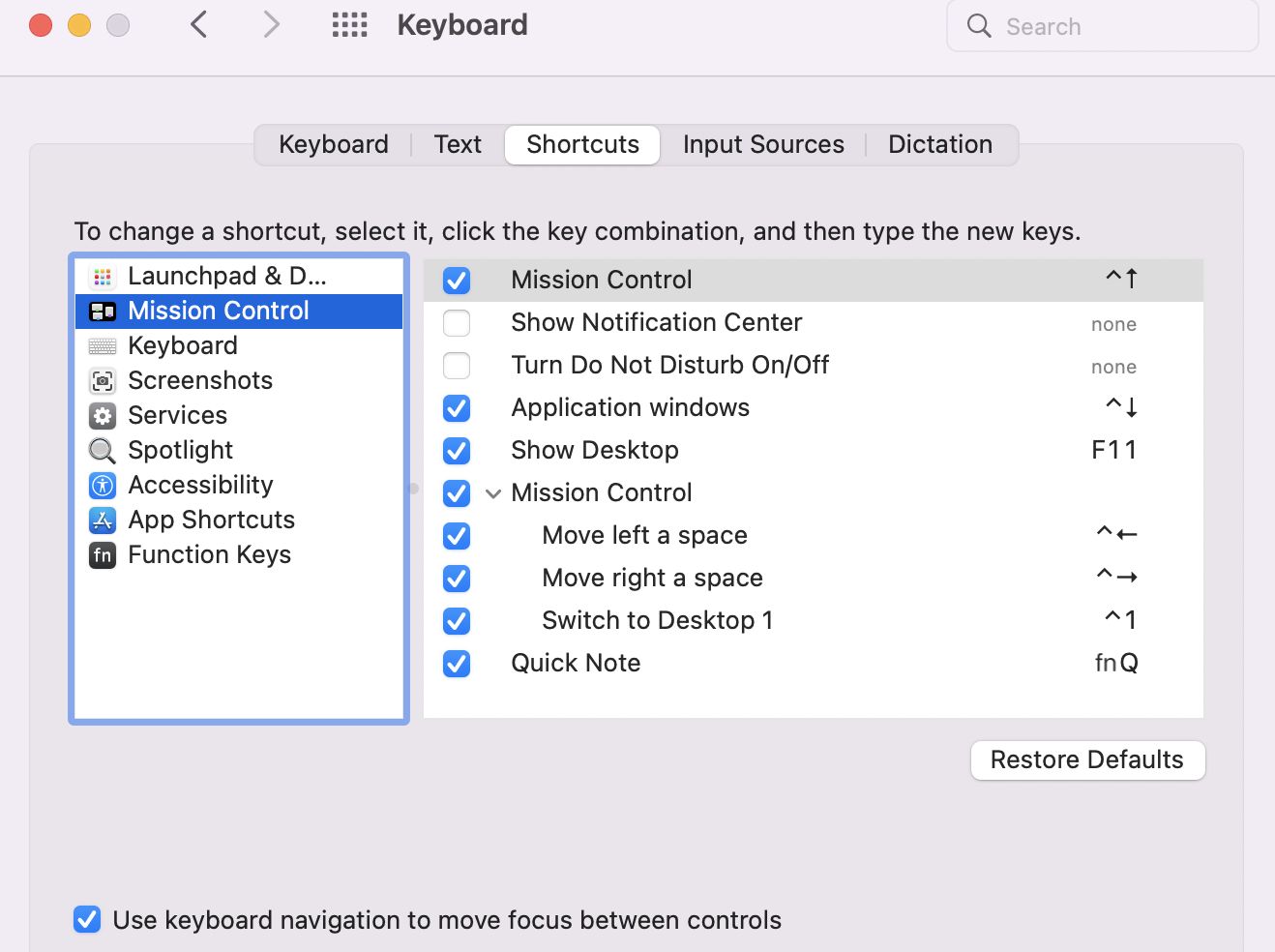
That sounds like Mission Control. Go to Keyboard System Preferences to Shortcuts. The default shortcut for Mission Control should be ⌃ Up Arrow. The only default fn shortcut the system seems to use is fn-Q for a Quick Note.
Please Log in to join the conversation.
14 Mar 2022 18:00 #119443
by Eddy Mac
Replied by Eddy Mac on topic Moving to start of timeline?
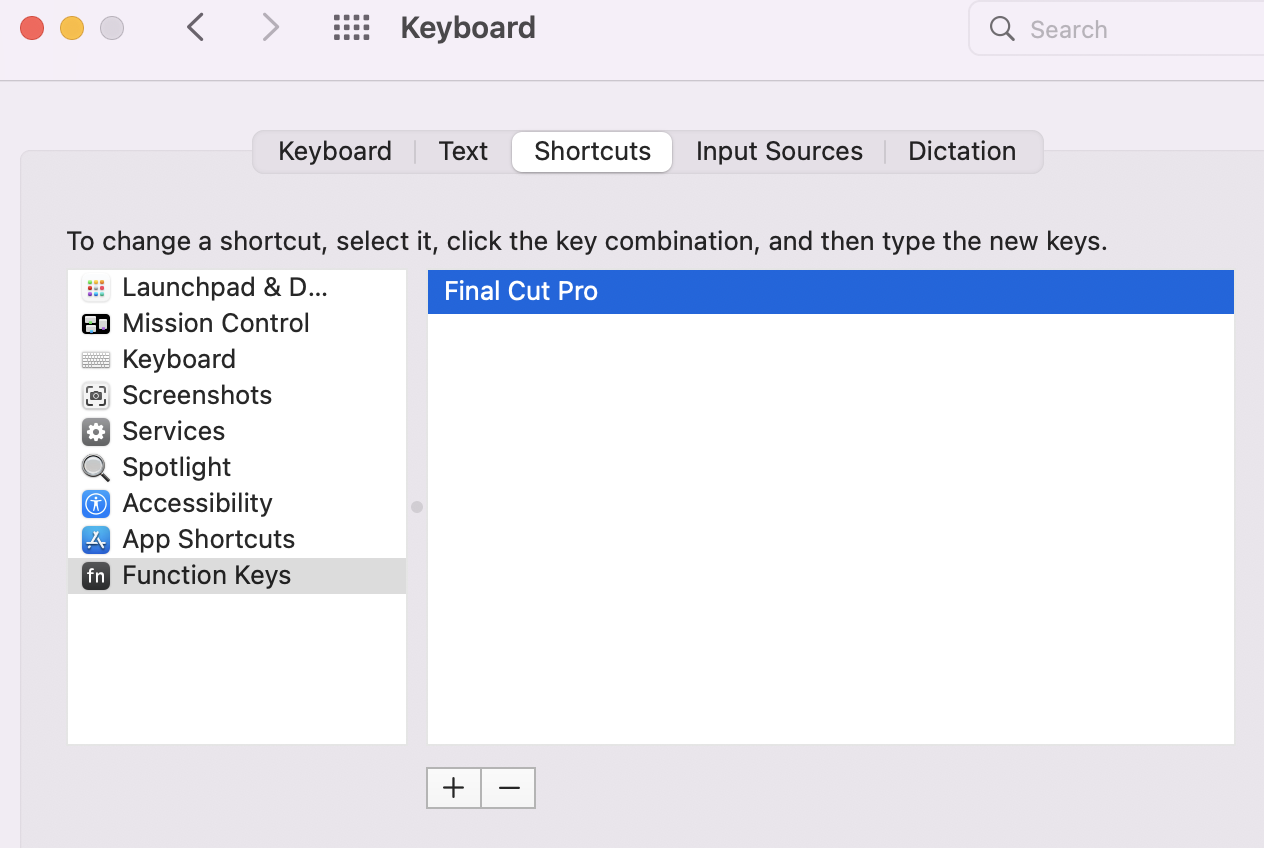
OOK, I tried using shortcuts preference window and checked and unchecked Mission Control Keys (attachment 1) with no effect on reaction of fn key. I then went to Function Keys window (attachment 2) and there was nothing listed so I added Final Cut Pro--again with no effect on fn key (attachment 2) The only exception was, as you predicted, the fn q key brought up the Notes screen. So basically pushing the fn key and any other key (except Q) gives me multiple screens (attachment 3). Sorry, any other ideas? Thanks.
Please Log in to join the conversation.
14 Mar 2022 18:10 #119444
by Eddy Mac
Replied by Eddy Mac on topic Moving to start of timeline? Solved
I found the problem. I changed setting in the Mission Control Preferences and it now works. Thanks for the advice Tom.
Please Log in to join the conversation.
