


- Posts: 164
- Thank you received: 0
3 Post Moderation Rule for New Boarders (25 Jan 2021)
New boarders will have their posts moderated - Don't worry if you cannot see your post immediately.
Error trying to open library
- Schwalbach
-
 Topic Author
- Offline
- Elite Member
-

Less
More
21 Feb 2022 08:50 #119118
by Schwalbach
Error trying to open library was created by Schwalbach
Hello,
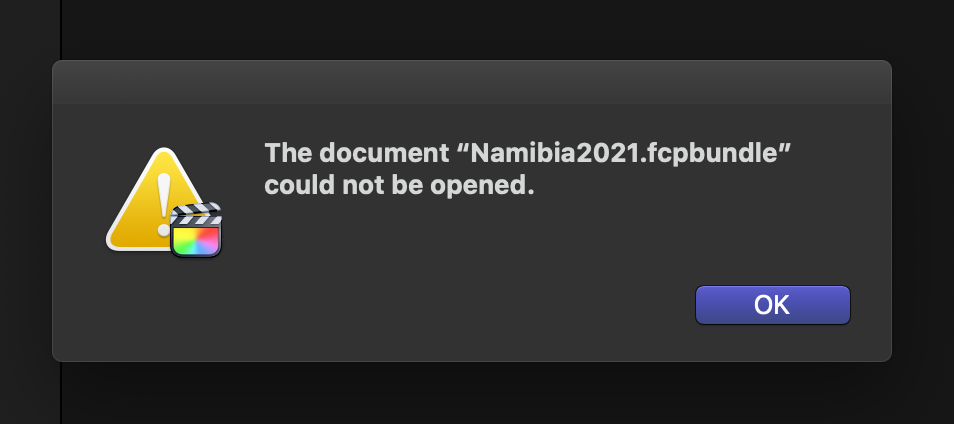
I am trying to open a library I have been working on during the days and I just can't.
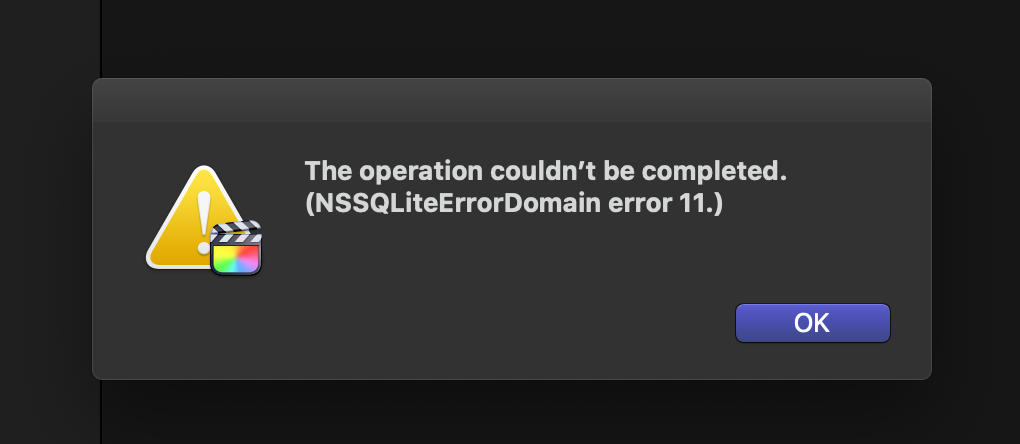
I get the following message:
The operation couldn’t be completed. (NSSQLiteErrorDomain error 11.)
Pictures attached attached.
Is there a way to fix this?
Thanks
j
I am trying to open a library I have been working on during the days and I just can't.
I get the following message:
The operation couldn’t be completed. (NSSQLiteErrorDomain error 11.)
Pictures attached attached.
Is there a way to fix this?
Thanks
j
Please Log in to join the conversation.
- Tom Wolsky
-

- Offline
- Moderator
-

21 Feb 2022 10:51 #119119
by Tom Wolsky
Replied by Tom Wolsky on topic Error trying to open library
Where is the library stored?
Please Log in to join the conversation.
- Schwalbach
-
Topic Author
- Offline
- Elite Member
-
Less
More
- Posts: 164
- Thank you received: 0
21 Feb 2022 17:11 #119124
by Schwalbach
Replied by Schwalbach on topic Error trying to open library
Hello,
Library in on and external ssd (usb 3)
Library in on and external ssd (usb 3)
Please Log in to join the conversation.
- Tom Wolsky
-
- Offline
- Moderator
-
21 Feb 2022 17:28 #119125
by Tom Wolsky
Replied by Tom Wolsky on topic Error trying to open library
It should be APFS formatted. I can't be ExFAT. Check read/write permissions for the whole drive as well, in case something changed.
Please Log in to join the conversation.
- Schwalbach
-
Topic Author
- Offline
- Elite Member
-
Less
More
- Posts: 164
- Thank you received: 0
21 Feb 2022 21:19 #119127
by Schwalbach
Well, it worked this morning in the very same drive.
Apart for the permissions is there anything else I can try to recover this library?
Replied by Schwalbach on topic Error trying to open library
It should be APFS formatted. I can't be ExFAT. Check read/write permissions for the whole drive as well, in case something changed.
Well, it worked this morning in the very same drive.
Apart for the permissions is there anything else I can try to recover this library?
Please Log in to join the conversation.


22 Feb 2022 21:10 #119144
by VTC
Replied by VTC on topic Error trying to open library
Imagine this fellow having to open a massive 100TB library and having a similar issue and not having a solution.
fcp.co/forum/4-final-cut-pro-x-fcpx/3642...rary-any-suggestions
fcp.co/forum/4-final-cut-pro-x-fcpx/3642...rary-any-suggestions
Please Log in to join the conversation.

22 Feb 2022 21:26 #119145
by MidNorth
Replied by MidNorth on topic Error trying to open library
Library possibly corrupted. Select the library, choose File > Open Library > From Backup. Or try trashing preferences and restarting FCP.
Btw, USB 3 is slow. Avoid it if you can. Go with TB 3 or 10GbE.
Btw, USB 3 is slow. Avoid it if you can. Go with TB 3 or 10GbE.
Please Log in to join the conversation.
