




- Posts: 2
- Thank you received: 0
3 Post Moderation Rule for New Boarders (25 Jan 2021)
New boarders will have their posts moderated - Don't worry if you cannot see your post immediately.
Glitches in project file and export of movies
02 Feb 2022 14:43 #118734
by 404
Glitches in project file and export of movies was created by 404
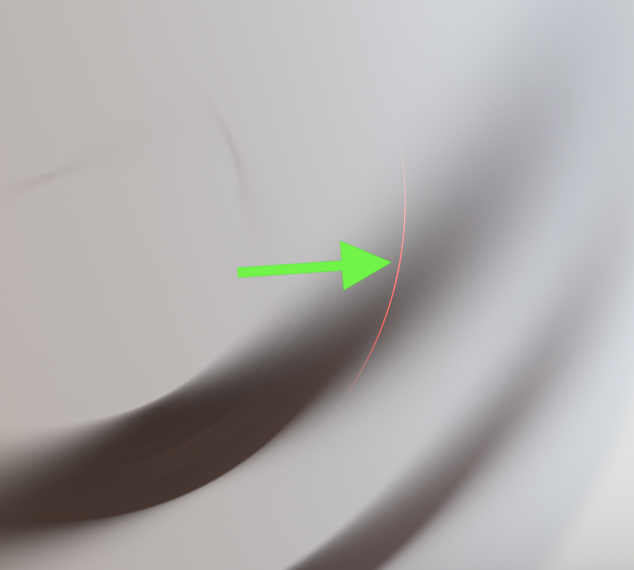
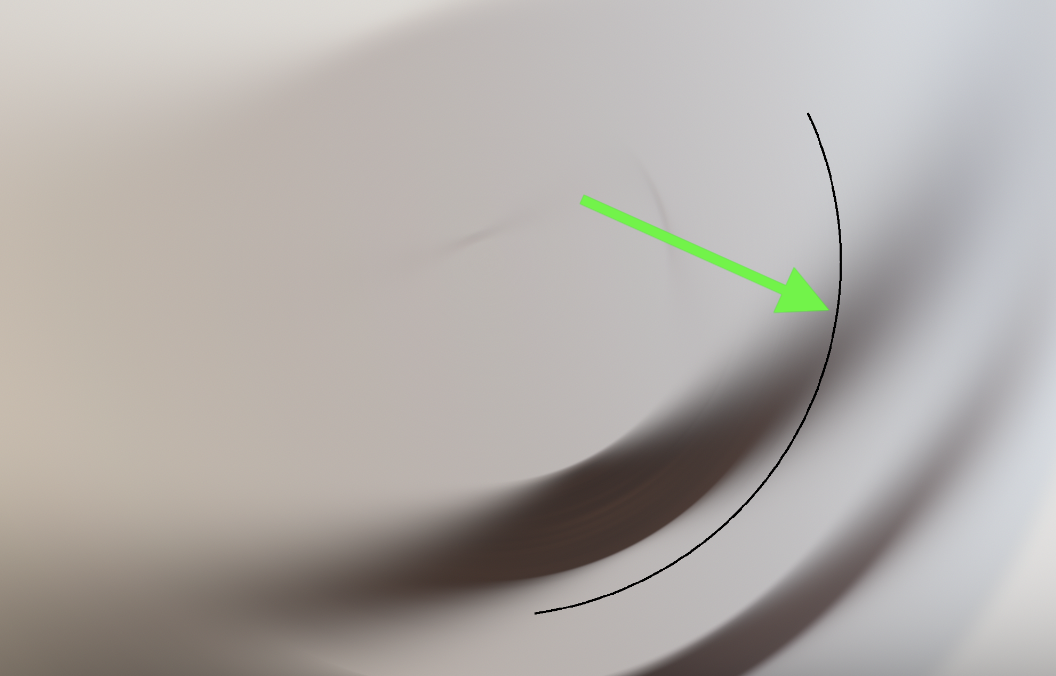
Hi, I have a still image and added a Ken Burns crop effect and a radial blur effect. The radial blur effect causes some glitches, dots/pixels and circular. I have never had this before, but I did a clean re-install Monterey recently. I have removed alle render and cache files, but it is still visible when scrubbing through the timeline (or normal playback). What else could it be?
files.fm/u/7u64xhmrf
Here are my Macbook settings:
(15-inch, 2019), Monterey 12.12,3 GHz 8-Core Intel Core i932 GB 2400 MHz DDR4
Graphics:Radeon Pro Vega 20 4 GBIntel UHD Graphics 630 15
Final Cut Pro 10.6.1
files.fm/u/7u64xhmrf
Here are my Macbook settings:
(15-inch, 2019), Monterey 12.12,3 GHz 8-Core Intel Core i932 GB 2400 MHz DDR4
Graphics:Radeon Pro Vega 20 4 GBIntel UHD Graphics 630 15
Final Cut Pro 10.6.1
Please Log in to join the conversation.
- Cameron Jake
-

- Offline
- Premium Member
-

Less
More
- Posts: 144
- Thank you received: 3
03 Feb 2022 14:26 #118764
by Cameron Jake
Replied by Cameron Jake on topic Glitches in project file and export of movies
This happens to me - I delete the file re import it - re drag it - all else fails I use another effect.
Try it in a new library new project on its own.
Try it in a new library new project on its own.
Please Log in to join the conversation.


03 Feb 2022 22:14 #118772
by JoeEditor
Replied by JoeEditor on topic Glitches in project file and export of movies
That's not a "reinstall" problem. Remove the effects, try applying one, put in a compound, apply the other. Ken Burns doesn't play well with some other effects.
Please Log in to join the conversation.
04 Feb 2022 07:54 #118789
by 404
Replied by 404 on topic Glitches in project file and export of movies
Ok, glad it is a known issue. I have added a manual keyframe scale on top of the Ken Burns and that seems to work.
Please Log in to join the conversation.
