



- Posts: 2
- Thank you received: 0
3 Post Moderation Rule for New Boarders (25 Jan 2021)
New boarders will have their posts moderated - Don't worry if you cannot see your post immediately.
Black columns disappear after rotation and resize
10 Dec 2021 23:20 #117928
by jligon123
Black columns disappear after rotation and resize was created by jligon123
Hello,
I've needed to rotate and then resize several clips in order to level the horizon. Prior, there were vertical black columns on either side of the clip. Now, they are skewed. Clips that were not rotated still have the vertical black columns. I am sure there is a simple fix to this, but am new to FCP.
Below is example. The "Hawaii 2021" screen shot shows the vertical black columns. The second photo, with people, was rotated and now shows skewed black edges. How do I get those to be straight again and match the other clips.
Thanks,
Jason
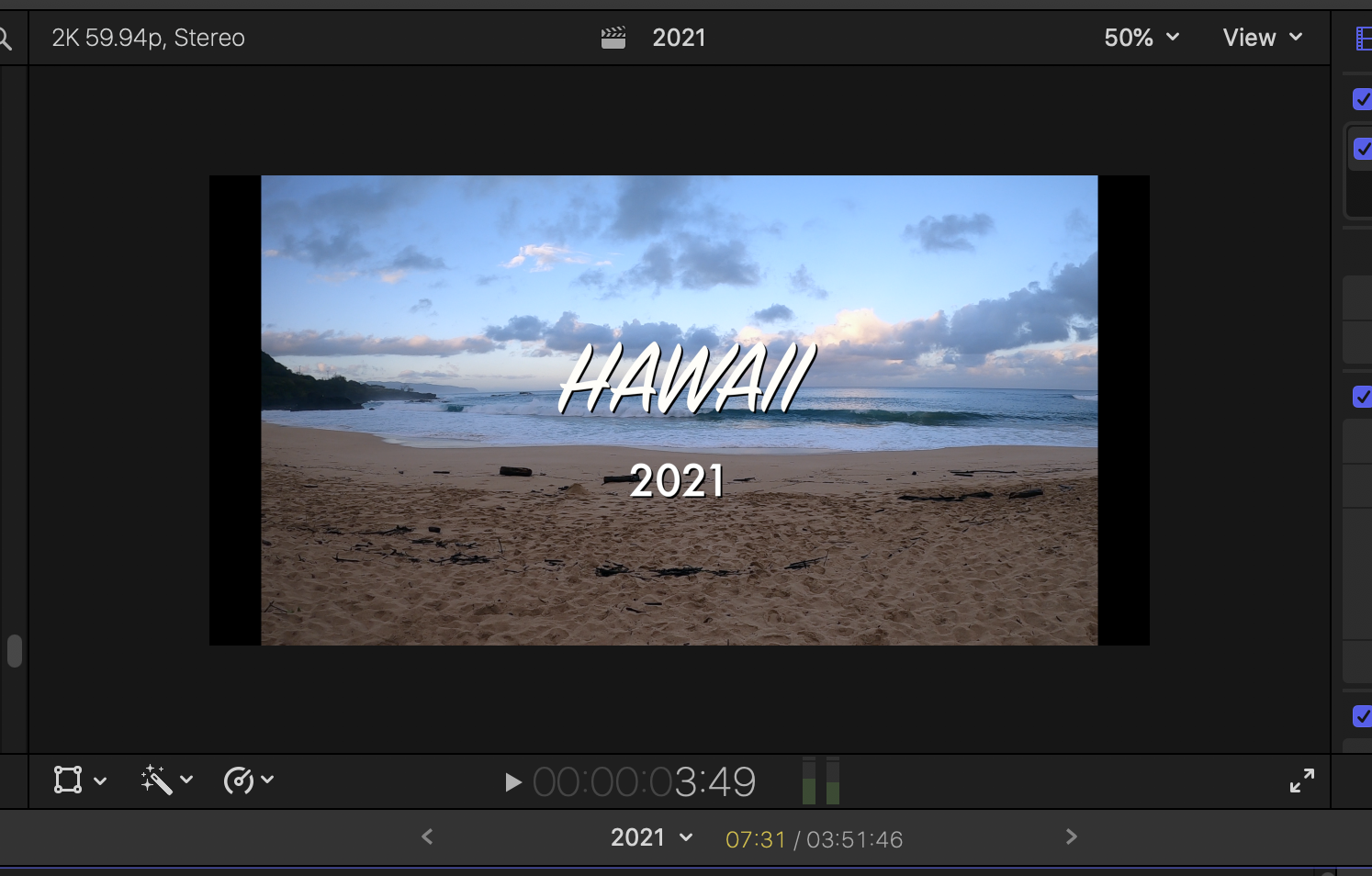
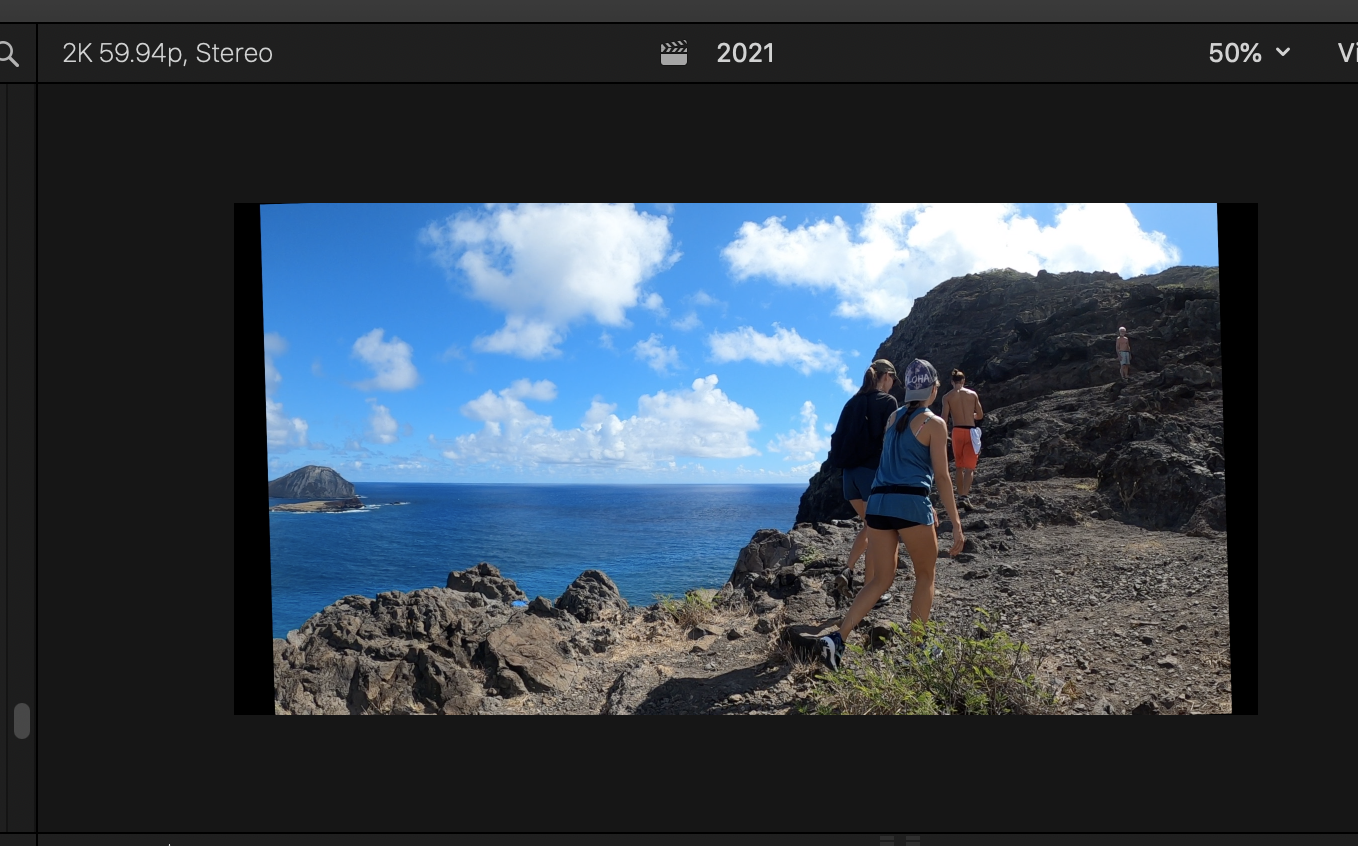
I've needed to rotate and then resize several clips in order to level the horizon. Prior, there were vertical black columns on either side of the clip. Now, they are skewed. Clips that were not rotated still have the vertical black columns. I am sure there is a simple fix to this, but am new to FCP.
Below is example. The "Hawaii 2021" screen shot shows the vertical black columns. The second photo, with people, was rotated and now shows skewed black edges. How do I get those to be straight again and match the other clips.
Thanks,
Jason
Please Log in to join the conversation.


12 Dec 2021 19:48 #117947
by JoeEditor
Replied by JoeEditor on topic Black columns disappear after rotation and resize
Skew is created by the Distort tool, not the rotation tool.
Please Log in to join the conversation.

12 Dec 2021 20:31 - 12 Dec 2021 20:33 #117950
by VTC
Replied by VTC on topic Black columns disappear after rotation and resize
I created a PNG file to cover the assorted frame miscue registration in my film transfers. Keeps you from having some irregular manual crop ruining things.
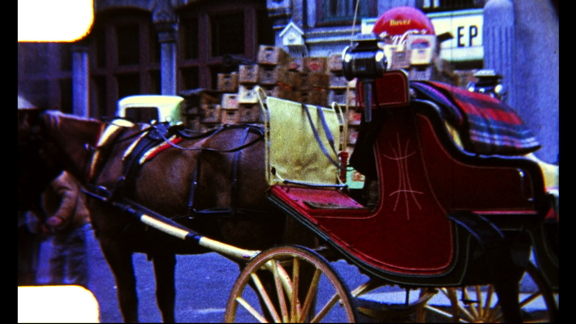
Place this PNG file on top layer and stretch it to cover timeline. Scale horizontal to cover (feaux crop as it were) any wonkiness beneath it.

Place this PNG file on top layer and stretch it to cover timeline. Scale horizontal to cover (feaux crop as it were) any wonkiness beneath it.
Last edit: 12 Dec 2021 20:33 by VTC.
Please Log in to join the conversation.
