


- Posts: 42
- Thank you received: 0
3 Post Moderation Rule for New Boarders (25 Jan 2021)
New boarders will have their posts moderated - Don't worry if you cannot see your post immediately.
image quality poor
27 Jan 2021 18:00 - 28 Jan 2021 18:14 #112362
by tstiefler
image quality poor was created by tstiefler
The file I'm using is a high res image, in final cut it shows up really bad. It's not proxy. And it doesn't change when I export. Any ideas? Attached refs.
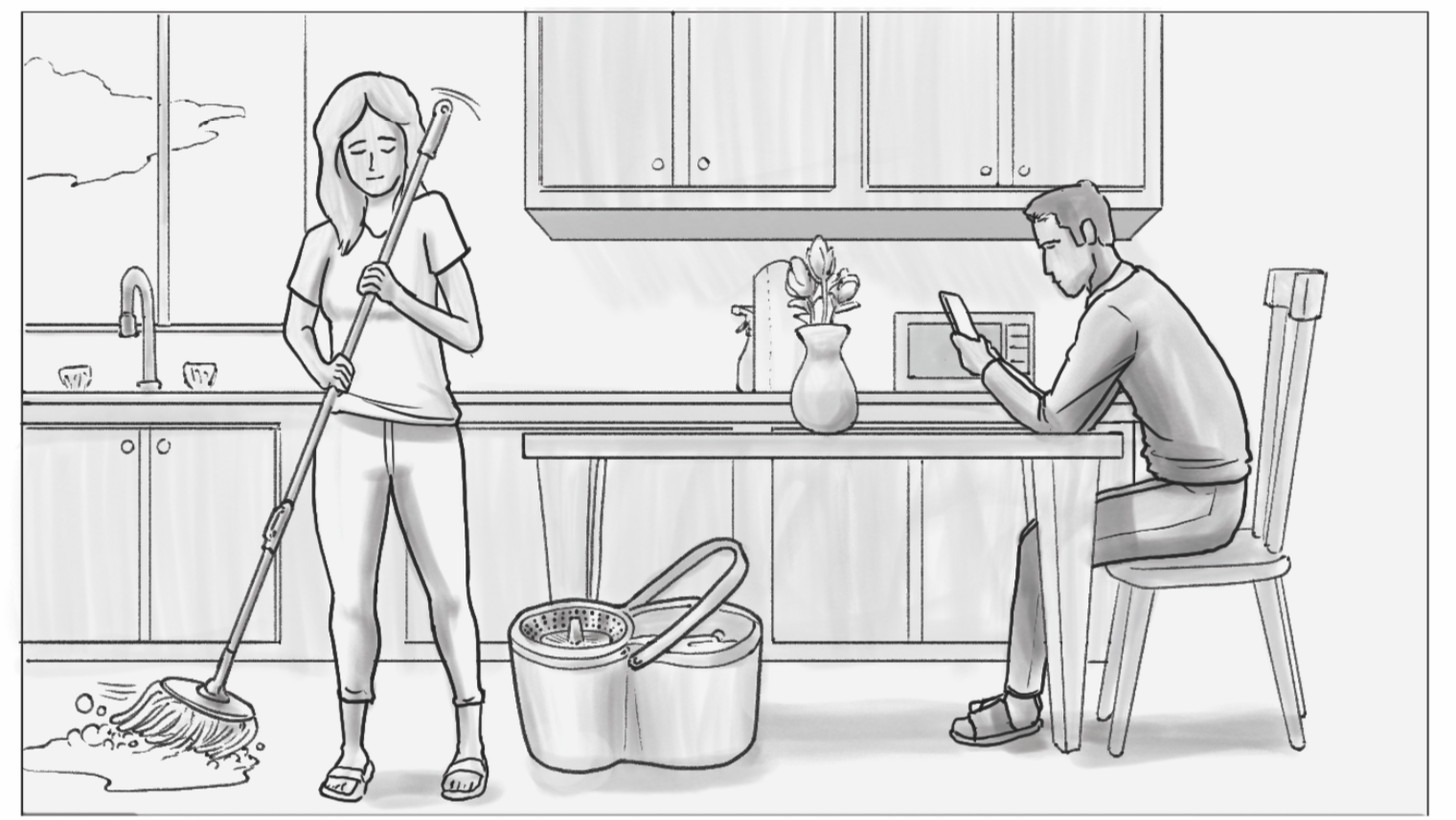
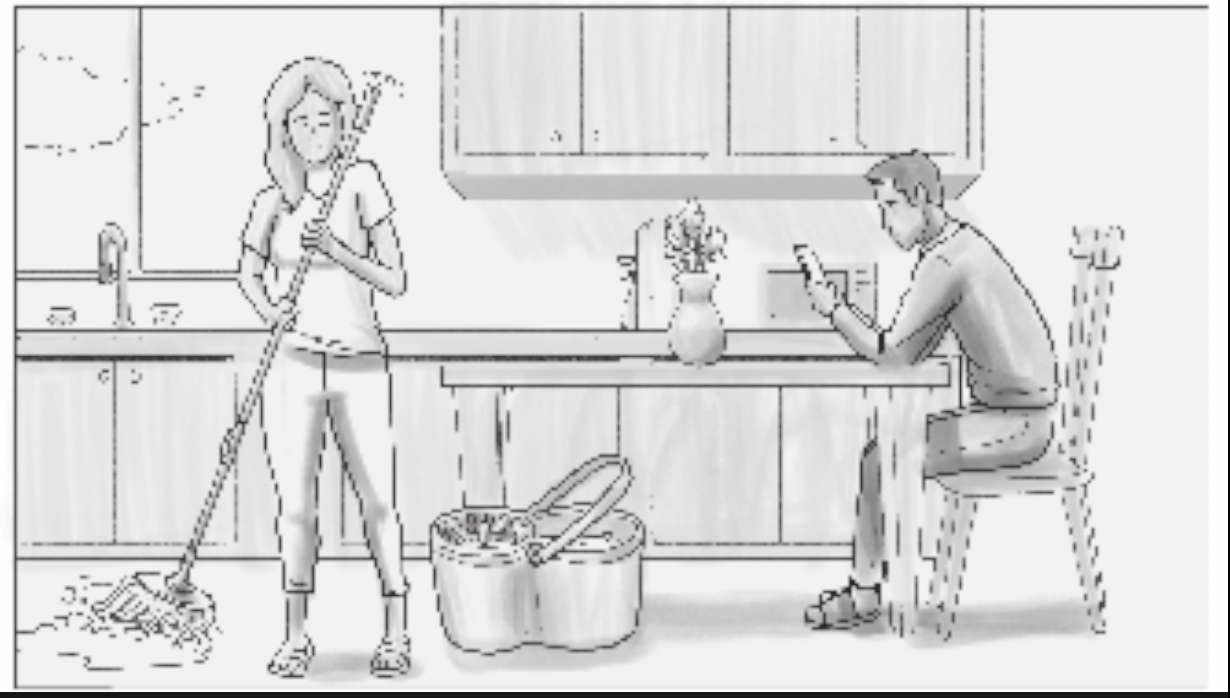
Last edit: 28 Jan 2021 18:14 by peteramwiggins.
Please Log in to join the conversation.


27 Jan 2021 19:37 #112365
by JoeEditor
Replied by JoeEditor on topic image quality poor
File format of the image?
What is the frame size and DPI of the original?
What is the frame size of your Project in FCP?
Is this during playback only, or when the playhead is parked?
What is the frame size and DPI of the original?
What is the frame size of your Project in FCP?
Is this during playback only, or when the playhead is parked?
Please Log in to join the conversation.
27 Jan 2021 20:17 #112367
by tstiefler
Replied by tstiefler on topic image quality poor
Thanks Ben.
The storyboard artist says – 300dpi
They are pdf's
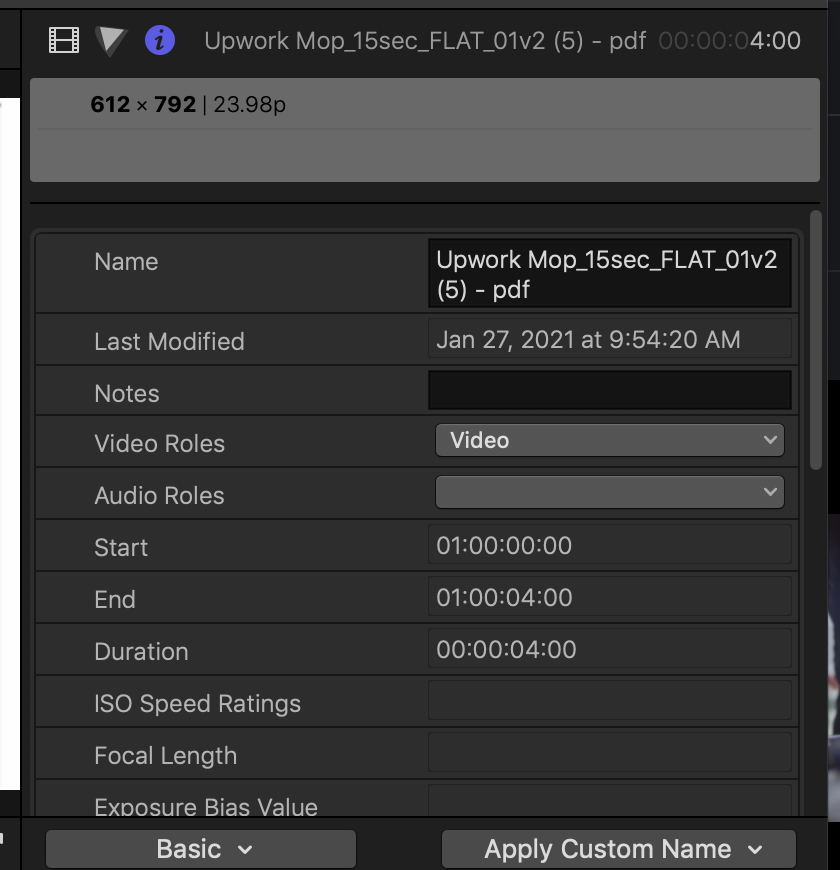
Frame size of project says 612x792 - I'm guessing it automatically scaled there after dragging and dropping pdf's
This is with playhead parked, playhead playing, and final export of video
The storyboard artist says – 300dpi
They are pdf's
Frame size of project says 612x792 - I'm guessing it automatically scaled there after dragging and dropping pdf's
This is with playhead parked, playhead playing, and final export of video
Please Log in to join the conversation.
27 Jan 2021 20:21 #112368
by tstiefler
Replied by tstiefler on topic image quality poor
Here is the image dimensions im seeing in the upper right
Please Log in to join the conversation.

27 Jan 2021 20:38 - 27 Jan 2021 20:39 #112369
by Albo
Replied by Albo on topic image quality poor
That is a small image.
If your project is 1080 it is normal that it will be pixalized.
DPI is irrelevant. It is the pixel size of the image that counts.
If your project is 1080 it is normal that it will be pixalized.
DPI is irrelevant. It is the pixel size of the image that counts.
Last edit: 27 Jan 2021 20:39 by Albo.
Please Log in to join the conversation.
27 Jan 2021 21:43 #112370
by JoeEditor
Replied by JoeEditor on topic image quality poor
HD video is 1920x1080 at 72 DPI. DPI doesn't matter once inside of an NLE, pixels are pixels, but inside of a graphics program DPI effects image size. Resize that image to fit in your video frame size. I use Pixelmator Pro to resize images as I find it is the best at it around.
Please Log in to join the conversation.
27 Jan 2021 22:02 #112371
by Albo
Replied by Albo on topic image quality poor
Right Ben.
Your image is not a Hi-res imagine as far as I'm concerned.
My HiRes images are 4000 X 3500 or more.
Get that same image at least 1920 X 1080. Bigger is better if you can get it.
Your image is not a Hi-res imagine as far as I'm concerned.
My HiRes images are 4000 X 3500 or more.
Get that same image at least 1920 X 1080. Bigger is better if you can get it.
Please Log in to join the conversation.

28 Jan 2021 15:35 - 28 Jan 2021 15:36 #112391
by joema
If the project itself is 612x792, that's a problem. By default an "automatic" project will assume the characteristics of the first item added to the timeline. You can click on the project icon to select it, then in the Inspector click Modify and change resolution to the proper values. You might want to first make a snapshot of the project to save the current state.
If there's any chance the project is interlaced, the image may appear rough unless View>Show in Viewer>Both Fields is selected.
In general I wouldn't use a complex document type like PDF in an FCP timeline. I'd make a screen cap and use a JPG or PNG. There is less to go wrong that way. A PDF can contain vector fonts, images, etc. There are many internal versions of PDFs. There is no guarantee FCP will handle that perfectly.
Replied by joema on topic image quality poor
tstiefler wrote: They are pdf's
Frame size of project says 612x792 - I'm guessing it automatically scaled there after dragging and dropping pdf's..
If the project itself is 612x792, that's a problem. By default an "automatic" project will assume the characteristics of the first item added to the timeline. You can click on the project icon to select it, then in the Inspector click Modify and change resolution to the proper values. You might want to first make a snapshot of the project to save the current state.
If there's any chance the project is interlaced, the image may appear rough unless View>Show in Viewer>Both Fields is selected.
In general I wouldn't use a complex document type like PDF in an FCP timeline. I'd make a screen cap and use a JPG or PNG. There is less to go wrong that way. A PDF can contain vector fonts, images, etc. There are many internal versions of PDFs. There is no guarantee FCP will handle that perfectly.
Last edit: 28 Jan 2021 15:36 by joema.
Please Log in to join the conversation.
28 Jan 2021 17:50 #112395
by Albo
Replied by Albo on topic image quality poor
I missed the frame size of the project!
I don't use PDF in FC so i assumed it wasn,t the original document.
Joema post cleared that out of the way! Thanks.
I don't use PDF in FC so i assumed it wasn,t the original document.
Joema post cleared that out of the way! Thanks.
Please Log in to join the conversation.
28 Jan 2021 21:34 - 28 Jan 2021 21:35 #112399
by JoeEditor
Replied by JoeEditor on topic image quality poor
FYI, Preview that comes with your Mac does a good job of exporting a PDF as a graphic file.
And a Project at such a small frame size is going to be blown up at least 200+% in the Viewer and look horrible.
And a Project at such a small frame size is going to be blown up at least 200+% in the Viewer and look horrible.
Last edit: 28 Jan 2021 21:35 by JoeEditor.
Please Log in to join the conversation.
