


- Posts: 144
- Thank you received: 3
3 Post Moderation Rule for New Boarders (25 Jan 2021)
New boarders will have their posts moderated - Don't worry if you cannot see your post immediately.
How to hold a keyframe still using an adjustment layer?
- Cameron Jake
-
 Topic Author
- Offline
- Premium Member
-

Less
More
14 Jan 2021 17:10 #112076
by Cameron Jake
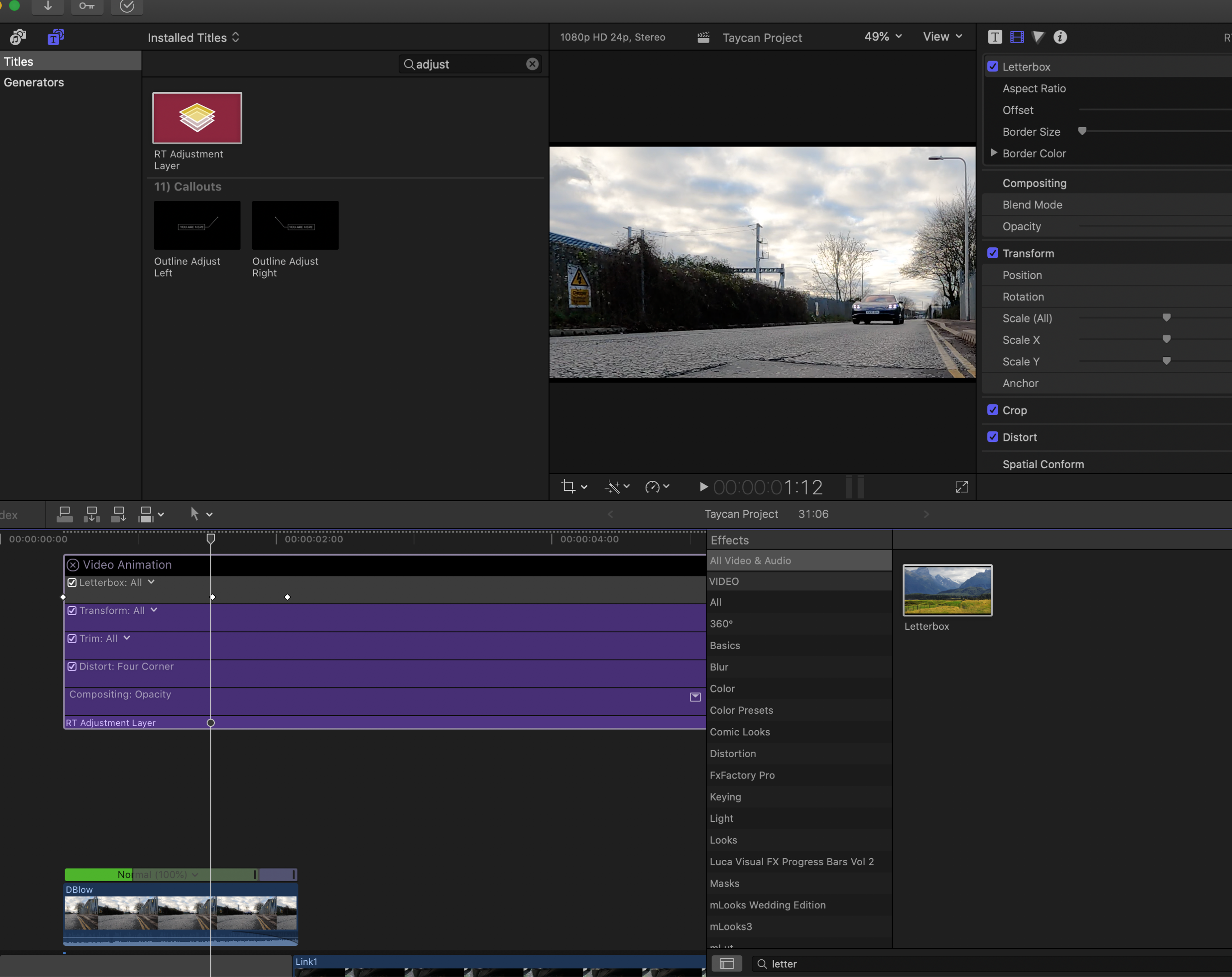
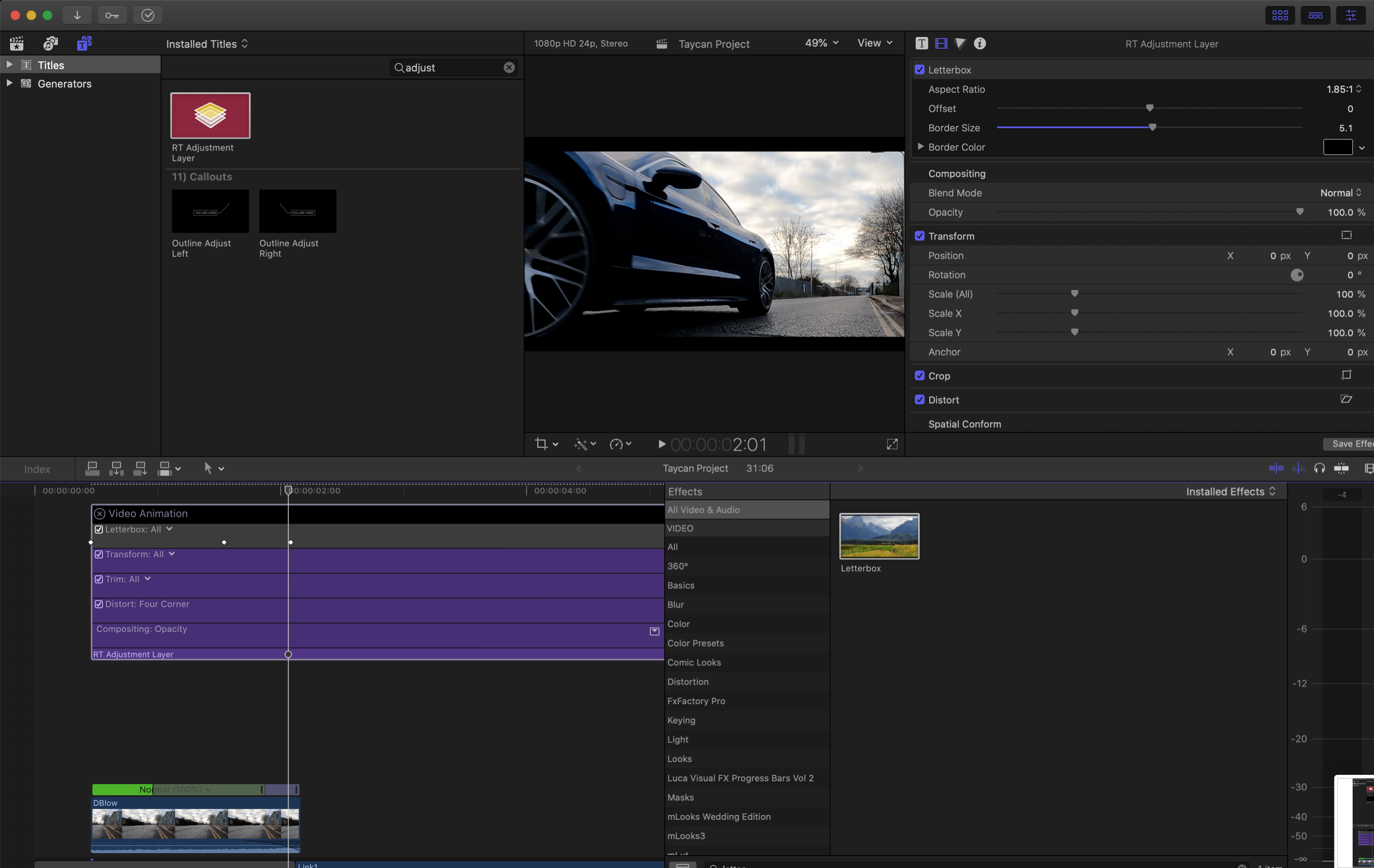
I have run a keyframe ramp to create a letter box.
1. Drag adjustment layer in
2. Drag in Letter box
3. Set key frames
4 Manually set my start and end point for the letterbox.
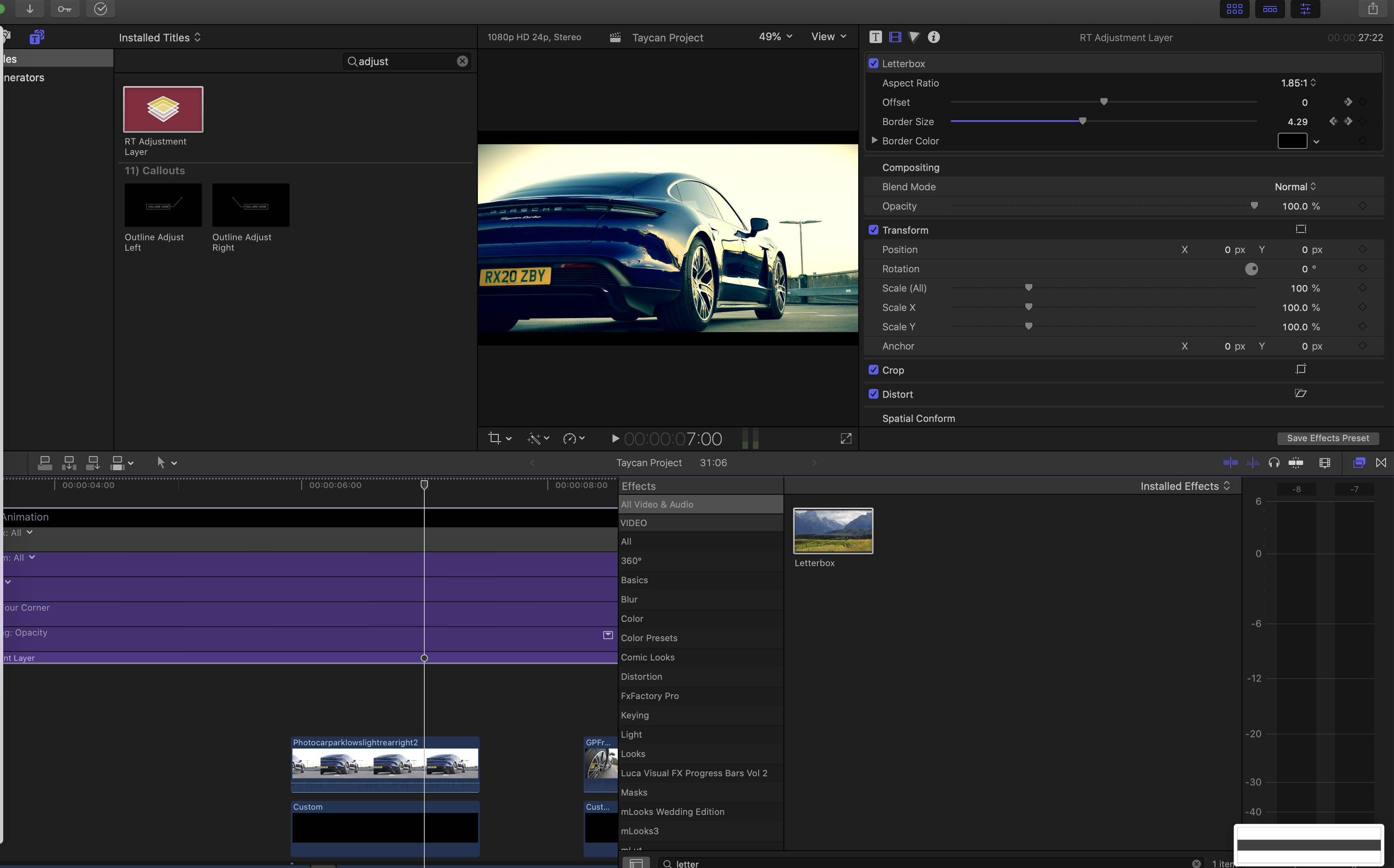
However - the letterbox starts to reduce as the video plays but there is no other keyframe telling it do to that.?
See images
Key:
Key frame 1
Key frame 2 ( actual desired box / frame size
Shot three several seconds later the box has reduced!?
1. Drag adjustment layer in
2. Drag in Letter box
3. Set key frames
4 Manually set my start and end point for the letterbox.
However - the letterbox starts to reduce as the video plays but there is no other keyframe telling it do to that.?
See images
Key:
Key frame 1
Key frame 2 ( actual desired box / frame size
Shot three several seconds later the box has reduced!?
Please Log in to join the conversation.


14 Jan 2021 19:22 #112083
by JoeEditor
Replied by JoeEditor on topic How to hold a keyframe still using an adjustment layer?
I'm testing it and not getting that behavior, even with speed ramping on the main video clip. I do see in your screen shots that there's a keyframe for the offset parameter (image 3). But then, image 3 doesn't match the first two. I'd delete the Letterbox effect and redo it from scratch.
Please Log in to join the conversation.
