


- Posts: 481
- Thank you received: 99
3 Post Moderation Rule for New Boarders (25 Jan 2021)
New boarders will have their posts moderated - Don't worry if you cannot see your post immediately.
Export Chapter/Marker Start Positions as Text?
13 Dec 2020 18:46 #111464
by VTC
Export Chapter/Marker Start Positions as Text? was created by VTC
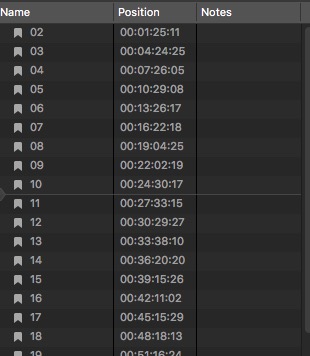
There a way to capture the chapter marker time stamps en mass? I can locate them in the XML ("chapter-marker start="9926917/7500s") but they're useless for supplying the client the exact break position now that YouTube allows marking specific chapter times in the video. A few are easily notated by hand but when there're are 30 of the suckers it gets a bit tedious and there's a good chance of user error.
Please Log in to join the conversation.

13 Dec 2020 20:14 #111467
by JoeEditor
Replied by JoeEditor on topic Export Chapter/Marker Start Positions as Text?
Creator's Best Friend For FCP
apps.apple.com/us/app/creators-best-frie...x/id1524172135?mt=12
apps.apple.com/us/app/creators-best-frie...x/id1524172135?mt=12
Please Log in to join the conversation.
- Andreas Kiel
-

- Offline
- Platinum Member
-

Less
More
- Posts: 1077
- Thank you received: 189
14 Dec 2020 11:23 #111472
by Andreas Kiel
Replied by Andreas Kiel on topic Export Chapter/Marker Start Positions as Text?
Another option:
www.spherico.com/filmtools/TitleExchange/XTI/
It's free for less then 50 'items' (chapters, other markers, titles, etc)
www.spherico.com/filmtools/TitleExchange/XTI/
It's free for less then 50 'items' (chapters, other markers, titles, etc)
Please Log in to join the conversation.
- peteramwiggins
-

- Offline
- Administrator
-

- The Administrator :)
Less
More
- Posts: 1049
- Thank you received: 404
14 Dec 2020 13:03 #111473
by peteramwiggins
Administrator
Replied by peteramwiggins on topic Export Chapter/Marker Start Positions as Text?
Administrator
Please Log in to join the conversation.

16 May 2022 21:38 #120556
by superd
Replied by superd on topic Export Chapter/Marker Start Positions as Text?
Please Log in to join the conversation.

17 May 2022 03:47 #120563
by TerryB
Replied by TerryB on topic Export Chapter/Marker Start Positions as Text?
Please Log in to join the conversation.
- Prestidigitator
-

- Offline
- New Member
-

Less
More
- Posts: 1
- Thank you received: 0
31 May 2023 20:56 #125714
by Prestidigitator
This start="9926917/7500s" seems totally non-sensical. Does anyone have an idea where to start looking (already tried google) to understand what that start time could mean? I tried parsing my own Project export XML file and they seem so random -- I can't even detect a pattern. Even a Chapter Marker starting at the very beginning of my timeline says: start="9637/15s". Later Chapter Markers are sometimes smaller or larger than this one.
The reason why I'm asking... it would simply be nice to be able to custom parse out these FCP XML exports... plus the suggested solutions all have issues below, in my opinion.
commandpost.io - I tried this, but don't like having such a heavy plugin on my install of FCP. Seems to slow things down. I don't want this entire tool launching every time I open FCP... simply to generate YT chapters.
fcp2ytchapter.superd.org - Tried this on latest FCP and doesn't even work. Does nothing when I click submit.
Creator's Best Friend for FCP - Has so few reviews, I really don't know whether to trust throwing $10 at it.
www.spherico.com/filmtools/TitleExchange/XTI/ - I was using this one for the last year, but it doesn't support the latest (or second latest) versions of XML export from FCP. And the website doesn't even load anymore.
Replied by Prestidigitator on topic Export Chapter/Marker Start Positions as Text?
There a way to capture the chapter marker time stamps en mass? I can locate them in the XML ("chapter-marker start="9926917/7500s") but they're useless
This start="9926917/7500s" seems totally non-sensical. Does anyone have an idea where to start looking (already tried google) to understand what that start time could mean? I tried parsing my own Project export XML file and they seem so random -- I can't even detect a pattern. Even a Chapter Marker starting at the very beginning of my timeline says: start="9637/15s". Later Chapter Markers are sometimes smaller or larger than this one.
The reason why I'm asking... it would simply be nice to be able to custom parse out these FCP XML exports... plus the suggested solutions all have issues below, in my opinion.
commandpost.io - I tried this, but don't like having such a heavy plugin on my install of FCP. Seems to slow things down. I don't want this entire tool launching every time I open FCP... simply to generate YT chapters.
fcp2ytchapter.superd.org - Tried this on latest FCP and doesn't even work. Does nothing when I click submit.
Creator's Best Friend for FCP - Has so few reviews, I really don't know whether to trust throwing $10 at it.
www.spherico.com/filmtools/TitleExchange/XTI/ - I was using this one for the last year, but it doesn't support the latest (or second latest) versions of XML export from FCP.
And the website doesn't even load anymore. Please Log in to join the conversation.

31 May 2023 23:08 #125716
by DaveM
Replied by DaveM on topic Export Chapter/Marker Start Positions as Text?
I guess you didn't get the FCP XML decoder ring with your purchase of FCP?

The timing attribute values used in FCP XML files are just rational numbers: numerator / denominator in seconds. It's a more precise way of presenting times than with a timecode stamp, especially if you consider that audio elements may have attributes with "sub-frame" values...
The timing attribute values used in FCP XML files are just rational numbers: numerator / denominator in seconds. It's a more precise way of presenting times than with a timecode stamp, especially if you consider that audio elements may have attributes with "sub-frame" values...
Please Log in to join the conversation.
31 May 2023 23:49 #125717
by TerryB
Replied by TerryB on topic Export Chapter/Marker Start Positions as Text?
CommandPost is a separate application not a FCP plug-in. You can launch it when you want to run it to export chapter markers and Quit when you're finished.
We all fear the worst about Adreas, aka Spherico. He hasn't been on the forums or responded to emails in many months.
We all fear the worst about Adreas, aka Spherico. He hasn't been on the forums or responded to emails in many months.
Please Log in to join the conversation.
- Genevievea
-

- Offline
- New Member
-
Less
More
- Posts: 1
- Thank you received: 0
01 Jun 2023 09:41 #125724
by Genevievea
Replied by Genevievea on topic Export Chapter/Marker Start Positions as Text?
Regarding the issue of capturing chapter marker time stamps efficiently, have you considered using the tool mentioned earlier, 'Creator's Best Friend for FCP'? While it has limited reviews, it might be worth giving it a try since it specifically caters to Final Cut Pro users. Additionally, you can explore the option of using the online tool 'fcp2ytchapter.superd.org' as it offers a free solution for generating YouTube chapters. It's unfortunate that some of the suggested solutions have drawbacks or compatibility issues. Hopefully, one of these options will provide a suitable solution for your needs.
Please Log in to join the conversation.
01 Jun 2023 17:15 #125732
by dmetz
Replied by dmetz on topic Export Chapter/Marker Start Positions as Text?
I'm a long-time user of Producer's Best Friend, and it's been solid - an amazing timesaver.
I'd expect the same from Creator's Best Friend, or anything from Intelligent Assistance for that matter.
I'd expect the same from Creator's Best Friend, or anything from Intelligent Assistance for that matter.
Please Log in to join the conversation.
01 Jun 2023 20:53 #125733
by VTC
Replied by VTC on topic Export Chapter/Marker Start Positions as Text?
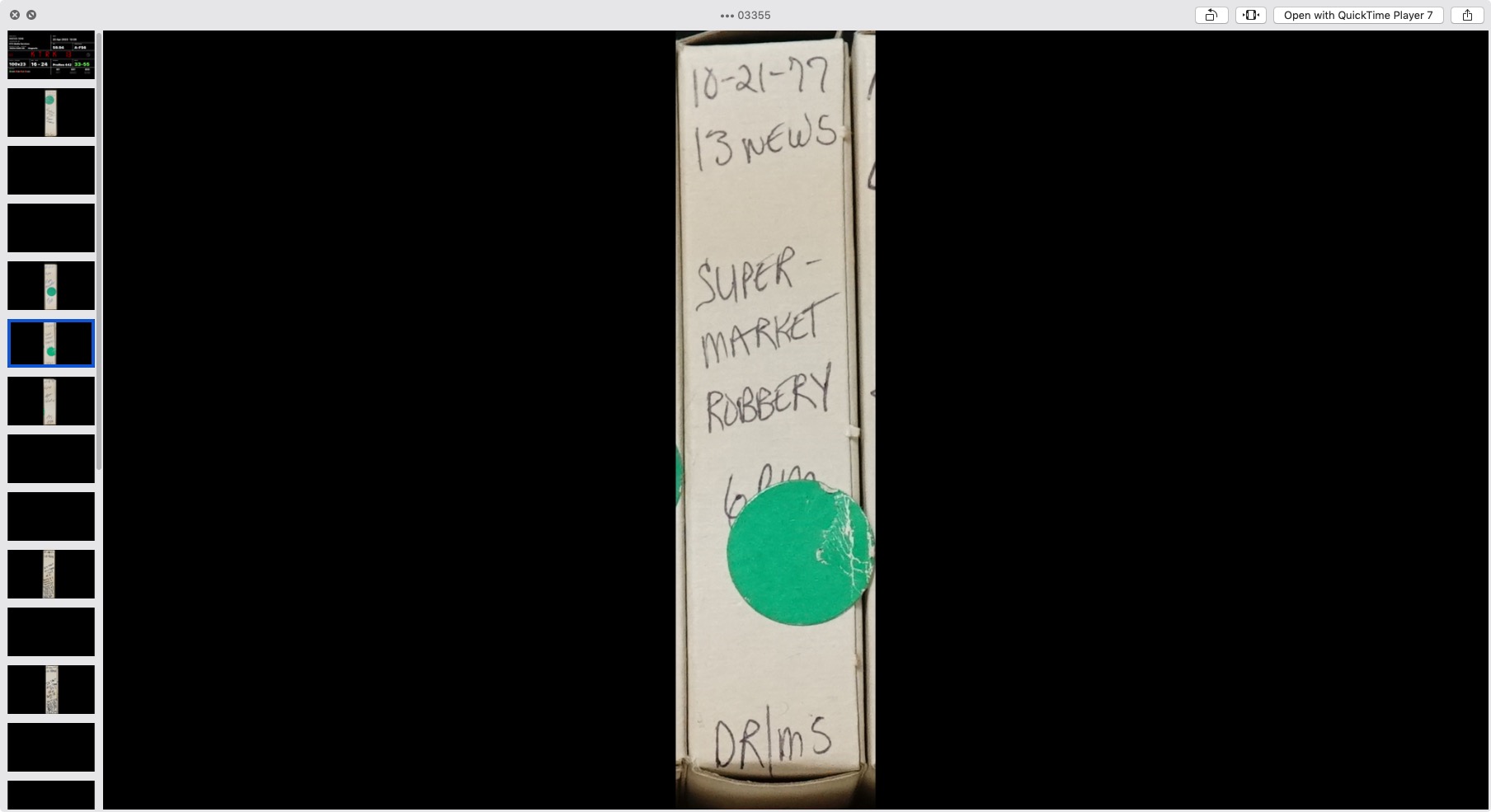
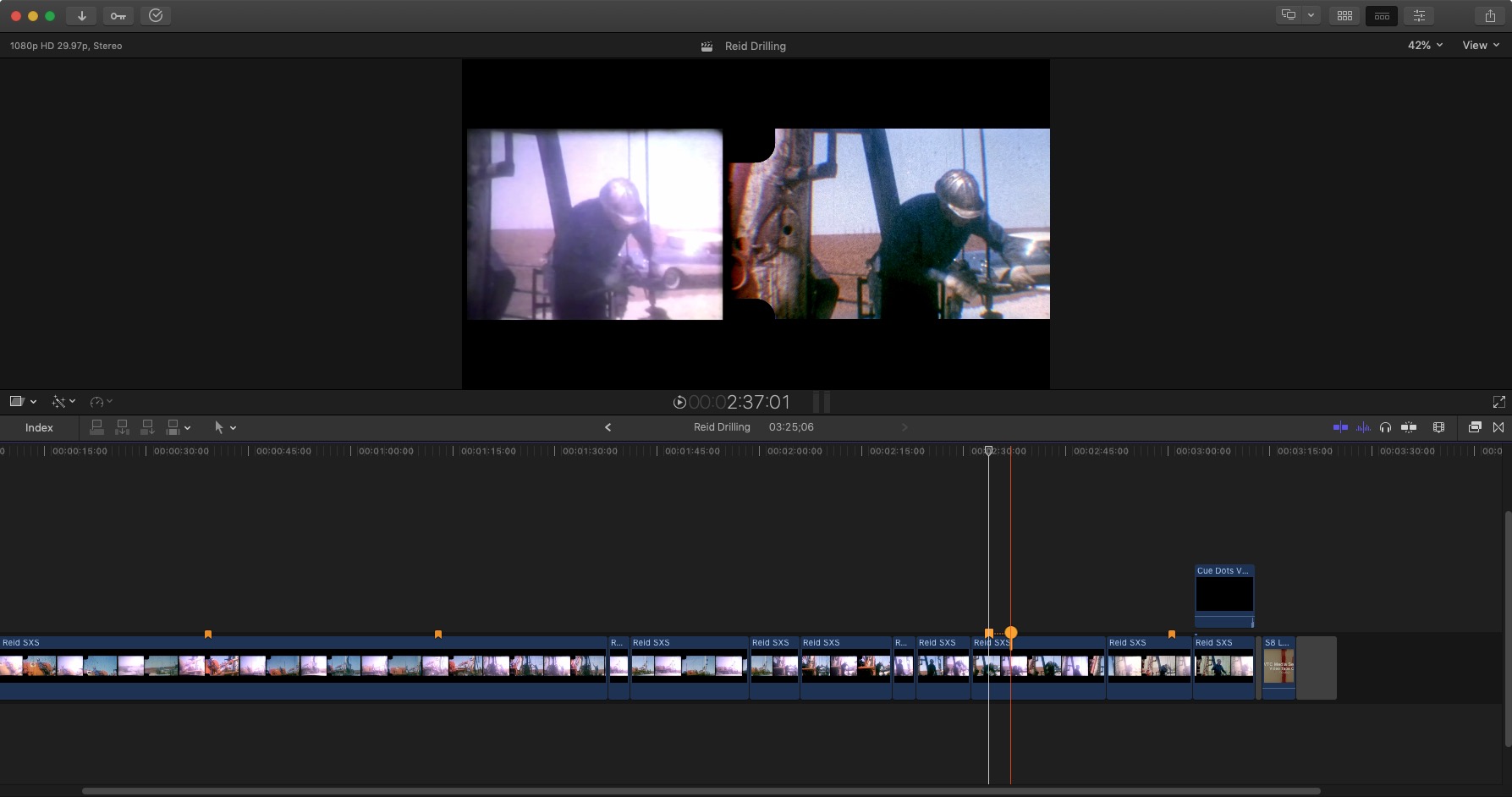
CBF tiz what I use for the problem that started this post and is frame accurate.Chapters are hit-or-miss in Resolve as it relates to poster frames unless I'm overlooking how to SET a poster frame in Davinci. Sometimes the frame hits and at other times not. Resorted to inserting chaps 4 frames downrange to make certain they populate the establishing frame needed.
Please Log in to join the conversation.
- Chris Hocking
-

- Offline
- Junior Member
-

Less
More
- Posts: 25
- Thank you received: 10
02 Jun 2023 16:27 #125746
by Chris Hocking
Replied by Chris Hocking on topic Export Chapter/Marker Start Positions as Text?
FWIW - CommandPost 1.4.17 has been downloaded 7287 times, and across all versions, CommandPost has been downloaded 167,785 times. There's a LOT of people using CommandPost daily - and it shouldn't have any impact on Final Cut Pro performance.
CommandPost isn't a plugin. It's completely seperate and isolated from Final Cut Pro. CommandPost can't crash Final Cut Pro - they're independent apps.
The easiest way to export a list of markers is just use the "Export Timeline Index as CSV" action. It's fast and easy.
CommandPost isn't a plugin. It's completely seperate and isolated from Final Cut Pro. CommandPost can't crash Final Cut Pro - they're independent apps.
The easiest way to export a list of markers is just use the "Export Timeline Index as CSV" action. It's fast and easy.
Please Log in to join the conversation.
19 Aug 2023 08:27 #126876
by marts
Replied by marts on topic Export Chapter/Marker Start Positions as Text?
Some time ago I have created an XSL translation file which takes the FCPX XML exported project and creates HTML file with the chapter marker table and timings for use on Youtube and in DVD author.
Use it in MacOS terminal with xsltproc utility (replace yourchaptersfile.html with the name of your liiking for the output file and yourexportedproject.fcpxml with the actual name of your exported project file name):
xsltproc -o yourchaptersfile.html FCPXchapExtractNew3.xslt yourexportedproject.fcpxml
Please note that the latest FCPX project XML export puts the 'fcpxml' file into a container you need to go in to get to the actual fcpxml file.
Use it in MacOS terminal with xsltproc utility (replace yourchaptersfile.html with the name of your liiking for the output file and yourexportedproject.fcpxml with the actual name of your exported project file name):
xsltproc -o yourchaptersfile.html FCPXchapExtractNew3.xslt yourexportedproject.fcpxml
Please note that the latest FCPX project XML export puts the 'fcpxml' file into a container you need to go in to get to the actual fcpxml file.
Please Log in to join the conversation.
