


- Posts: 6
- Thank you received: 0
3 Post Moderation Rule for New Boarders (25 Jan 2021)
New boarders will have their posts moderated - Don't worry if you cannot see your post immediately.
FCPX 10.4.9 - Vectorscope and all color scopes are in monochrome [SOLVED]
09 Sep 2020 15:02 #109945
by Den
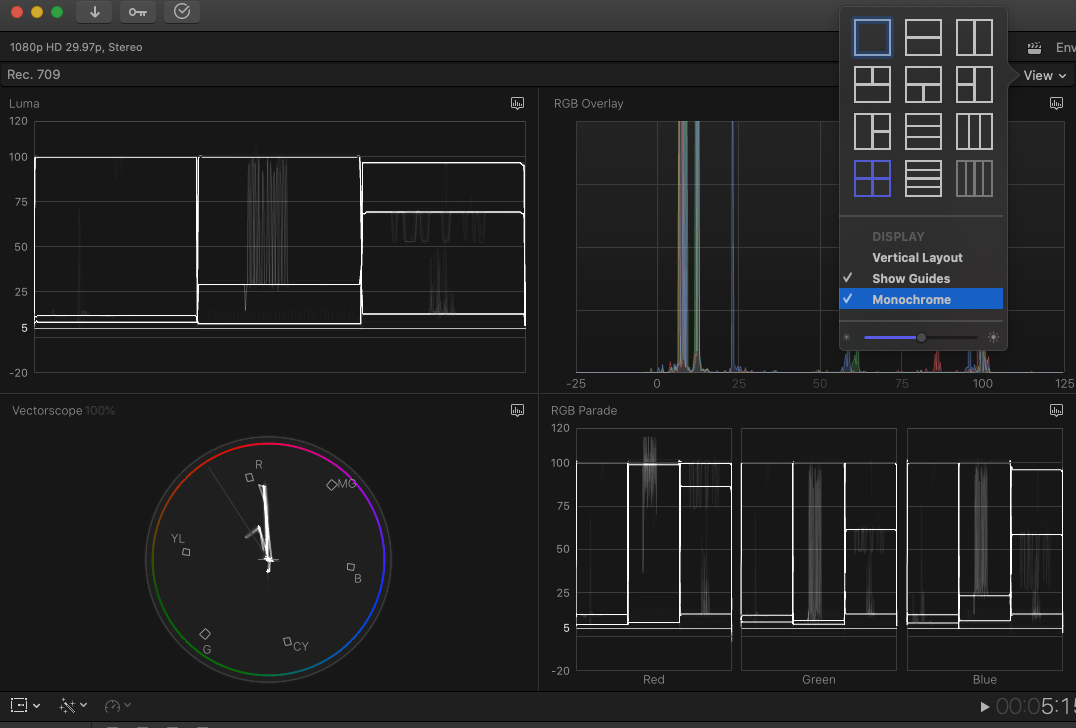
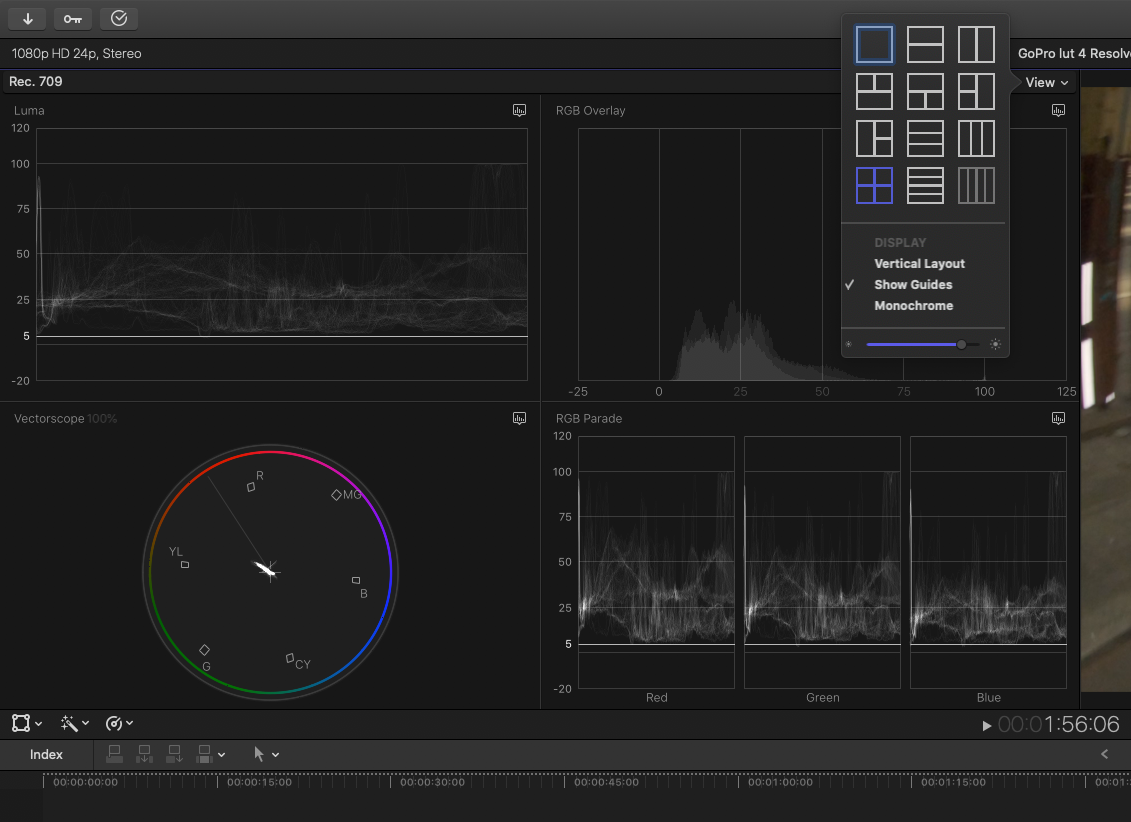
Vectorscope, RGB Overlay and all color scopes switched to monochrome and I can't revert it back to color. I tried enabling and disabling monochrome checkbox and reset the FCPX settings via Option+Command+Start with no result. It was showing in some wonky way for a day after update, but after restart today - every single graph is just grey.
Works perfectly in 10.4.8. Even with the monochrome checkbox ON the "RGB Overlay" window in the old version it is still showing channels in color.
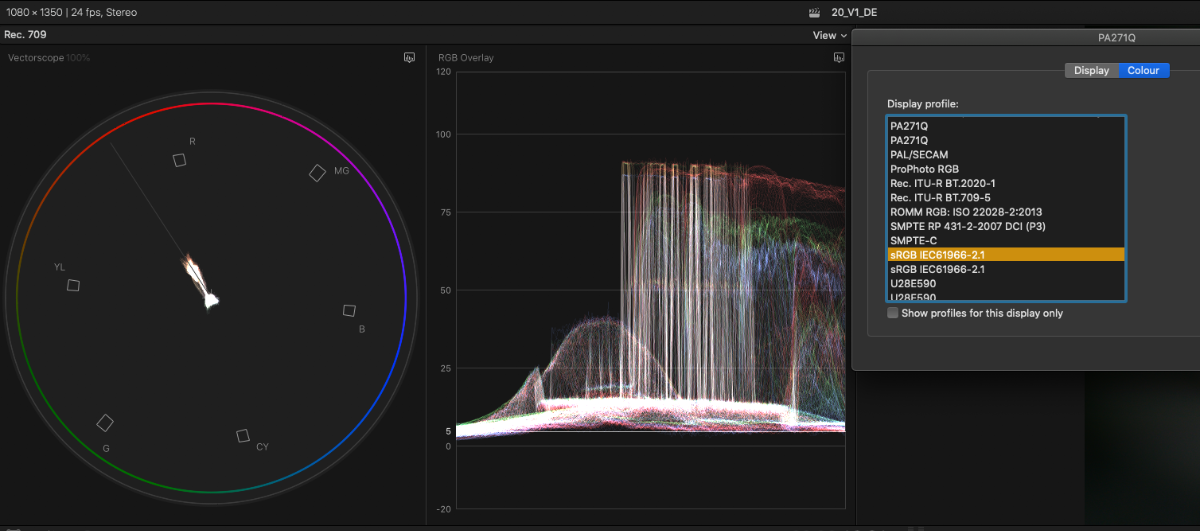
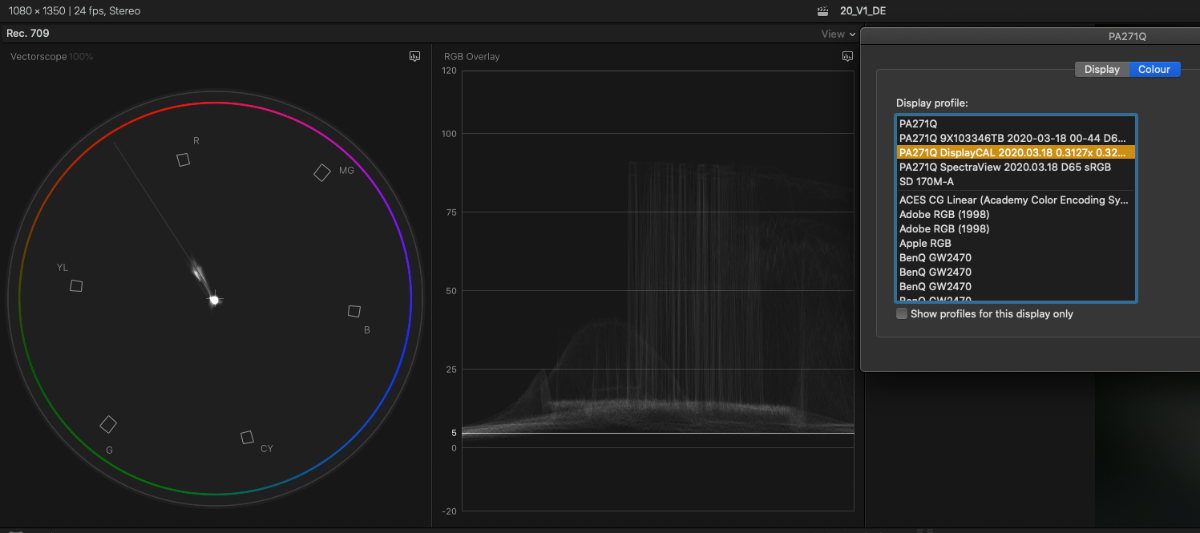
It appears the problem is in color management. Both of my screens are calibrated with DisplayCAL and with the custom Display profile the viewers are monochrome 🤷🏽♂️😡. Switches back to color if I apply default sRGB or monitor profile.
I'm on MacBook Pro 16, macOS 10.15.6.
Works perfectly in 10.4.8. Even with the monochrome checkbox ON the "RGB Overlay" window in the old version it is still showing channels in color.
It appears the problem is in color management. Both of my screens are calibrated with DisplayCAL and with the custom Display profile the viewers are monochrome 🤷🏽♂️😡. Switches back to color if I apply default sRGB or monitor profile.
I'm on MacBook Pro 16, macOS 10.15.6.
Please Log in to join the conversation.


10 Sep 2020 12:24 #109957
by JoeEditor
Replied by JoeEditor on topic FCPX 10.4.9 - Vectorscope and all color scopes are in monochrome [SOLVED]
Specifically what screens are you using?
Please Log in to join the conversation.
10 Sep 2020 12:44 #109958
by Den
Replied by Den on topic FCPX 10.4.9 - Vectorscope and all color scopes are in monochrome [SOLVED]
These:
Please Log in to join the conversation.
11 Sep 2020 14:06 #109978
by JoeEditor
Replied by JoeEditor on topic FCPX 10.4.9 - Vectorscope and all color scopes are in monochrome [SOLVED]
NO, what monitors are you using?
Please Log in to join the conversation.
11 Sep 2020 14:47 #109979
by Den
Replied by Den on topic FCPX 10.4.9 - Vectorscope and all color scopes are in monochrome [SOLVED]
It doesn't matter actually, but since you ask:
NEC PA271Q
MacBook Pro 16
and not calibrated (no custom color profile) Benq in the office, where everything works just fine.
NEC PA271Q
MacBook Pro 16
and not calibrated (no custom color profile) Benq in the office, where everything works just fine.
Please Log in to join the conversation.
