


- Posts: 2
- Thank you received: 0
3 Post Moderation Rule for New Boarders (25 Jan 2021)
New boarders will have their posts moderated - Don't worry if you cannot see your post immediately.
Import problem. Cannot import anything
- photovideogreg
-
 Topic Author
- Offline
- New Member
-

Less
More
24 Jan 2018 16:26 #93634
by photovideogreg
Import problem. Cannot import anything was created by photovideogreg
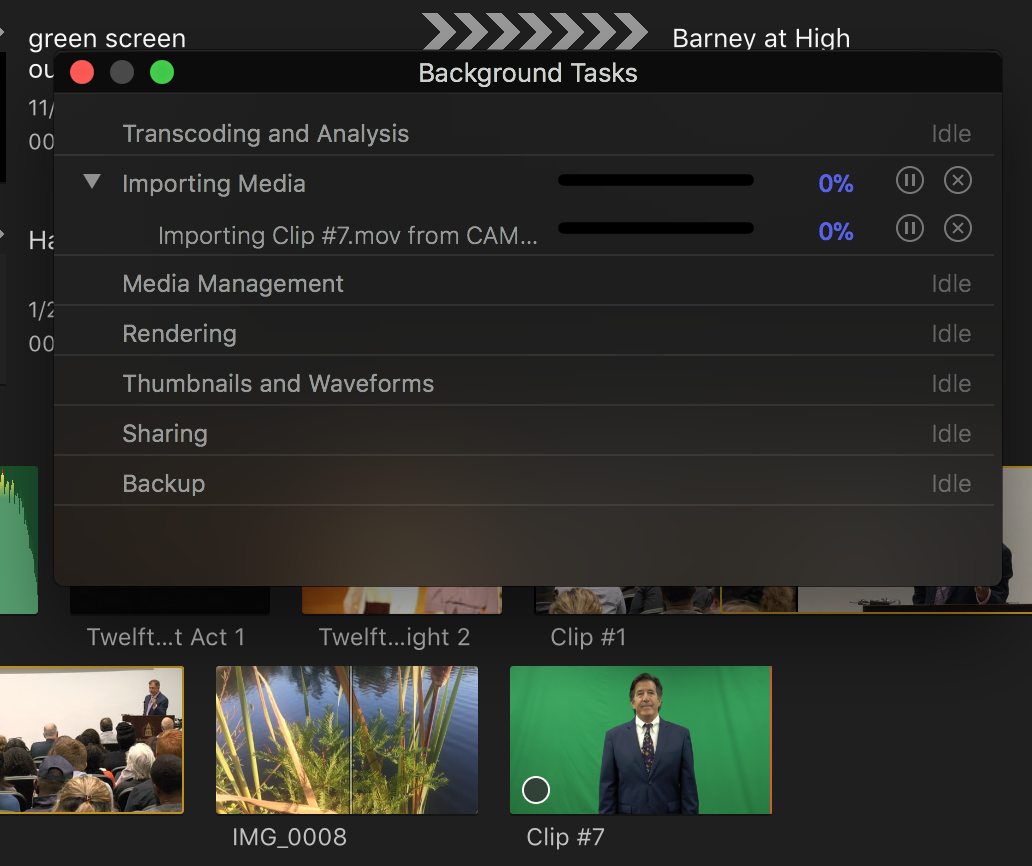
Final Cut refuses to import media from SD cards or anywhere else. This is a brand new issue that never happened before. And I've been using 10.4 and high sierra for a week or two before this happened. FCPX sees the media on my cards and lets me click import, but the clips just hang there, and don't import. The media shows up in my browser. No camera icon. Just an empty circle on the corner of the clips (that would usually fill up as the media is ingested). Also, if I look at background tasks, the media makes no progress importing there either. This is also true with files I try to bring in directly from my hard drive. Never saw anything like it. Just refusing to import. FCPX also crashes after I remove the SD card.
Please Log in to join the conversation.


25 Jan 2018 12:09 #93674
by JoeEditor
Replied by JoeEditor on topic Import problem. Cannot import anything
Yes, you have to quit FCPX to unmount a camera card. Have you tried trashing preferences and render files yet?
Please Log in to join the conversation.
- photovideogreg
-
Topic Author
- Offline
- New Member
-
Less
More
- Posts: 2
- Thank you received: 0
25 Jan 2018 16:38 #93685
by photovideogreg
Replied by photovideogreg on topic Import problem. Cannot import anything
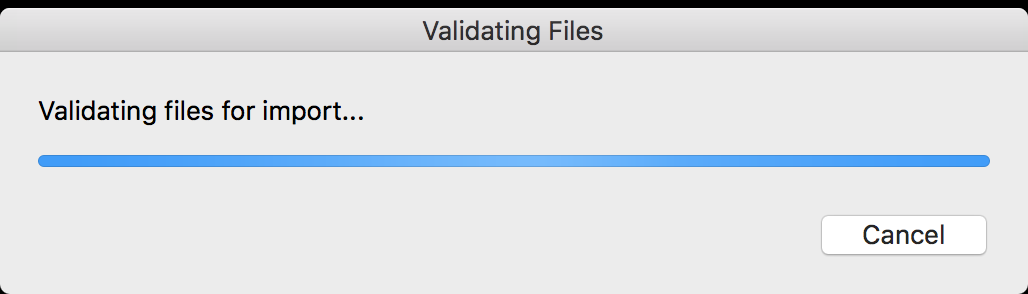
I've trashed the preferences. No change. Then I trashed every render file from all libraries. No change. The only way I can get media into FCPX at this point is to drag the files from the SD card (or elsewhere) into the browser. For AVCHD files, this means unpacking them manually first. BUT, I've just discovered that the sound is not coming along with the unpacked .MTS files. And now, larger clips won't simply drag over. They stall with the attached screen shot.
But even under these circumstances FCPX won't let me eject the SD card, though it is clearly not referencing it.
But even under these circumstances FCPX won't let me eject the SD card, though it is clearly not referencing it.
Please Log in to join the conversation.
