


- Posts: 2
- Thank you received: 0
3 Post Moderation Rule for New Boarders (25 Jan 2021)
New boarders will have their posts moderated - Don't worry if you cannot see your post immediately.
Some of my videos zoomed in automatically
- sofia.fagerstrom
-
 Topic Author
- Offline
- New Member
-

Less
More
07 May 2017 09:25 #87854
by sofia.fagerstrom
Some of my videos zoomed in automatically was created by sofia.fagerstrom
Hi! I just opened my project I'm working on and suddenly some of my videos were zoomed in. Everything looked good yesterday and i haven't touched it until today when i realised that some of the videos has changed. Even when I try to add the same video from the library again its still zoomed in. For exempel. I had a video showing my face from top of head to shoulders. But when I entered the program now it was zoomed in so only the middle of my face was showing. I tried to change the viewing option but it's still the same so it's the video that has changed. I've been working with other programs before and this has never happened to me.  Can someone please help me with this!
 Please Log in to join the conversation.
- ronny courtens
-

- Offline
- Moderator
-

Less
More
- Posts: 4455
- Thank you received: 962
07 May 2017 10:05 #87855
by ronny courtens
Replied by ronny courtens on topic Some of my videos zoomed in automatically
Hello Sofia, welcome to the forums.
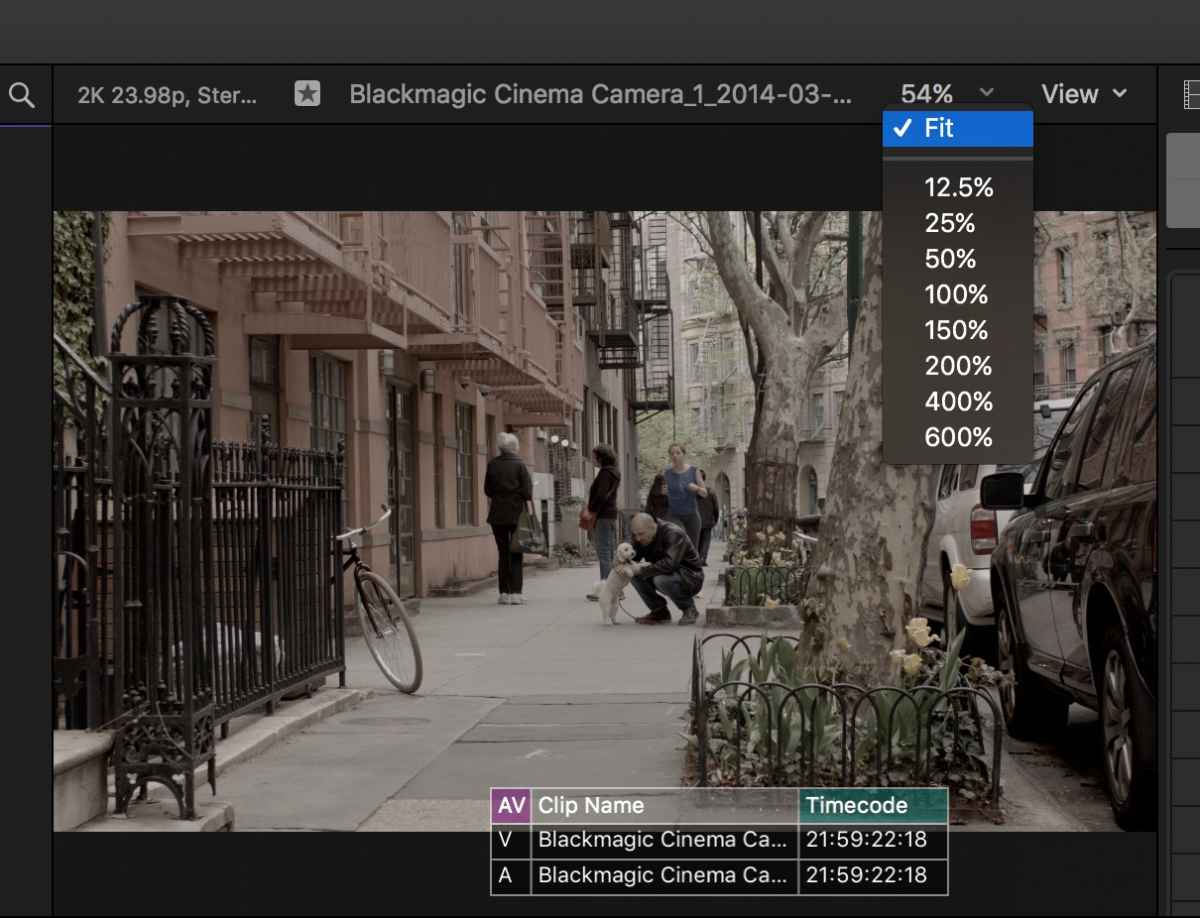
Let's start with the most obvious: Is your Viewer set to Fit?
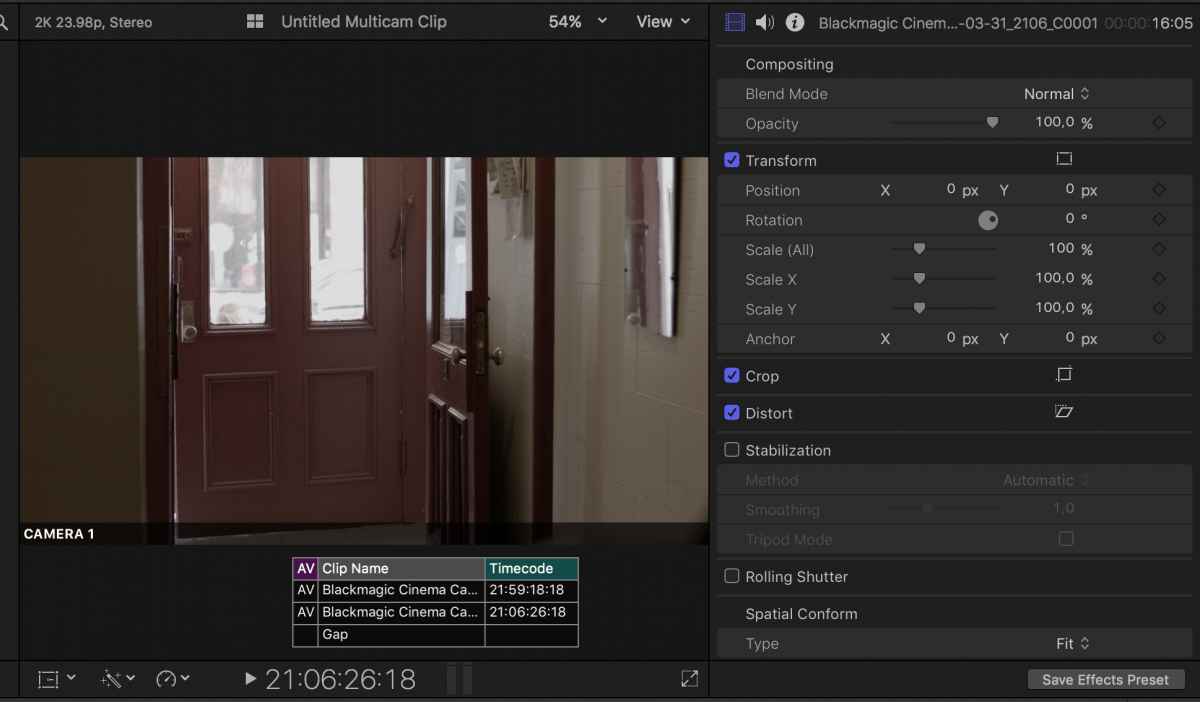
If this is not the problem, please select one of the problematic clips in the Timeline, open the Inspector and post a screenshot so we can try and see what may be happening.
- Ronny
Let's start with the most obvious: Is your Viewer set to Fit?
If this is not the problem, please select one of the problematic clips in the Timeline, open the Inspector and post a screenshot so we can try and see what may be happening.
- Ronny
Please Log in to join the conversation.
- sofia.fagerstrom
-
Topic Author
- Offline
- New Member
-
Less
More
- Posts: 2
- Thank you received: 0
08 May 2017 15:15 #87904
by sofia.fagerstrom
Replied by sofia.fagerstrom on topic Some of my videos zoomed in automatically
This is how it looks on my computer. As you can see in the bar at the bottom the video is originally more zoomed out
Thanks for a fast answer.
Thanks for a fast answer.
Please Log in to join the conversation.
- ronny courtens
-
- Offline
- Moderator
-
Less
More
- Posts: 4455
- Thank you received: 962
08 May 2017 15:23 #87906
by ronny courtens
Replied by ronny courtens on topic Some of my videos zoomed in automatically
Unfortunately your screenshot does not show for me. Post as JPEG, with size not exceeding 800 Mb.
- Ronny
- Ronny
Please Log in to join the conversation.
- Tom Wolsky
-

- Offline
- Moderator
-
08 May 2017 15:27 #87907
by Tom Wolsky
Replied by Tom Wolsky on topic Some of my videos zoomed in automatically
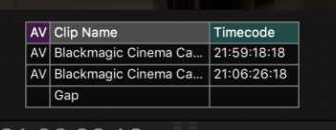
OT, but what is this Ronny?
Please Log in to join the conversation.
- ronny courtens
-
- Offline
- Moderator
-
Less
More
- Posts: 4455
- Thank you received: 962
08 May 2017 16:49 - 08 May 2017 16:50 #87908
by ronny courtens
Replied by ronny courtens on topic Some of my videos zoomed in automatically
Hey Tom,
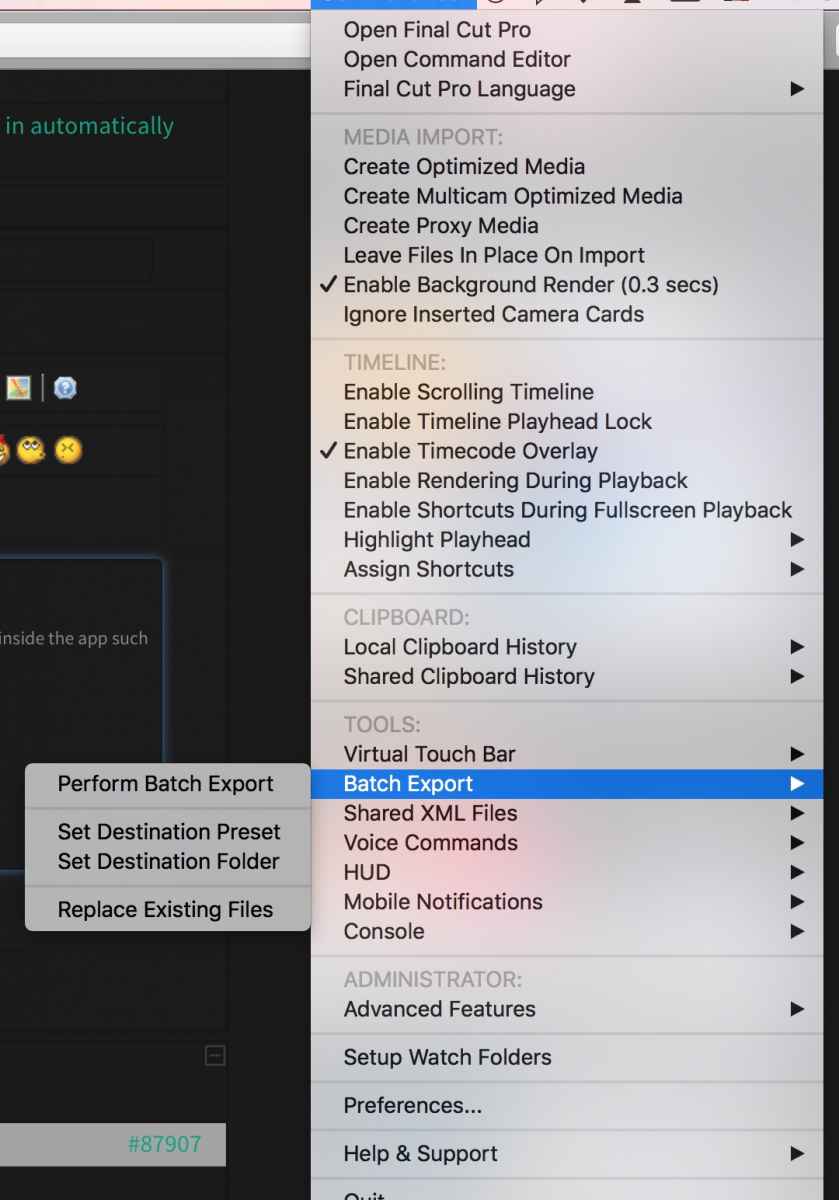
That's CommandPost, a utility that integrates with FCP X and that enables some very special things inside the app, such as the TC overlays you see. I also can activate a Scrolling Timeline for the few people that would use this, Batch Exporting using custom destinations and formats, and much much more to come. I'm testing the v.6 beta version now. Still quite some work to do, but this could become very promising. Actually it's like having Automator right inside FCP X.
What's also very interesting is that it allows to create custom keyboard shortcuts for many actions that are not available in the Keyboard Command Editor.
- Ronny
That's CommandPost, a utility that integrates with FCP X and that enables some very special things inside the app, such as the TC overlays you see. I also can activate a Scrolling Timeline for the few people that would use this, Batch Exporting using custom destinations and formats, and much much more to come. I'm testing the v.6 beta version now. Still quite some work to do, but this could become very promising. Actually it's like having Automator right inside FCP X.
What's also very interesting is that it allows to create custom keyboard shortcuts for many actions that are not available in the Keyboard Command Editor.
- Ronny
Last edit: 08 May 2017 16:50 by ronny courtens.
Please Log in to join the conversation.
- Tom Wolsky
-
- Offline
- Moderator
-
08 May 2017 16:52 - 08 May 2017 16:55 #87909
by Tom Wolsky
Replied by Tom Wolsky on topic Some of my videos zoomed in automatically
Ah right. Chris Hocking's utility. I should look into that more. Sounds like it's worth promoting.
Last edit: 08 May 2017 16:55 by Tom Wolsky.
Please Log in to join the conversation.
- ronny courtens
-
- Offline
- Moderator
-
Less
More
- Posts: 4455
- Thank you received: 962
08 May 2017 16:55 #87910
by ronny courtens
Replied by ronny courtens on topic Some of my videos zoomed in automatically
Yep that's the one. A bit too soon to start promoting it, I'm afraid. Still quite some little hiccups to solve before a commercial version will be released. But he has come a long way in the past months, so I'm sure this will become interesting.
- Ronny
- Ronny
Please Log in to join the conversation.
