


3 Post Moderation Rule for New Boarders (25 Jan 2021)
New boarders will have their posts moderated - Don't worry if you cannot see your post immediately.
FCPX Is applying a LUT to my Footage on its own.
- champ5mic
-
 Topic Author
- Offline
- New Member
-

- Director | DP | Editor | Scriptwriter | www.youtube.com/imaginationupgraded
Photos:
goo.gl/photos/XSmLH3TMqKzhtjWH6
Please Log in to join the conversation.
- ronny courtens
-

- Offline
- Moderator
-

- Posts: 4455
- Thank you received: 962
Select a clip, then go to the Inspector and select Info > Settings (see pic).

In the Log Processing tab, check if a LUT has been applied. If a LUT has been applied and you want to remove it, just set Log processing back to None.
- Ronny
Please Log in to join the conversation.
- davíð alexander.corno
-
- Offline
- New Member
-
- Posts: 16
- Thank you received: 0
Please Log in to join the conversation.
Please Log in to join the conversation.
- haysoos123
-
- Offline
- Platinum Member
-

- Posts: 402
- Thank you received: 72
Please Log in to join the conversation.

Please Log in to join the conversation.
To fix it I just select all the clips in the media browser / in the timeline and change the value in the info inspector under Camera LUT to "None". In case you don't see the camera LUT setting change your Metadata views to "General".

Please Log in to join the conversation.

Does anyone have any idea what might be going on here?
Please Log in to join the conversation.
- ronny courtens
-
- Offline
- Moderator
-
- Posts: 4455
- Thank you received: 962
Have you checked in the Inspector > Info tab if Camera LUT is set to "None" for your clips?
- Ronny
Please Log in to join the conversation.
Thank you. Yeah, I've tried that. They're all set to "None".
The strange thing is that when I go to import the footage, even if I scroll the footage before importing, it shows with the difference even before the import.
I've checked, and the auto correction isn't applied. I'm at a loss.
Please Log in to join the conversation.
- ronny courtens
-
- Offline
- Moderator
-
- Posts: 4455
- Thank you received: 962
- Ronny
Please Log in to join the conversation.
I've exported to see if the difference was somehow in the preview window only, but it wasn't.
Please Log in to join the conversation.
- ronny courtens
-
- Offline
- Moderator
-
- Posts: 4455
- Thank you received: 962
Then select one of the problematic clips in your browser, go to the Inspector > Info tab and set Color Space Override to "Off".
Does this make a difference?
- Ronny
Please Log in to join the conversation.
Please Log in to join the conversation.
- ronny courtens
-
- Offline
- Moderator
-
- Posts: 4455
- Thank you received: 962
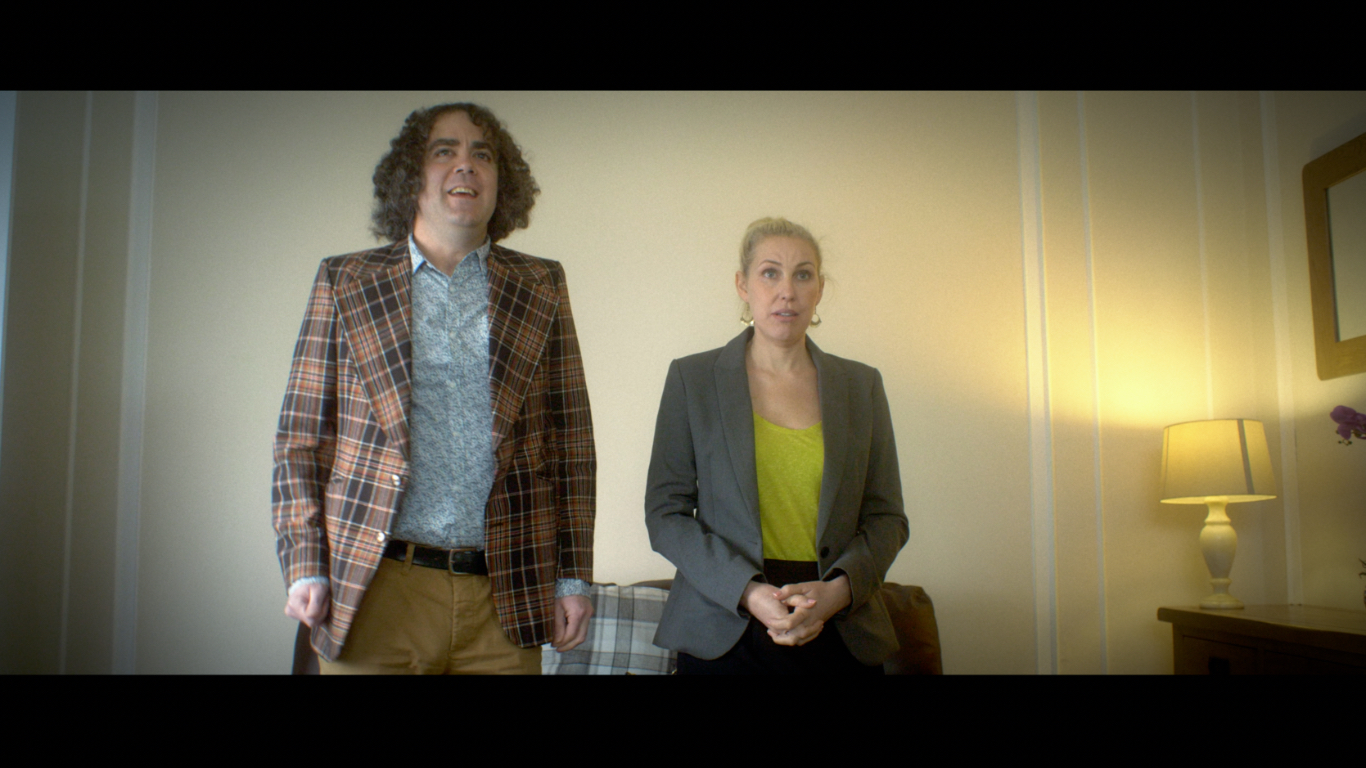
Can you post a screenshot of one of these clips in QT player and another one of the same clip in the Import window viewer?
Thanks!
- Ronny
Please Log in to join the conversation.
Thanks for your help.

Please Log in to join the conversation.
Please Log in to join the conversation.
- ronny courtens
-
- Offline
- Moderator
-
- Posts: 4455
- Thank you received: 962
- Ronny
Please Log in to join the conversation.
Please Log in to join the conversation.
- ronny courtens
-
- Offline
- Moderator
-
- Posts: 4455
- Thank you received: 962
What's the format (codec) of the clips?
Does your colourist work on a PC?
- Ronny
Please Log in to join the conversation.
