


- Posts: 42
- Thank you received: 0
3 Post Moderation Rule for New Boarders (25 Jan 2021)
New boarders will have their posts moderated - Don't worry if you cannot see your post immediately.
Multicam clip with multiple resolutions creates soft image
- BambooMagic
-
 Topic Author
- Offline
- Senior Member
-

Less
More
29 Mar 2017 01:40 #86803
by BambooMagic
Greetings! I have a 2 camera interview, A cam was shooting 5K R3D and B cam was shooting 4K R3D. My project is in 1080. I'm running into one of these 3 problems:
1. If I set the multicam clip at 4K, the 5K clip is soft (even in a 1080 timeline).
2. If I set the multicam clip at 5K, the 4K clip is soft (even in a 1080 timeline).
3. If I set the multicam clip at 1080, both angles are nice and sharp BUT if I zoom into any of the clips to re-frame, they are soft. In other words, even if I take a 5K clip and do a 120% zoom (in a 1080 timeline!) it's soft. It's as if FCP downscaled the 5K clip to 1080, which surprises me because I thought it was just referencing the original 5K clip.
Am I missing something? Any way around this to be able to play around the 4K and 5K clip if I ever need to adjust the framing without losing sharpness?
1. If I set the multicam clip at 4K, the 5K clip is soft (even in a 1080 timeline).
2. If I set the multicam clip at 5K, the 4K clip is soft (even in a 1080 timeline).
3. If I set the multicam clip at 1080, both angles are nice and sharp BUT if I zoom into any of the clips to re-frame, they are soft. In other words, even if I take a 5K clip and do a 120% zoom (in a 1080 timeline!) it's soft. It's as if FCP downscaled the 5K clip to 1080, which surprises me because I thought it was just referencing the original 5K clip.
Am I missing something? Any way around this to be able to play around the 4K and 5K clip if I ever need to adjust the framing without losing sharpness?
Please Log in to join the conversation.
- Tom Wolsky
-

- Offline
- Moderator
-

29 Mar 2017 01:49 #86808
by Tom Wolsky
Replied by Tom Wolsky on topic Multicam clip with multiple resolutions creates soft image
Are you looking at the rendered output set to high quality playback.
Please Log in to join the conversation.
- BambooMagic
-
Topic Author
- Offline
- Senior Member
-
Less
More
- Posts: 42
- Thank you received: 0
29 Mar 2017 01:54 #86810
by BambooMagic
Replied by BambooMagic on topic Multicam clip with multiple resolutions creates soft image
Yes and looking at an exported Prores HQ file.
Please Log in to join the conversation.


29 Mar 2017 12:43 #86820
by JoeEditor
Replied by JoeEditor on topic Multicam clip with multiple resolutions creates soft image
I've seen the same thing, and yes, FCPX does seem to re-sample the image when in a 1080 timeline.
Try setting the Spacial Conform to None, then work from there shrinking as needed. Don't go beyond 100% scale.
The other issue is, with 4K if you're not using a high quality monitor with your camera, you can't guarantee your image is 100% in focus. Even though it may look like it on a small camera screen or iPhone. Then it is simply the shot wasn't in focus totally and not FCPX.
I run into both scenarios with FCPX, on a daily basis.
Try setting the Spacial Conform to None, then work from there shrinking as needed. Don't go beyond 100% scale.
The other issue is, with 4K if you're not using a high quality monitor with your camera, you can't guarantee your image is 100% in focus. Even though it may look like it on a small camera screen or iPhone. Then it is simply the shot wasn't in focus totally and not FCPX.
I run into both scenarios with FCPX, on a daily basis.
Please Log in to join the conversation.
- BambooMagic
-
Topic Author
- Offline
- Senior Member
-
Less
More
- Posts: 42
- Thank you received: 0
29 Mar 2017 15:44 #86828
by BambooMagic
Replied by BambooMagic on topic Multicam clip with multiple resolutions creates soft image
I can definitely assure you that the issue is not the focus because if I re-frame the original shot, it's perfectly sharp even at 140%. The problem is when I do it with the multicam. This is a huge problem for me because I often vary the framing when I have the luxury of using 5K footage. Now I need to choose between using a multicam clipand sticking to the framing or using the original media and reframing. It's ridiculous that I can't do both.
Setting the spacial conform to none doesn't fix the problem. I'm not sure if you meant on the multicam itself or the clip within the multicam but none fixes the issue. This is a huge disappointment.
Setting the spacial conform to none doesn't fix the problem. I'm not sure if you meant on the multicam itself or the clip within the multicam but none fixes the issue. This is a huge disappointment.
Please Log in to join the conversation.
- JPM Editor
-
- Offline
- Premium Member
-

01 Apr 2017 17:55 #86903
by JPM Editor
Jesús Pérez-Miranda
Cut People CEO & Founder
www.cutpeople.es
Replied by JPM Editor on topic Multicam clip with multiple resolutions creates soft image
Sorry you are having issues. But as far as I know, FCP X always works with the full resolution of the source clip, no matter how or where it is conformed. So I'm thinking this could be a bug perhaps related to the R3D media.
I just did a quick test with a 3K ProRes anamorphic clip.
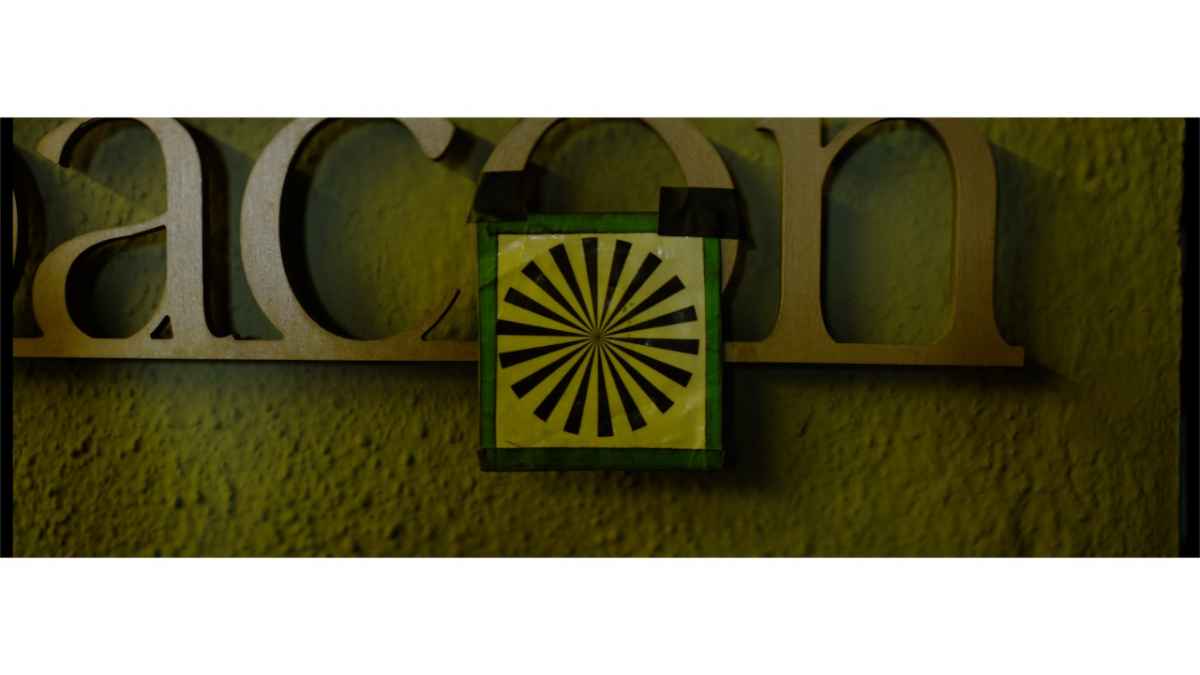
1. Here is how the clip looks inside a 720p Project, so you can see the full shot
2. This is what I get if I scale up the original shot in the 720p timeline
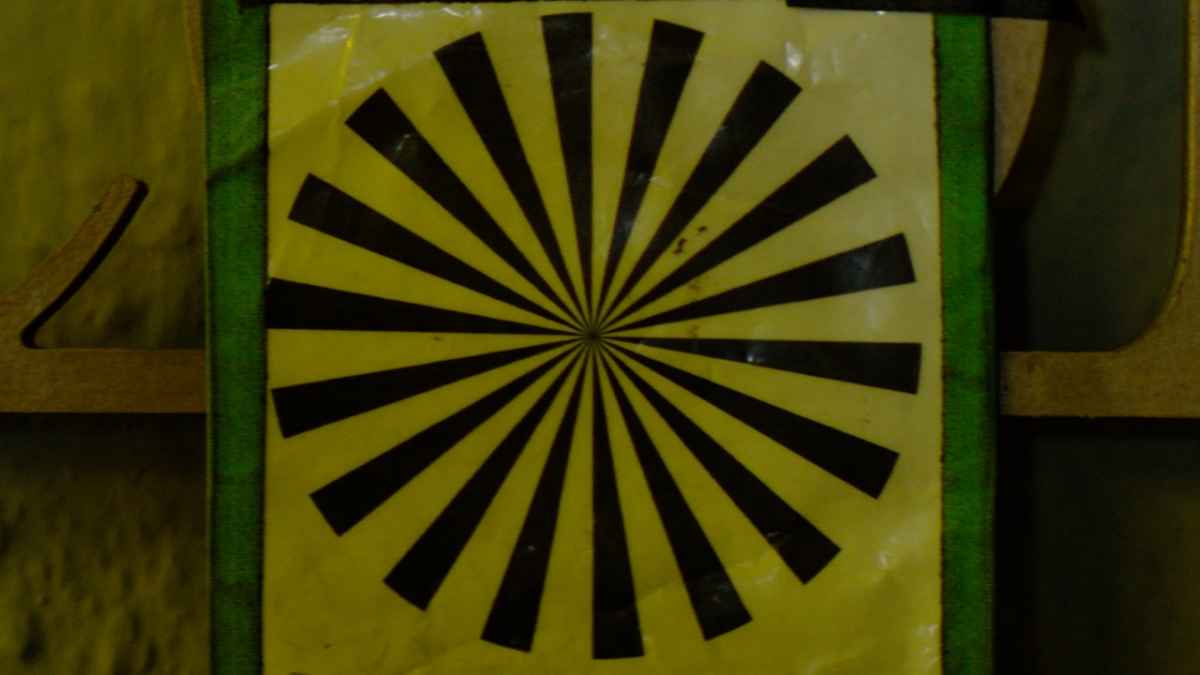
*NOTE: It doesn't matter which Spatial Conform setting you use. That only affects the way the Scale percentage is displayed but doesn't affect the quality of the scaling because FCP X doesn't downsample the clip, it always works with the source's native resolution.
3. Then, I created a 720p multi clip containing the 3K clip (Spatial Conform set to Fit), edited the multi clip into a 720p Project, and finally did a similar upscale... My results were almost identical as you can see.
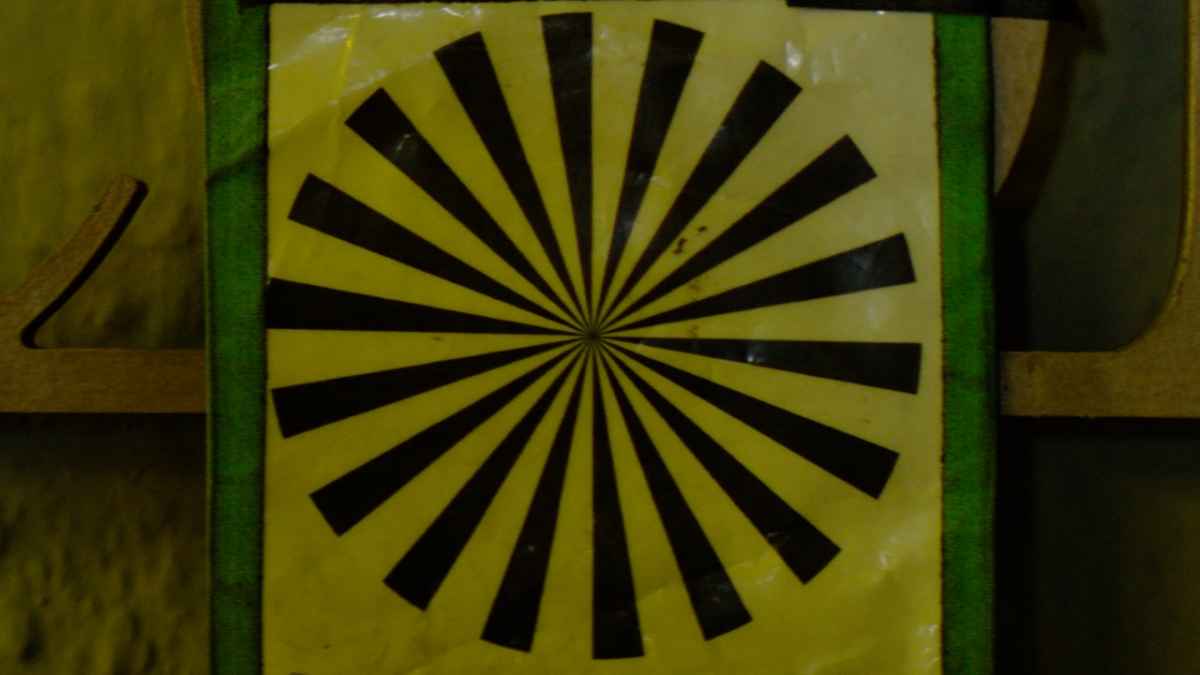
So I don't know what's really going on here, but in my experience, FCP X allows you to mix resolutions inside a Multicam clip and still will give you "access" to the full resolution of each source clip within the Project (no matter which resolution the Multicam clip has).
I just did a quick test with a 3K ProRes anamorphic clip.
1. Here is how the clip looks inside a 720p Project, so you can see the full shot
2. This is what I get if I scale up the original shot in the 720p timeline
*NOTE: It doesn't matter which Spatial Conform setting you use. That only affects the way the Scale percentage is displayed but doesn't affect the quality of the scaling because FCP X doesn't downsample the clip, it always works with the source's native resolution.
3. Then, I created a 720p multi clip containing the 3K clip (Spatial Conform set to Fit), edited the multi clip into a 720p Project, and finally did a similar upscale... My results were almost identical as you can see.
So I don't know what's really going on here, but in my experience, FCP X allows you to mix resolutions inside a Multicam clip and still will give you "access" to the full resolution of each source clip within the Project (no matter which resolution the Multicam clip has).
Jesús Pérez-Miranda
Cut People CEO & Founder
www.cutpeople.es
Please Log in to join the conversation.
02 Apr 2017 13:06 #86918
by JoeEditor
Replied by JoeEditor on topic Multicam clip with multiple resolutions creates soft image
Is your Viewer set to Better Performance, or Better Quality?
Have you exported a sample to test?
Have you exported a sample to test?
Please Log in to join the conversation.
- Karsten Schlüter
-

- Offline
- Moderator
-
Less
More
- Posts: 3790
- Thank you received: 718
02 Apr 2017 13:21 #86922
by Karsten Schlüter
Replied by Karsten Schlüter on topic Multicam clip with multiple resolutions creates soft image
you have found out yourself:
to allow 'lossless reframing', the MC has to be set to highest res involved in this MC - 5k in your case.
conc. 'softness': your watching the exported proRes in its native res, 1080? Not scaled?
Not 'fullscreen' on a 5k iMac = 400% zoom… ?
to allow 'lossless reframing', the MC has to be set to highest res involved in this MC - 5k in your case.
conc. 'softness': your watching the exported proRes in its native res, 1080? Not scaled?
Not 'fullscreen' on a 5k iMac = 400% zoom… ?
Please Log in to join the conversation.
