


- Posts: 2
- Thank you received: 0
3 Post Moderation Rule for New Boarders (25 Jan 2021)
New boarders will have their posts moderated - Don't worry if you cannot see your post immediately.
Watchtower of Turkey, Search for visual similarity frame
- Anomaloskop
-
 Topic Author
- Offline
- New Member
-

Less
More
06 Mar 2017 07:51 #86303
by Anomaloskop
Dear ladies and gentlemen,
i am very fascinated by an effect i saw in the video 'watchtower of turkey'
Many of clips the video consists of are connected by a similar colour distribution.
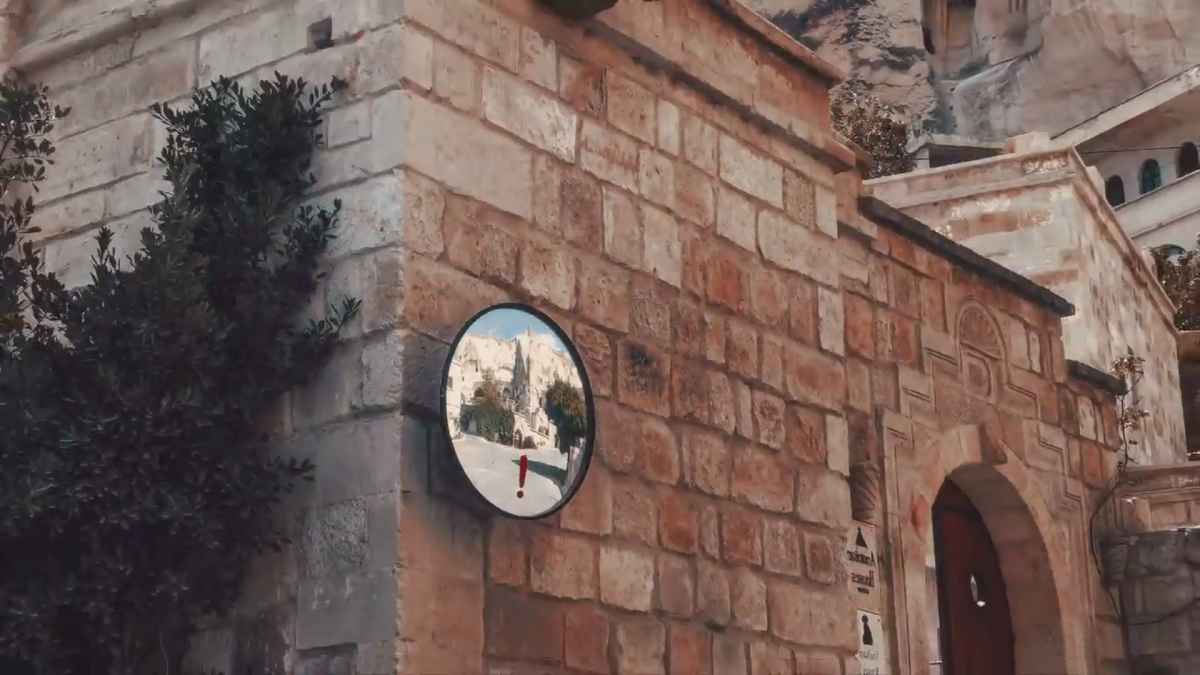
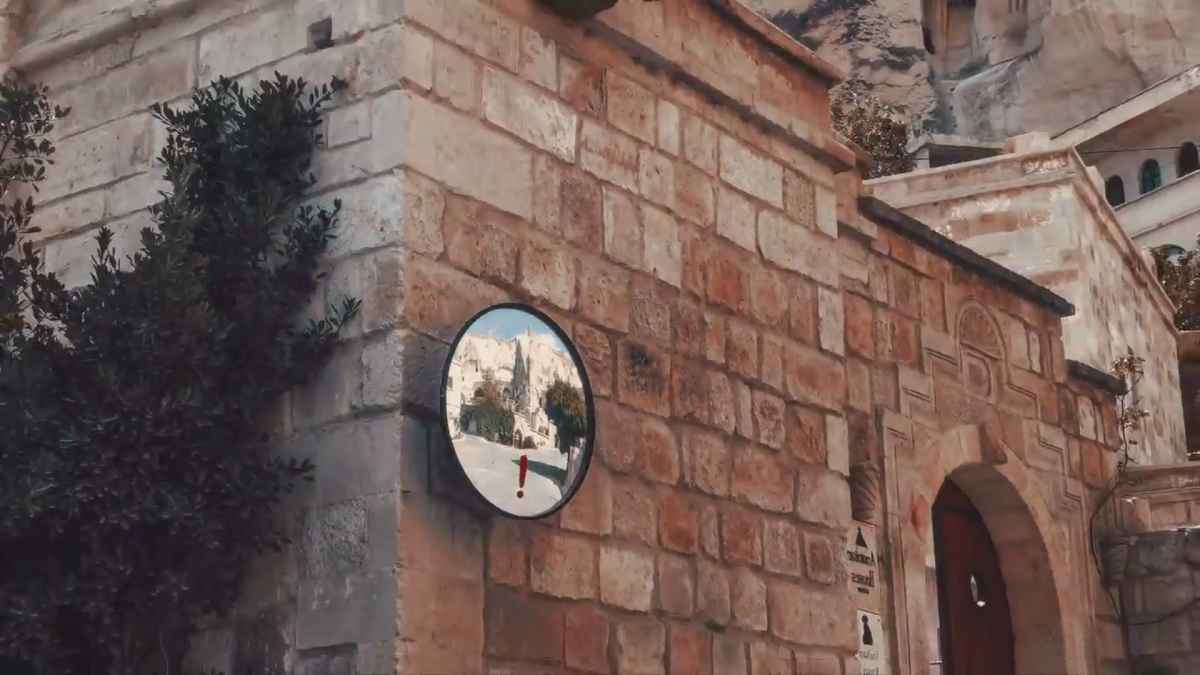
Its actually bit like they are match cuts. (There is example in attachment)
This has to be done with software.
There is an interview with the director, in which he is talking about the editing process:
www.fcp.co/final-cut-pro/articles/1582-w...d-best-of-vimeo-2014
'Anytime I wanted to build a specific mood or effect for a scene I could find the right clips for it in no time. You can have the same clip or part of it in dozens of different keyword collections referring to the place it was shot, the content, the dominant colours, the action, the mood etc.
The advanced search possibilities make it very easy to filter the clips, and skimming through the thumbnails you can instantly see the ones that will fit in the visual sequence you are creating'
I was wondering which advanced search possibilities he is talking about. If you have the last frame from you timeline, is there a way to find the one perfectly matching frame referring to the dominant colours in the great ocean of media pool?
Hope you know the answer.
Welf
i am very fascinated by an effect i saw in the video 'watchtower of turkey'
Many of clips the video consists of are connected by a similar colour distribution.
Its actually bit like they are match cuts. (There is example in attachment)
This has to be done with software.
There is an interview with the director, in which he is talking about the editing process:
www.fcp.co/final-cut-pro/articles/1582-w...d-best-of-vimeo-2014
'Anytime I wanted to build a specific mood or effect for a scene I could find the right clips for it in no time. You can have the same clip or part of it in dozens of different keyword collections referring to the place it was shot, the content, the dominant colours, the action, the mood etc.
The advanced search possibilities make it very easy to filter the clips, and skimming through the thumbnails you can instantly see the ones that will fit in the visual sequence you are creating'
I was wondering which advanced search possibilities he is talking about. If you have the last frame from you timeline, is there a way to find the one perfectly matching frame referring to the dominant colours in the great ocean of media pool?
Hope you know the answer.
Welf
Please Log in to join the conversation.


06 Mar 2017 08:30 - 06 Mar 2017 08:32 #86304
by Redifer
Replied by Redifer on topic Watchtower of Turkey, Search for visual similarity frame
For one you'll need to enable the Event Viewer by pressing Control, Command and the 3 button all at the same time. This will set things up similar to the two-window setup in most other NLEs. From there you could choose thumbnail view and look at all the videos that have already been sorted in Keyword Collections. Of course it'd probably help to have all that on it's own monitor or at least a large enough monitor where you can see a bunch of them at a glance. After that, it's all based on your skill.
Last edit: 06 Mar 2017 08:32 by Redifer.
Please Log in to join the conversation.
- Anomaloskop
-
Topic Author
- Offline
- New Member
-
Less
More
- Posts: 2
- Thank you received: 0
06 Mar 2017 08:36 #86305
by Anomaloskop
Replied by Anomaloskop on topic Watchtower of Turkey, Search for visual similarity frame
So you think this is down completely manually?
Do you can imagine any chance to filter the clips by a tool?
Do you can imagine any chance to filter the clips by a tool?
Please Log in to join the conversation.
07 Mar 2017 07:21 #86343
by Axel
How could an automatic tool possibly help? Did you ever "Find People" on import and let FCP X create smart collections based on the analysis?
Read the article again, and you will acknowledge that a (imo) ridiculous amount of time was spent to convert *selected* shots to image sequences in order to be able to grade them within ACR with a look preset. Justified by the result, I have to admit. But wouldn't you agree that his described method of creating smart collections and cross-tagging clips can be done in no time compared to all the other processes?
"Then I exported the trimmed clips to ProRes 4444 and I put them in folders: “People”, “Landscape”, “Transitions” etc. I still had thousands of shots, but at least all of them were usable now."
and:
"Then I imported all the media in FCP X. It was fantastic to see all my folders appear as organized keyword collections. I continued to further organize my clips in the FCP X Clip Bowser, creating more keyword collections based on scenes, content, matching colours, matching movements..."
What is more, Leonardi already hat a music track in mind before he started editing. Everybody who ever edited to existing music will confirm that this strong rhythmic and emotional blueprint facilitates edit decisions tremendously. During all these preparatory steps of qualifying and grading shots Leonardo programmed and trained his own memory, and all the organizing tools of FCP X were just a means to find instantly what he knew existed. I think any organizing based on automatic analysis would have been counterproductive.
Redifers tip with ctrl cmd 3 brings back a long forgotten tool of legacy FCP: the distinction between browser content (left, then called "viewer") and timeline content (right, "canvas"). Good for finding matchcuts. No automation, but a simple wysiwyg.
Replied by Axel on topic Watchtower of Turkey, Search for visual similarity frame
Anomaloskop wrote: So you think this is down completely manually?
Do you can imagine any chance to filter the clips by a tool?
How could an automatic tool possibly help? Did you ever "Find People" on import and let FCP X create smart collections based on the analysis?
Read the article again, and you will acknowledge that a (imo) ridiculous amount of time was spent to convert *selected* shots to image sequences in order to be able to grade them within ACR with a look preset. Justified by the result, I have to admit. But wouldn't you agree that his described method of creating smart collections and cross-tagging clips can be done in no time compared to all the other processes?
"Then I exported the trimmed clips to ProRes 4444 and I put them in folders: “People”, “Landscape”, “Transitions” etc. I still had thousands of shots, but at least all of them were usable now."
and:
"Then I imported all the media in FCP X. It was fantastic to see all my folders appear as organized keyword collections. I continued to further organize my clips in the FCP X Clip Bowser, creating more keyword collections based on scenes, content, matching colours, matching movements..."
What is more, Leonardi already hat a music track in mind before he started editing. Everybody who ever edited to existing music will confirm that this strong rhythmic and emotional blueprint facilitates edit decisions tremendously. During all these preparatory steps of qualifying and grading shots Leonardo programmed and trained his own memory, and all the organizing tools of FCP X were just a means to find instantly what he knew existed. I think any organizing based on automatic analysis would have been counterproductive.
Redifers tip with ctrl cmd 3 brings back a long forgotten tool of legacy FCP: the distinction between browser content (left, then called "viewer") and timeline content (right, "canvas"). Good for finding matchcuts. No automation, but a simple wysiwyg.
Please Log in to join the conversation.
