


- Posts: 42
- Thank you received: 1
3 Post Moderation Rule for New Boarders (25 Jan 2021)
New boarders will have their posts moderated - Don't worry if you cannot see your post immediately.
Scrambled frames after exporting
13 Dec 2016 01:58 #83939
by cleash
Scrambled frames after exporting was created by cleash
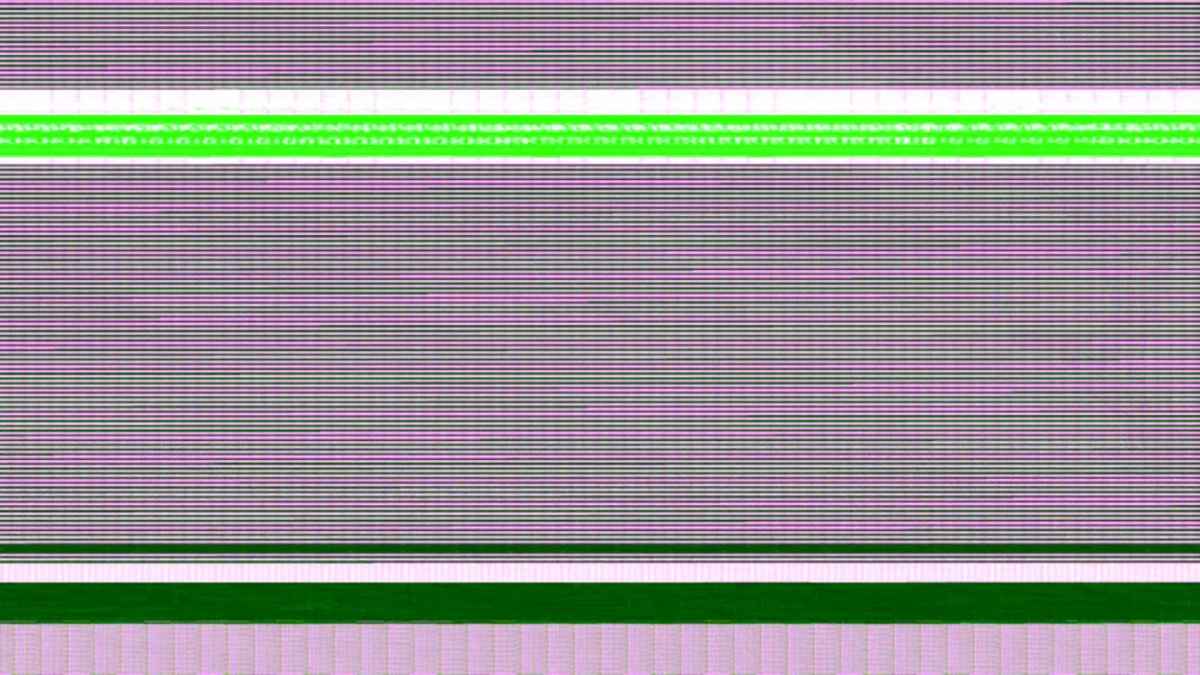
After editing a project and I exported to view the completed export. I came across a couple scrambled frames but when looking on the timeline for the files and running the footage could not see anything scrambled. Did anyone come across this issue and found a solution?
Please Log in to join the conversation.

13 Dec 2016 07:11 #83945
by Axel
Not recently. But in (I can't remember exactly) 10.0.7, 10.0.8 or 10.0.9 many had that, and me too. It was a bug then, third-party-plugin related (with various plugins).
The solution: check in inspector if there are effects (probably third party) on the clip. Deactivate them (one at a time, as you would plug in devices in your kitchen to find out which caused the fuse to blow) and export a selection (best bracketed by two normal clips).
If that was the problem, the plugin might still work, but may need to be placed above another effect.
Replied by Axel on topic Scrambled frames after exporting
cleash wrote: Did anyone come across this issue and found a solution?
Not recently. But in (I can't remember exactly) 10.0.7, 10.0.8 or 10.0.9 many had that, and me too. It was a bug then, third-party-plugin related (with various plugins).
The solution: check in inspector if there are effects (probably third party) on the clip. Deactivate them (one at a time, as you would plug in devices in your kitchen to find out which caused the fuse to blow) and export a selection (best bracketed by two normal clips).
If that was the problem, the plugin might still work, but may need to be placed above another effect.
Please Log in to join the conversation.
13 Dec 2016 10:27 #83949
by Michi
Replied by Michi on topic Scrambled frames after exporting
What Axel wrote.
Made that experience too, turned out it was the Neat Video plugin that caused damaged frames. Putting the effect under all others in the inspector fixed it (or maybe on top of the other ones as Axel suggests, can't remember exactly).
Made that experience too, turned out it was the Neat Video plugin that caused damaged frames. Putting the effect under all others in the inspector fixed it (or maybe on top of the other ones as Axel suggests, can't remember exactly).
Please Log in to join the conversation.
15 Dec 2016 18:04 #84041
by cleash
Replied by cleash on topic Scrambled frames after exporting
Thanks for the responses guys. Will see if it works for me. By chance it would not be due to really low resolution photos or videos used within the project?
Please Log in to join the conversation.
