


- Posts: 150
- Thank you received: 2
3 Post Moderation Rule for New Boarders (25 Jan 2021)
New boarders will have their posts moderated - Don't worry if you cannot see your post immediately.
Three monitors for FCPX
28 Aug 2016 15:10 #79475
by click
Three monitors for FCPX was created by click
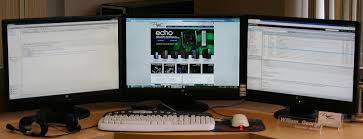
Hi all I want to know one thing, I use FCPX 10.2.3 and use two monitors, one for the Timeline and the other for the viewer to full screen 1920x1080.
Now I would like to put a third monitor to see the Broswer where all the clips, I installed a video card nvidia Asus GTX960 2GB with three video outputs:
DVI + HDMI + DisplayPort.
I can connect the third monitor to DisplayPort through an adapter DispalyPort vs hdmi?
In this way I can see the browswer always open?
thank you
Now I would like to put a third monitor to see the Broswer where all the clips, I installed a video card nvidia Asus GTX960 2GB with three video outputs:
DVI + HDMI + DisplayPort.
I can connect the third monitor to DisplayPort through an adapter DispalyPort vs hdmi?
In this way I can see the browswer always open?
thank you
Please Log in to join the conversation.
29 Aug 2016 09:06 #79481
by click
Replied by click on topic Three monitors for FCPX
Please 
Please Log in to join the conversation.

29 Aug 2016 13:46 #79483
by lichinho
I don't think you can do this in your machine (which I presume to be an older Mac Pro).
Currently the only way FCP X can work with three displays is by having one work as an "AV Output" - showing the timeline in full screen - and with other two using one of "Show Events on Second Display" or "Show Viewers on Second Display" option.
In order for the AV output option to be available you need to either have a dedicated AV device or a recent MP or MBP using HDMI in a supported resolution.
Replied by lichinho on topic Three monitors for FCPX
click wrote: Hi all I want to know one thing, I use FCPX 10.2.3 and use two monitors, one for the Timeline and the other for the viewer to full screen 1920x1080.
Now I would like to put a third monitor to see the Broswer where all the clips, I installed a video card nvidia Asus GTX960 2GB with three video outputs:
DVI + HDMI + DisplayPort.
I can connect the third monitor to DisplayPort through an adapter DispalyPort vs hdmi?
In this way I can see the browswer always open?
thank you
I don't think you can do this in your machine (which I presume to be an older Mac Pro).
Currently the only way FCP X can work with three displays is by having one work as an "AV Output" - showing the timeline in full screen - and with other two using one of "Show Events on Second Display" or "Show Viewers on Second Display" option.
In order for the AV output option to be available you need to either have a dedicated AV device or a recent MP or MBP using HDMI in a supported resolution.
Please Log in to join the conversation.
29 Aug 2016 13:56 #79484
by click
Replied by click on topic Three monitors for FCPX
OK thanks
Please Log in to join the conversation.

29 Aug 2016 15:21 #79486
by canelson
--
Matias Canelson
www.canelson.us
Replied by canelson on topic Three monitors for FCPX
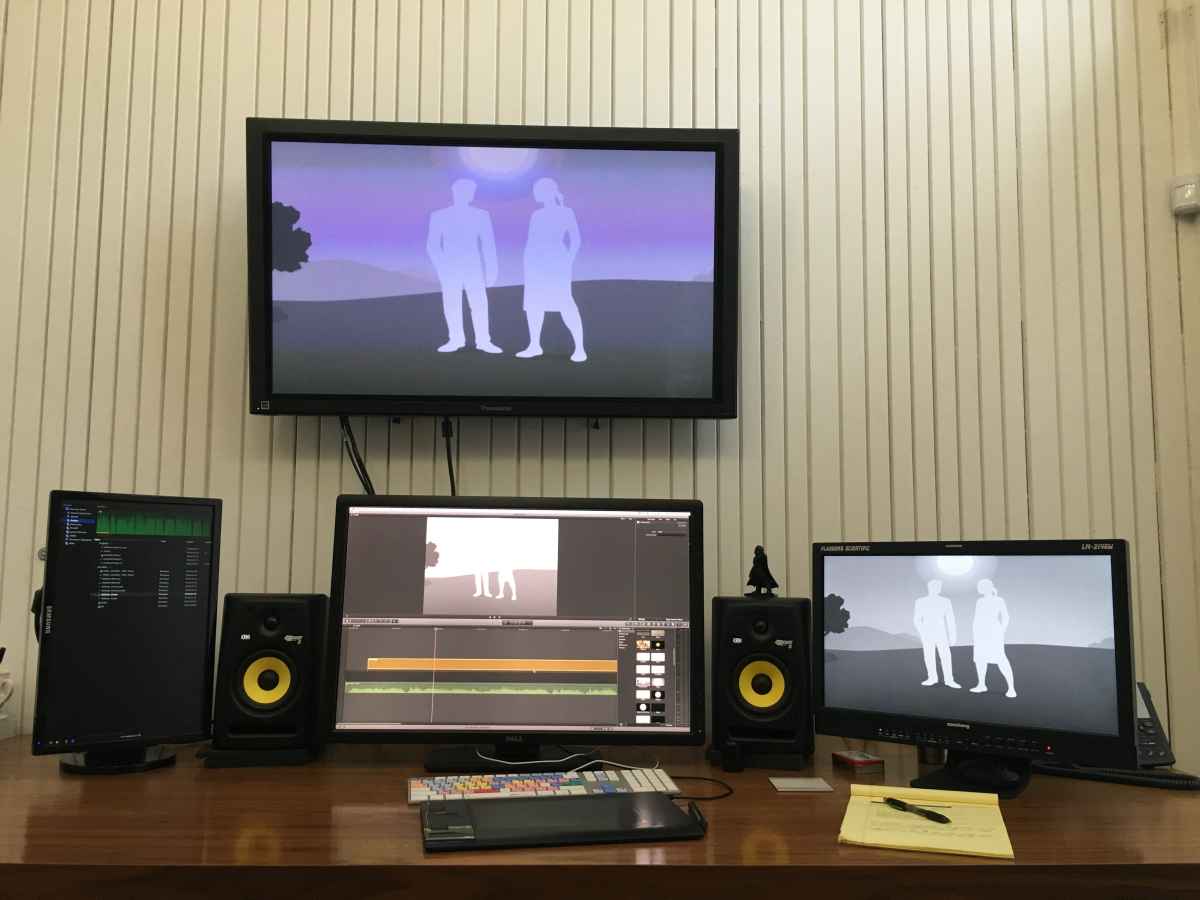
I'm with Lichinho on this one. My setup is 2 displays (one for the browser, the other for the timeline, viewer and panels) and 2 external monitors. But I don't think you will be able to get interface to use 3 displays.
--
Matias Canelson
www.canelson.us
Please Log in to join the conversation.
