


- Posts: 28
- Thank you received: 0
3 Post Moderation Rule for New Boarders (25 Jan 2021)
New boarders will have their posts moderated - Don't worry if you cannot see your post immediately.
Basic Text Not Center/Aligning Properly
- mojomikefsu
-
 Topic Author
- Offline
- Junior Member
-

Less
More
24 Aug 2016 19:21 #79411
by mojomikefsu
Basic Text Not Center/Aligning Properly was created by mojomikefsu
I was working on adding a title to the end of my video and I noticed that when I center align some text it does not actually center. This has me confused as I can't figure out why this is the case.
I'm using a basic title, and the only specification I'm asking is to center align. There are NO spaces at the end of the text to throw off the alignment and it comes out wrong.
Here is what I'm getting...
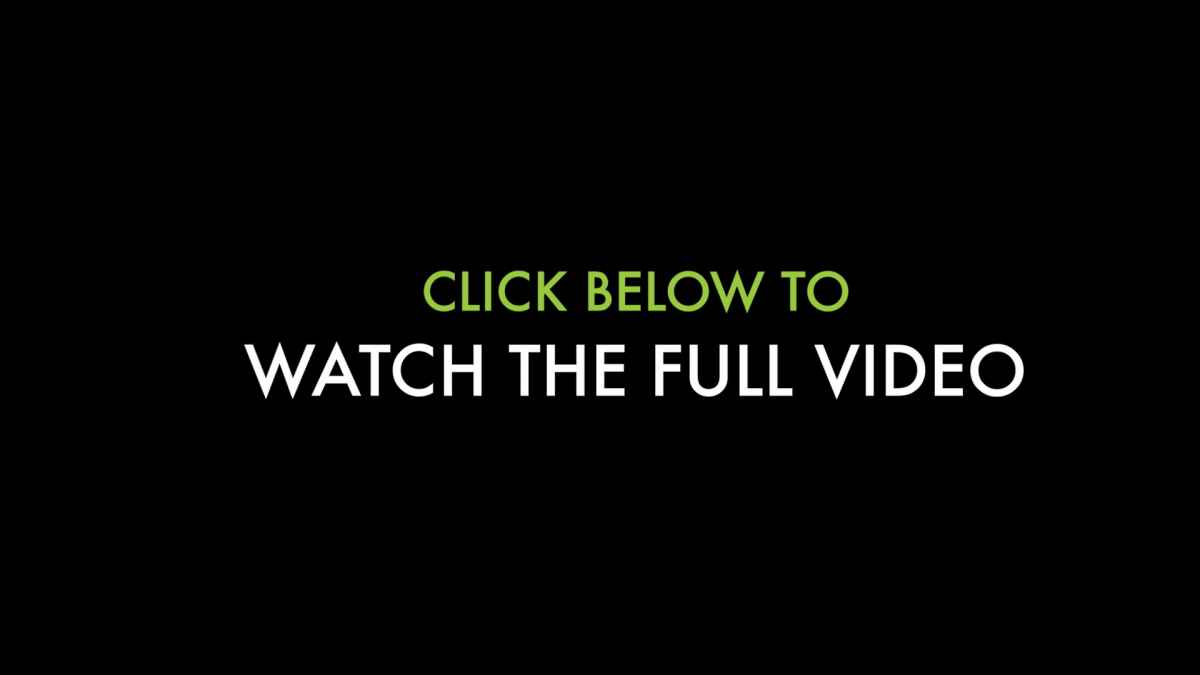
and here is the untouched settings that makes it off center...
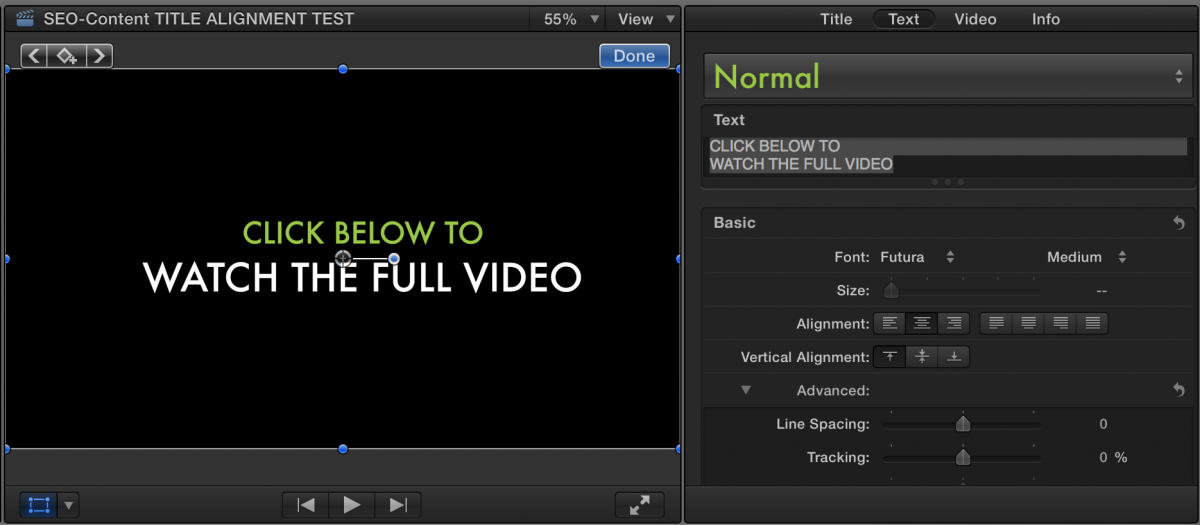
Now to make it center, I can move the position under the Video tab over to around -65 on the X axis to make it better and it turns out like this...

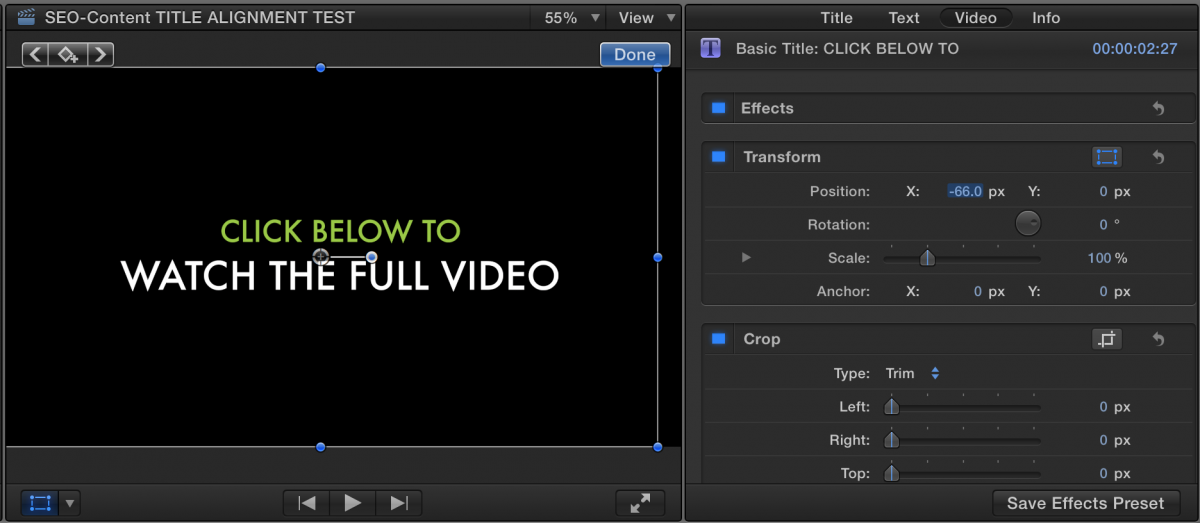
Does anyone have any clue as to why this is happening? I feel the default center alignment options should be accurate. I even placed in a grid at low opacity to check, so i know its not just me. Anyone else have this issue?
I'm using a basic title, and the only specification I'm asking is to center align. There are NO spaces at the end of the text to throw off the alignment and it comes out wrong.
Here is what I'm getting...
and here is the untouched settings that makes it off center...
Now to make it center, I can move the position under the Video tab over to around -65 on the X axis to make it better and it turns out like this...
Does anyone have any clue as to why this is happening? I feel the default center alignment options should be accurate. I even placed in a grid at low opacity to check, so i know its not just me. Anyone else have this issue?
Please Log in to join the conversation.
24 Aug 2016 20:46 #79412
by archhill
Replied by archhill on topic Basic Text Not Center/Aligning Properly
Hey Mike,
I've duplicated your project and settings but not your problem. Aligns fine on my system. Try opening the Basic Title effect in Motion and check the inspector there to see if somehow??? it was moved. Do you have more than one Basic Title effect in the EFX Browser? Let us know if you figure it out. Strange indeed.
Larry
I've duplicated your project and settings but not your problem. Aligns fine on my system. Try opening the Basic Title effect in Motion and check the inspector there to see if somehow??? it was moved. Do you have more than one Basic Title effect in the EFX Browser? Let us know if you figure it out. Strange indeed.
Larry
Please Log in to join the conversation.
- Steve McGarrigle
-

- Offline
- Premium Member
-

24 Aug 2016 22:34 - 24 Aug 2016 22:34 #79414
by Steve McGarrigle
Replied by Steve McGarrigle on topic Basic Text Not Center/Aligning Properly
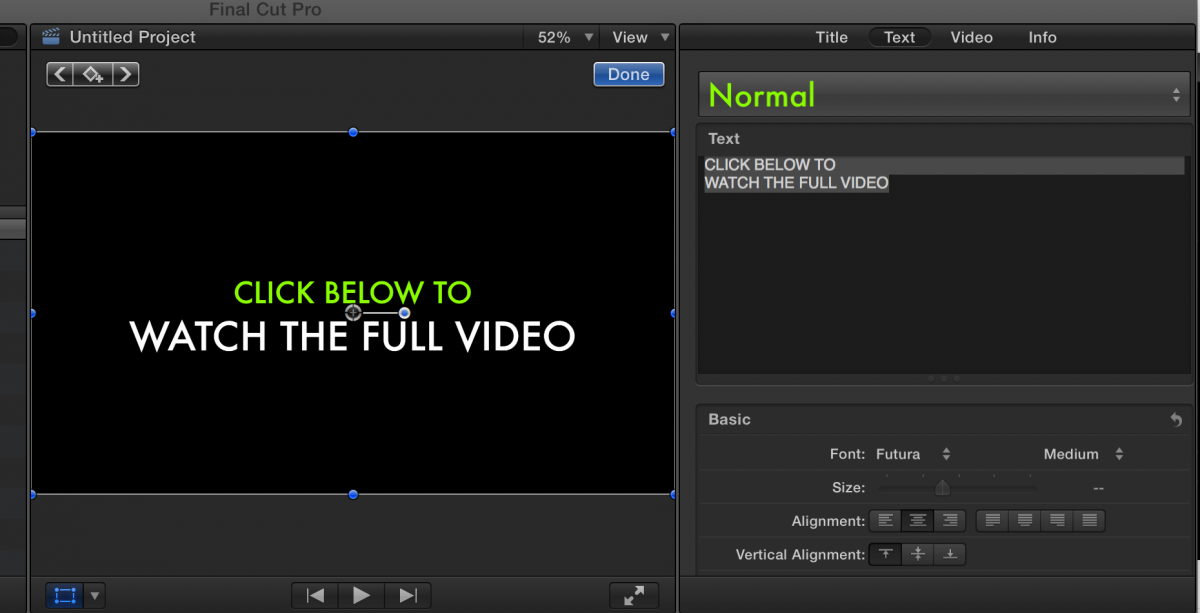
Just tried to reproduce this but everything behaved as it should. Very strange...
Last edit: 24 Aug 2016 22:34 by Steve McGarrigle.
Please Log in to join the conversation.
- Steve McGarrigle
-
- Offline
- Premium Member
-
24 Aug 2016 22:56 - 24 Aug 2016 23:50 #79417
by Steve McGarrigle
Replied by Steve McGarrigle on topic Basic Text Not Center/Aligning Properly
Are you sure you haven't put a single space in front of Click and Watch? If I do that, it starts to look like your issue.
If you select the text with the cursor in the viewer and drag it a tiny bit using the little ball like handle, is the text central when the yellow guides snap on to show the middle or is it still out?
I would be inclined to just create a new basic title and re-create your text. That way you can be sure that you don't have any hidden legacy formatting issues from when you were playing around with the sizing of your two different lines of text.
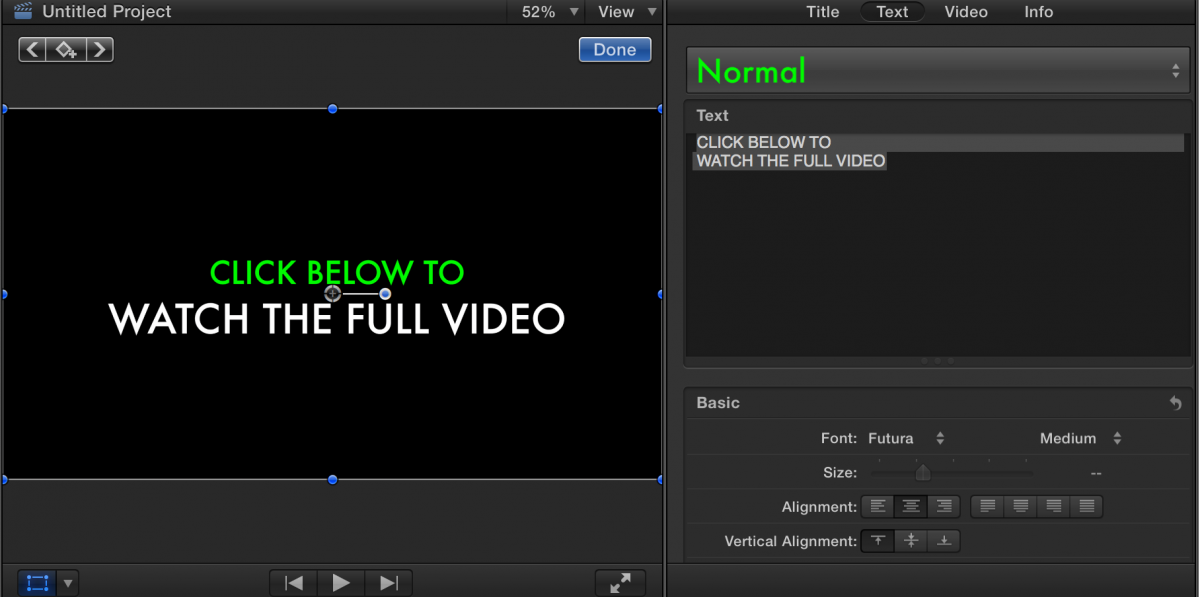
If you select the text with the cursor in the viewer and drag it a tiny bit using the little ball like handle, is the text central when the yellow guides snap on to show the middle or is it still out?
I would be inclined to just create a new basic title and re-create your text. That way you can be sure that you don't have any hidden legacy formatting issues from when you were playing around with the sizing of your two different lines of text.
Last edit: 24 Aug 2016 23:50 by Steve McGarrigle.
Please Log in to join the conversation.
