


- Posts: 9
- Thank you received: 0
3 Post Moderation Rule for New Boarders (25 Jan 2021)
New boarders will have their posts moderated - Don't worry if you cannot see your post immediately.
Poor export quality
17 Dec 2015 20:39 #71583
by FCP_x
Poor export quality was created by FCP_x
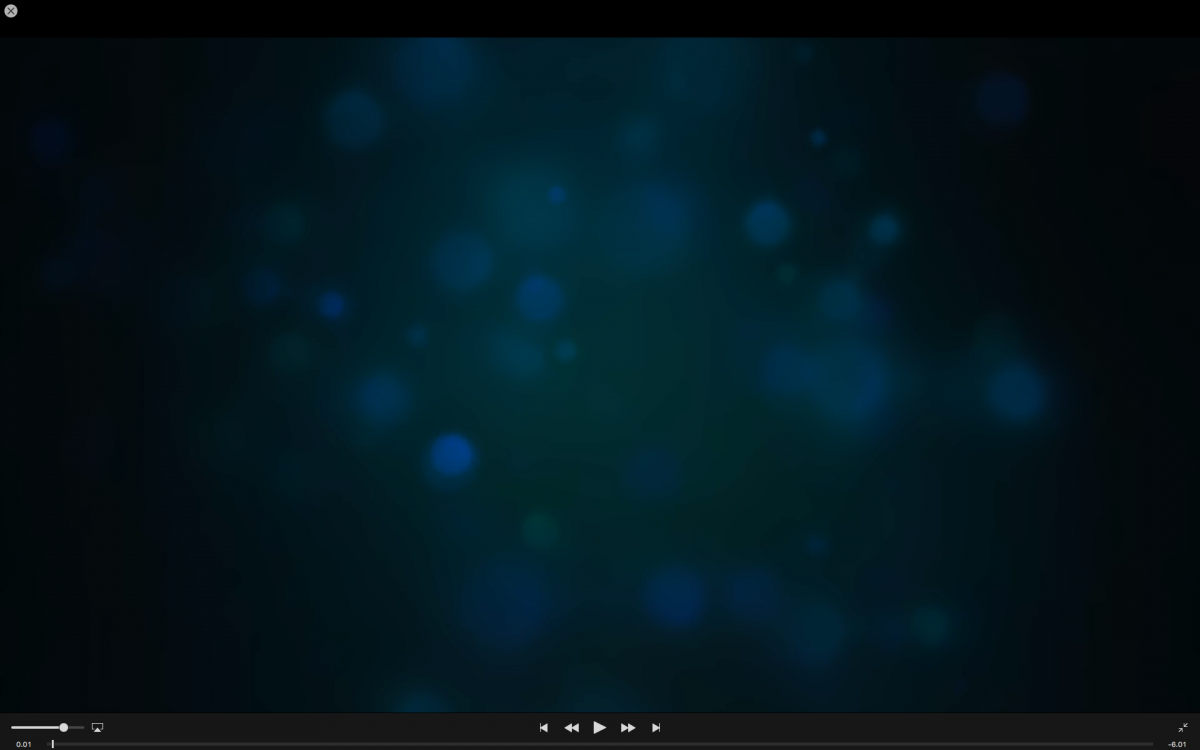
I work on a small project and use a generator for the intro. The playback in FCPX is distorted, but appears OK when paused. The problem is the picture is also distorted on the exported file. I don´t understand why?? The project properties is 1920x1080 50p.
Attachments show paused picture in FCPX and playback of the Master File.
Attachments show paused picture in FCPX and playback of the Master File.
Please Log in to join the conversation.
- Tom Wolsky
-

- Offline
- Moderator
-

18 Dec 2015 14:26 #71600
by Tom Wolsky
Replied by Tom Wolsky on topic Poor export quality
Only one image here.
Please Log in to join the conversation.

18 Dec 2015 19:19 #71610
by FCP_x
Replied by FCP_x on topic Poor export quality
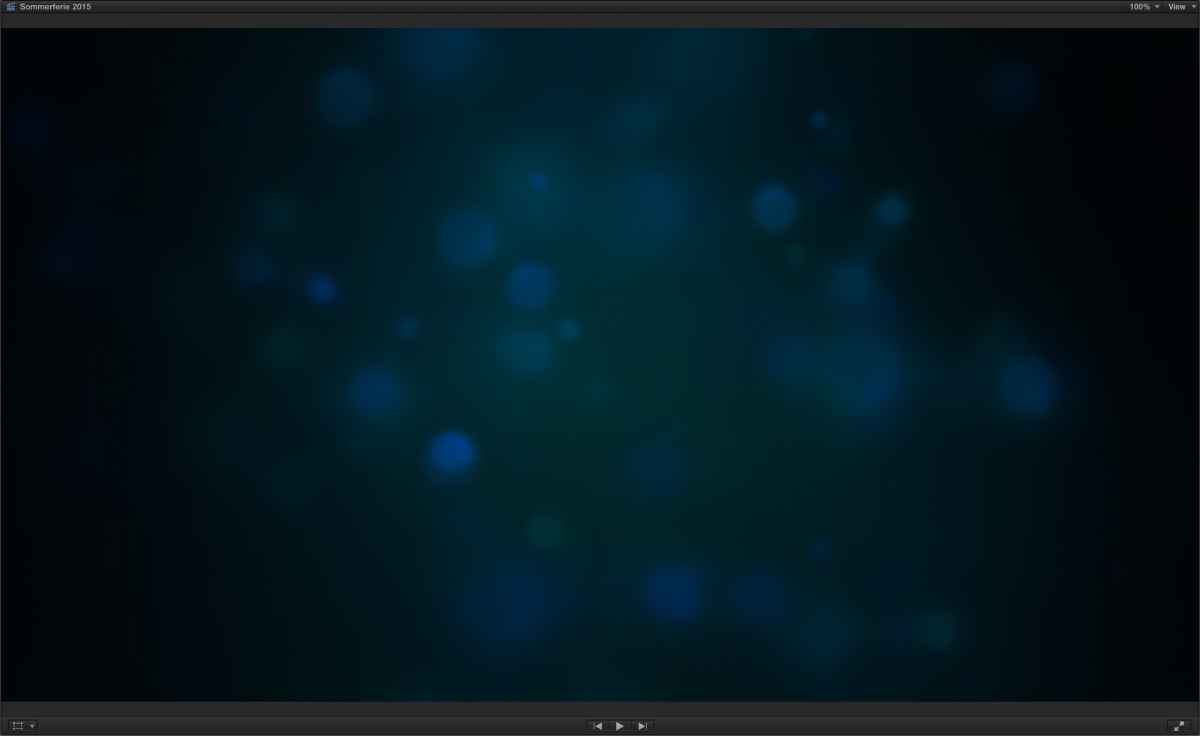
Here is the second attachment. This is the paused picture in the viewer.
Import "Create optimized media"
Export settings: Better performance/better quality or master file - the quality appears more or less the same.
Import "Create optimized media"
Export settings: Better performance/better quality or master file - the quality appears more or less the same.
Please Log in to join the conversation.
18 Dec 2015 19:24 #71611
by FCP_x
Replied by FCP_x on topic Poor export quality
Attachment too large... Here it is..
Please Log in to join the conversation.
19 Dec 2015 10:47 #71628
by FCP_x
Replied by FCP_x on topic Poor export quality
I´m sorry. Artifacts appeared during uploading... Two smaller pictures is attached.


Please Log in to join the conversation.
- Tom Wolsky
-
- Offline
- Moderator
-
19 Dec 2015 12:35 #71629
by Tom Wolsky
Replied by Tom Wolsky on topic Poor export quality
Not clear ewhat you mean by distorted. If you're referring to the quantization banding in the first image that's an artifact of 8-bit compression. There isn't enough color depth in the format to create a smooth gradient. Depending on how you need to output you could try high quality output maybe ProRes 4444 or XQ. Another thing you can try is to add a little noise to the image to break up the very smooth gradient. That can make compression easier.
Please Log in to join the conversation.
