


- Posts: 222
- Thank you received: 3
3 Post Moderation Rule for New Boarders (25 Jan 2021)
New boarders will have their posts moderated - Don't worry if you cannot see your post immediately.
Audio Missing
07 Jul 2015 15:23 - 07 Jul 2015 15:24 #66252
by Rbelfi
Audio Missing was created by Rbelfi
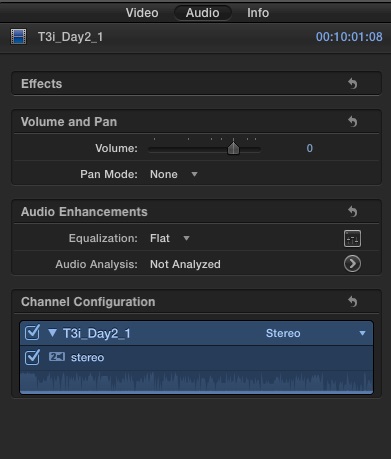
I recorded a 2 day event with 2 camera and an external audio recorder. The first day's audio is fine, but for some reason my entire 2nd day audio is missing. I've attached a screen grab of the waveforms. It shows something there and have isolated each channel, but can't get any audio, just static. It's possible I didn't turn the mic on as it's battery powered, but I feel strongly that I remember doing so. And it seems unlikely I would forget each time I set up throughout the entire day.
I have the external audio and the B-cam synced up, but unless I figure something out I'm going to be matching a few dozen clips manually.
Any advice would be greatly appreciated. Thanks
I have the external audio and the B-cam synced up, but unless I figure something out I'm going to be matching a few dozen clips manually.
Any advice would be greatly appreciated. Thanks
Last edit: 07 Jul 2015 15:24 by Rbelfi.
Please Log in to join the conversation.

07 Jul 2015 21:49 - 07 Jul 2015 21:52 #66258
by BenB
Replied by BenB on topic Audio Missing
Do an Open In Timeline of that clip, bring the volume up as hight as possible, show that timeline screen shot.
What you're seeing is the ghosted audio "reference" waveform, not the actual waveform. This can show up if you didn't record anything, as erratic and noise-like as it looks.
Maybe a dying battery, or faulty connection in the audio cable, or any number of things. Should always wear headphones during shoots to verify what you're recording, and monitor audio meters.
What you're seeing is the ghosted audio "reference" waveform, not the actual waveform. This can show up if you didn't record anything, as erratic and noise-like as it looks.
Maybe a dying battery, or faulty connection in the audio cable, or any number of things. Should always wear headphones during shoots to verify what you're recording, and monitor audio meters.
Last edit: 07 Jul 2015 21:52 by BenB.
Please Log in to join the conversation.
08 Jul 2015 13:11 - 08 Jul 2015 13:13 #66269
by Rbelfi
Replied by Rbelfi on topic Audio Missing
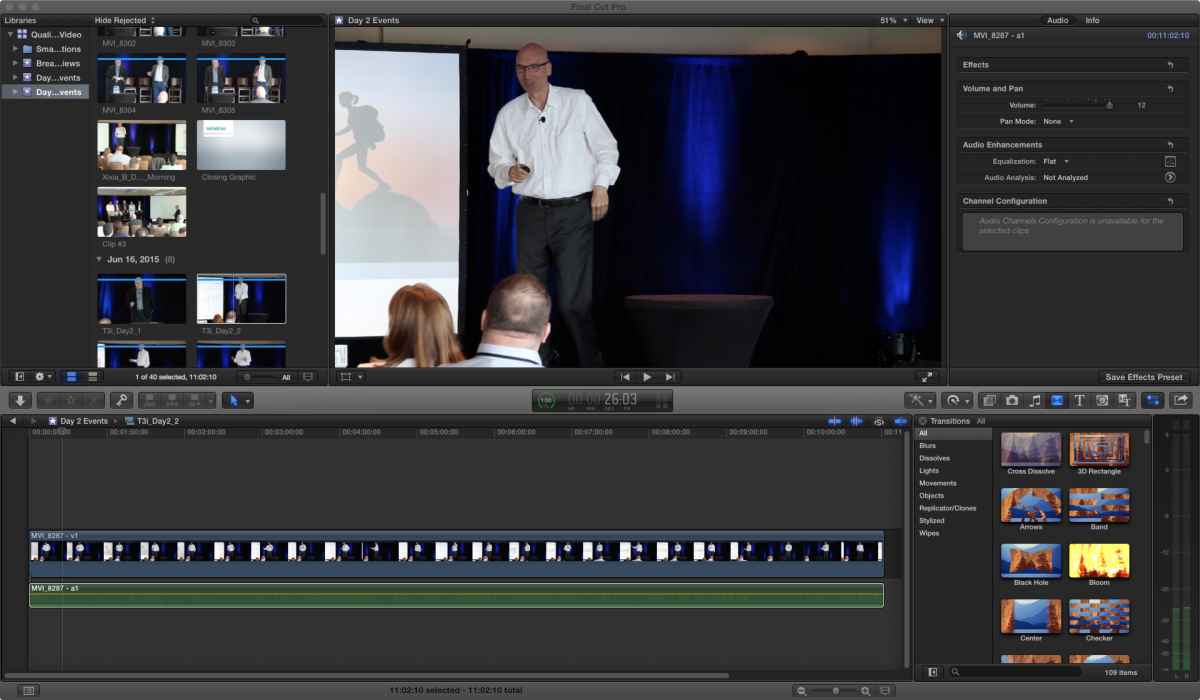
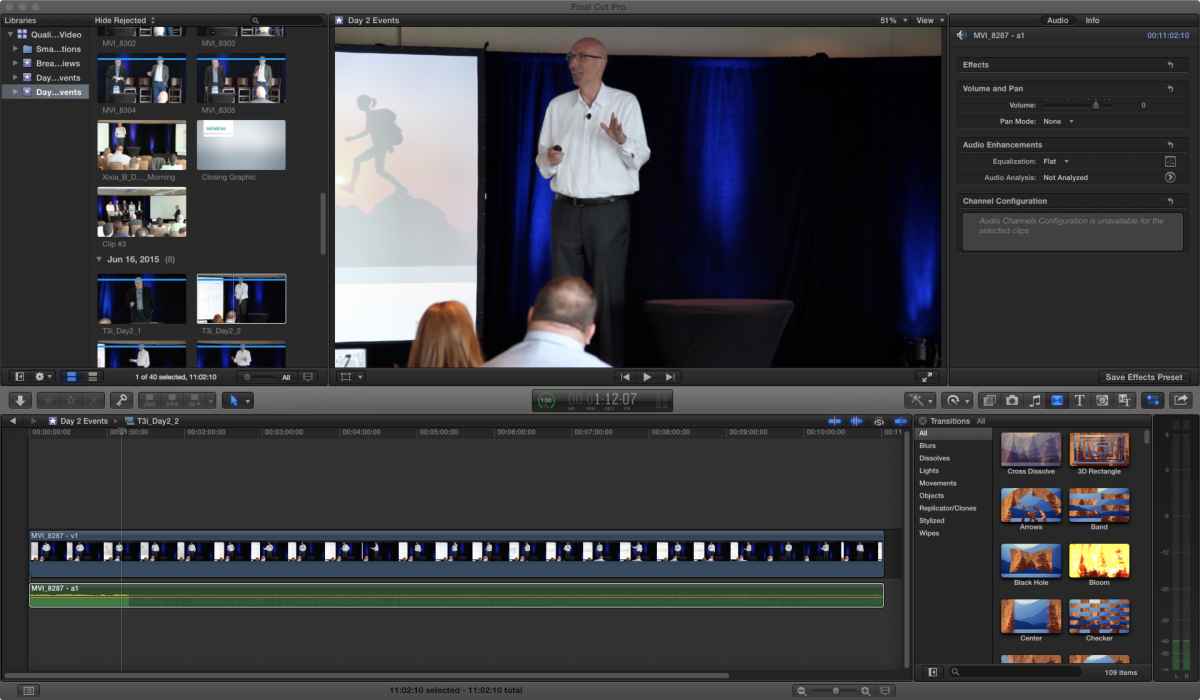
Ben, thank you. I have attached a photo of an example clip opened in the timeline at 0DB and one at +12DB. The 0DB photo shows waveforms in the beginning and then they just stop, though there is not audio at all. They go away in the +12DB photo.
I'm not sure what the exact issue is. I was wearing headphones, but they were plugged into my audio recorder which has the feed from the PA system. I have that audio, but syncing it up to clips with no reference point or reference audio has been very tedious as I'm just trying to match lips to audio.
I'm not sure what the exact issue is. I was wearing headphones, but they were plugged into my audio recorder which has the feed from the PA system. I have that audio, but syncing it up to clips with no reference point or reference audio has been very tedious as I'm just trying to match lips to audio.
Last edit: 08 Jul 2015 13:13 by Rbelfi.
Please Log in to join the conversation.
08 Jul 2015 13:42 #66270
by BenB
Replied by BenB on topic Audio Missing
Select the audio clip in that Timeline, go to the Inspector, Audio, and what is the channel configuration? Can you hear audio when playing this same clip in the Browser?
Please Log in to join the conversation.
08 Jul 2015 13:45 #66271
by Rbelfi
Replied by Rbelfi on topic Audio Missing
When I select the audio clip from the timeline the channel configuration states "audio channels configuration is unavailable for the selected clips." If selected from the Browser there is the same "ghosted" waveform shown. Neither has any audio.
Please Log in to join the conversation.
