


3 Post Moderation Rule for New Boarders (25 Jan 2021)
New boarders will have their posts moderated - Don't worry if you cannot see your post immediately.
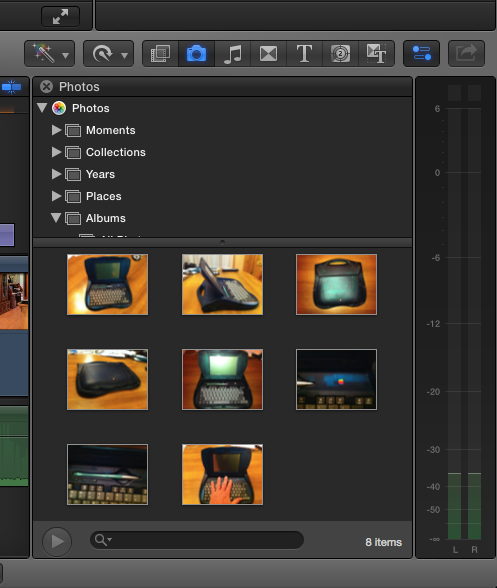
Photos in FCPX
- Tom Wolsky
-
 Topic Author
- Offline
- Moderator
-

Thanks.
Please Log in to join the conversation.

- Tom Wolsky
-
Topic Author
- Offline
- Moderator
-
Please Log in to join the conversation.
Please Log in to join the conversation.


Creating history....one edit at a time !
Please Log in to join the conversation.
- Tom Wolsky
-
Topic Author
- Offline
- Moderator
-
Please Log in to join the conversation.

While on the road I can even create assets using Pixelmator for iPad then save them to iCloud Photo library in specific folders. Then back at the ranch they show up nicely in FCPX.
Shared photostreams still work and I can foresee using this for even more seamless distributed collaboration.
Please Log in to join the conversation.
Photos allows the creation of a single System Library where all photos get stored. iPhoto, Aperture, and Photos can all access this central library together. So you can have all three apps run on your Mac at the same time, with the same updated library, until you decide to stick with one or the other.
Please Log in to join the conversation.

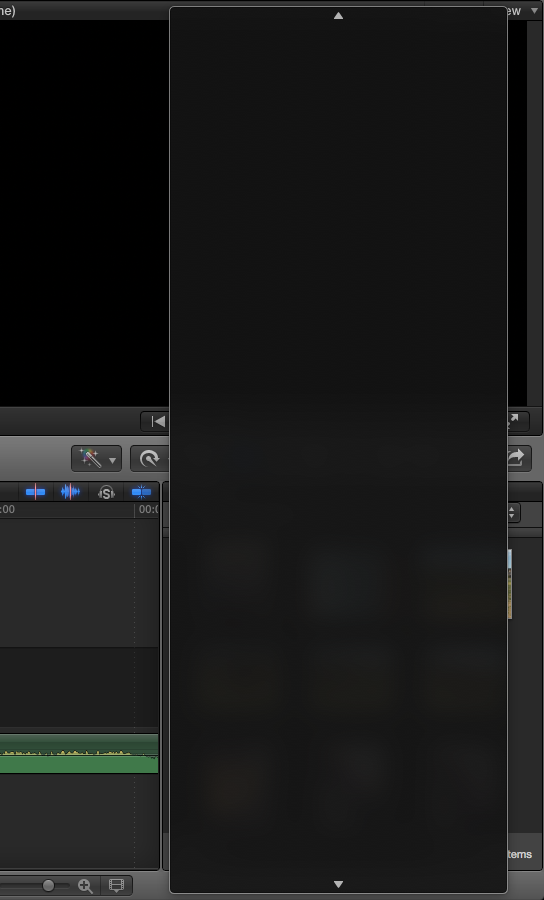
Waited 10+ minutes but all I get is a blank scroll window where Albums, Projects, etc should be. If I click on the blank window it will select an album, but of course I have no way of knowing which one it will be. Any ideas appreciated...
Please Log in to join the conversation.
Please Log in to join the conversation.
Please Log in to join the conversation.

Please Log in to join the conversation.
Please Log in to join the conversation.
- Squamish ed
-

- Offline
- Elite Member
-

- Posts: 238
- Thank you received: 20
Is there any benefit I would find to switching over to Photos for use in FCPX that would make it worth the time and effort? These days I don't do much still photography so I have little turnover of images.
Ed
Please Log in to join the conversation.
Please Log in to join the conversation.
Please Log in to join the conversation.
Please Log in to join the conversation.
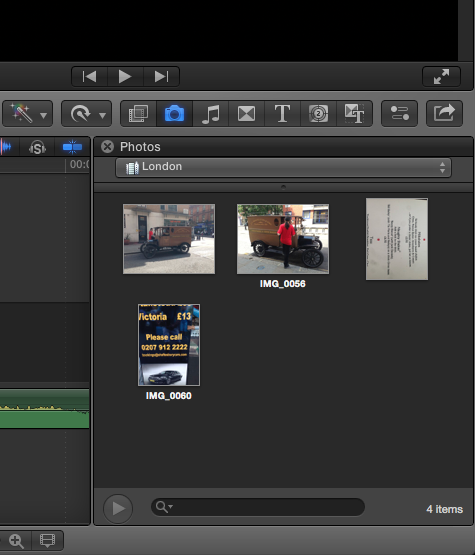
jpmack wrote: Found the solution from Tom Wolsky on Apple Support Forums. Need to pull down the separator bar between the image area and the popup. Thanks, Tom!
I hav found that bar and all i am getting is below it "open Photos to see your photos in this list" Obviously photos is running.
I did move the Photo database to an external hard drive, do i need to re map it or something silly?
EDIT: I found the fix by going to Photos>Preferences then clicking the button "Use as System Photo Library.
Please Log in to join the conversation.
Please Log in to join the conversation.
