


- Posts: 377
- Thank you received: 9
3 Post Moderation Rule for New Boarders (25 Jan 2021)
New boarders will have their posts moderated - Don't worry if you cannot see your post immediately.
Viewewr not updating with multicam clips
30 Jan 2015 17:37 - 30 Jan 2015 17:59 #59061
by dkag7
Viewewr not updating with multicam clips was created by dkag7
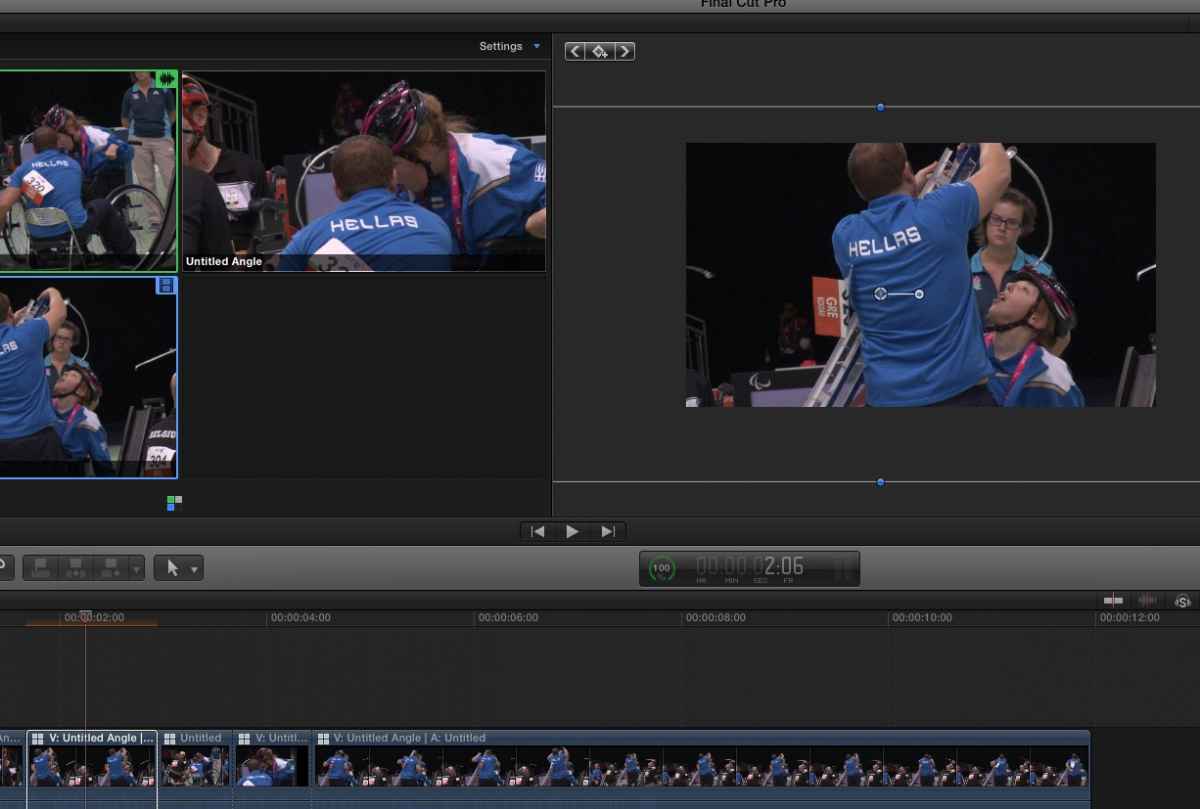
Is anyone else seeing this problem?
If i scale/pan etc.. in the inspector, the viewer will not refresh.
I need to move the mouse over the viewer or timeline for it to refresh
This dont happen on a regular clip (that ive noticed yet).
thanks
* i found that putting an adjustment layer over the Multicam clip then working on the adjustment layer will refresh OK, but this is a time killer..
If i scale/pan etc.. in the inspector, the viewer will not refresh.
I need to move the mouse over the viewer or timeline for it to refresh
This dont happen on a regular clip (that ive noticed yet).
thanks
* i found that putting an adjustment layer over the Multicam clip then working on the adjustment layer will refresh OK, but this is a time killer..
Last edit: 30 Jan 2015 17:59 by dkag7.
Please Log in to join the conversation.
- ronny courtens
-

- Offline
- Moderator
-

Less
More
- Posts: 4455
- Thank you received: 962
01 Feb 2015 19:22 #59153
by ronny courtens
Replied by ronny courtens on topic Viewewr not updating with multicam clips
Hi Kurt,
Not seeing this. I get instant feedback in the Viewer when using the Scale parameters in the Inspector or when using the on-screen Transform tools. Maybe deleting your FCP X preferences would help?
- Ronny
Not seeing this. I get instant feedback in the Viewer when using the Scale parameters in the Inspector or when using the on-screen Transform tools. Maybe deleting your FCP X preferences would help?
- Ronny
Please Log in to join the conversation.
01 Feb 2015 19:29 #59154
by dkag7
Replied by dkag7 on topic Viewewr not updating with multicam clips
Hi Ronny,
On screen controls are better, but the inspector has a delay of several seconds.
4 or 5 cams 1080p 25fps.
Its odd that if I put an adjustment layer over the multicam and adjust that, it works fine..
Tried deleting preference, no go..
I tried closing other non needed windows, performance or quality setting, reboot.., etc..
thanks
K
On screen controls are better, but the inspector has a delay of several seconds.
4 or 5 cams 1080p 25fps.
Its odd that if I put an adjustment layer over the multicam and adjust that, it works fine..
Tried deleting preference, no go..
I tried closing other non needed windows, performance or quality setting, reboot.., etc..
thanks
K
Please Log in to join the conversation.
- ronny courtens
-
- Offline
- Moderator
-
Less
More
- Posts: 4455
- Thank you received: 962
01 Feb 2015 20:05 #59157
by ronny courtens
Replied by ronny courtens on topic Viewewr not updating with multicam clips
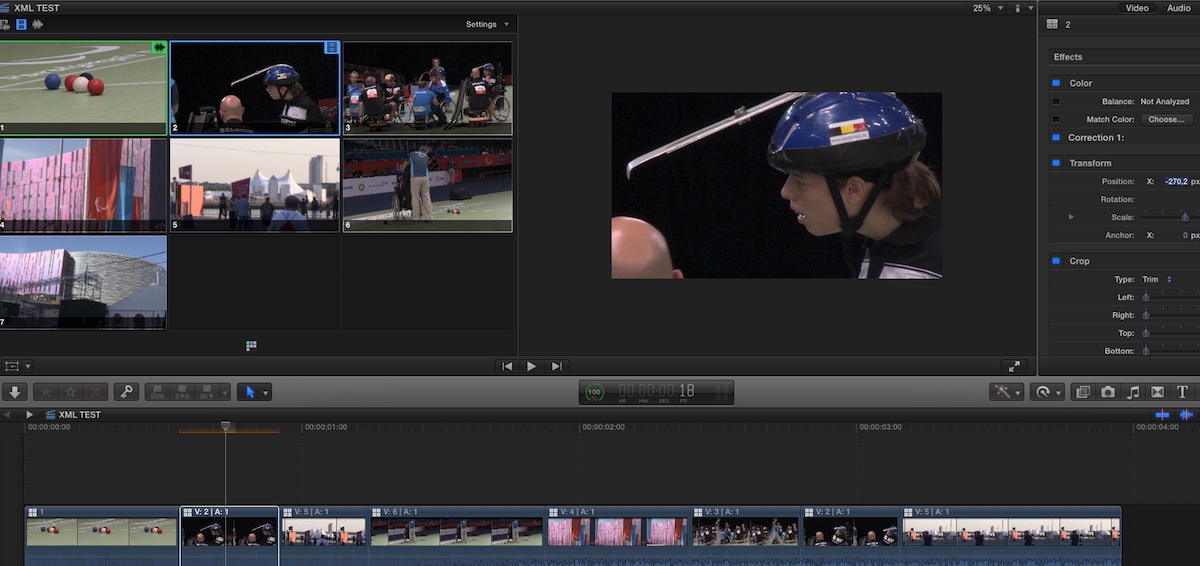
Just did a test with 7 x 1080p25 angles. I still get instant feedback, and this is on a low-end office MacMini. I would report this to Apple with your system specs and workflow. This is not normal.
- Ronny
- Ronny
Please Log in to join the conversation.
01 Feb 2015 20:11 #59159
by dkag7
Replied by dkag7 on topic Viewewr not updating with multicam clips
Thanks for looking at it... not sure what the problem is.. Mac Pro 3.3 ghx and 32gigs ram
video is a NVIDIA GeForce GTX 680 VRAM 2048 MB
video is a NVIDIA GeForce GTX 680 VRAM 2048 MB
Please Log in to join the conversation.
- ronny courtens
-
- Offline
- Moderator
-
Less
More
- Posts: 4455
- Thank you received: 962
01 Feb 2015 20:15 #59160
by ronny courtens
Replied by ronny courtens on topic Viewewr not updating with multicam clips
Is FCP X running from the system drive or from an external one?
On which drive do you keep the media for this multiclip?
How long is your timeline?
- Ronny
On which drive do you keep the media for this multiclip?
How long is your timeline?
- Ronny
Please Log in to join the conversation.
01 Feb 2015 20:19 #59161
by dkag7
Replied by dkag7 on topic Viewewr not updating with multicam clips
FCP is on the system drive SSD
Media is on a 12TB raid (slower R/W, but it plays all 5 cams fine at once)
Time line is about 1/2 hour
This is a project I had mailed to me, there are about 15 events
Media is on a 12TB raid (slower R/W, but it plays all 5 cams fine at once)
Time line is about 1/2 hour
This is a project I had mailed to me, there are about 15 events
Please Log in to join the conversation.
- ronny courtens
-
- Offline
- Moderator
-
Less
More
- Posts: 4455
- Thank you received: 962
01 Feb 2015 20:25 #59162
by ronny courtens
Replied by ronny courtens on topic Viewewr not updating with multicam clips
Hi Kurt,
Everything seems OK regarding specs and workflow. I would love to get deeper into this but I'm leaving for a job abroad, so I won't have the time in the next few days.
I suggest you report this to Apple, maybe someone on the Q&A team can help you sort this out. This definitely should work without any issues. If anyone on the forum could test this with a long 5-angle multicam, please chime in.
- Ronny
Everything seems OK regarding specs and workflow. I would love to get deeper into this but I'm leaving for a job abroad, so I won't have the time in the next few days.
I suggest you report this to Apple, maybe someone on the Q&A team can help you sort this out. This definitely should work without any issues. If anyone on the forum could test this with a long 5-angle multicam, please chime in.
- Ronny
Please Log in to join the conversation.
01 Feb 2015 20:31 #59163
by dkag7
Replied by dkag7 on topic Viewewr not updating with multicam clips
one thing I did find possibly odd, is that media was in the library but not in the project/events.. By this I mean the library bundle.
So I think files were added to the bundle via finder.. Not sure if this is a no-no or not..
So I think files were added to the bundle via finder.. Not sure if this is a no-no or not..
Please Log in to join the conversation.

01 Feb 2015 21:39 #59171
by BenB
Replied by BenB on topic Viewewr not updating with multicam clips
Definite HUGE no-no! How is the RAID connected? USB 2, USB 3, Rhunderbolt, FireWire, etc?
Please Log in to join the conversation.
01 Feb 2015 21:56 #59176
by dkag7
Replied by dkag7 on topic Viewewr not updating with multicam clips
esata for the raid via sata card inside the mac pro.
I wouldn't probably do it myself, but what is the reason for not putting files directly in the bundle? If you have 'copy to library' selected, dont they go there anyway (obviously there'd be no links inside FCP)?
Not too sure the reason they did this however...
thanks
kurt
I wouldn't probably do it myself, but what is the reason for not putting files directly in the bundle? If you have 'copy to library' selected, dont they go there anyway (obviously there'd be no links inside FCP)?
Not too sure the reason they did this however...
thanks
kurt
Please Log in to join the conversation.
01 Feb 2015 22:09 #59180
by BenB
Replied by BenB on topic Viewewr not updating with multicam clips
ESATA should be plenty fast we outs to handle this.
FCPX has to write records and associated metadata to the Library, Event, and Project databases, which all cross reference each other. Bypassing this by doing it manually could cause issues, and is simply a waste of time. Not a single reason to do it manually.
FCPX has to write records and associated metadata to the Library, Event, and Project databases, which all cross reference each other. Bypassing this by doing it manually could cause issues, and is simply a waste of time. Not a single reason to do it manually.
Please Log in to join the conversation.
