


- Posts: 3
- Thank you received: 0
3 Post Moderation Rule for New Boarders (25 Jan 2021)
New boarders will have their posts moderated - Don't worry if you cannot see your post immediately.
FCPX plugins problem - Images disappear
10 Jan 2015 16:17 #58283
by corrado
FCPX plugins problem - Images disappear was created by corrado
Hello,
In the last days, when I apply a plugin in fcpx, the image gets all grey (and flashes betweens different greys and whites), Like in the pictures below. It happens with the Coremelt DSLR deflat, sometimes with Neat Video, and many others.
I'm running fcpx 10.1.3 on Yosemite.
I tried searching information about this issue, but I didn't find anything.
Anybody has the same problem?
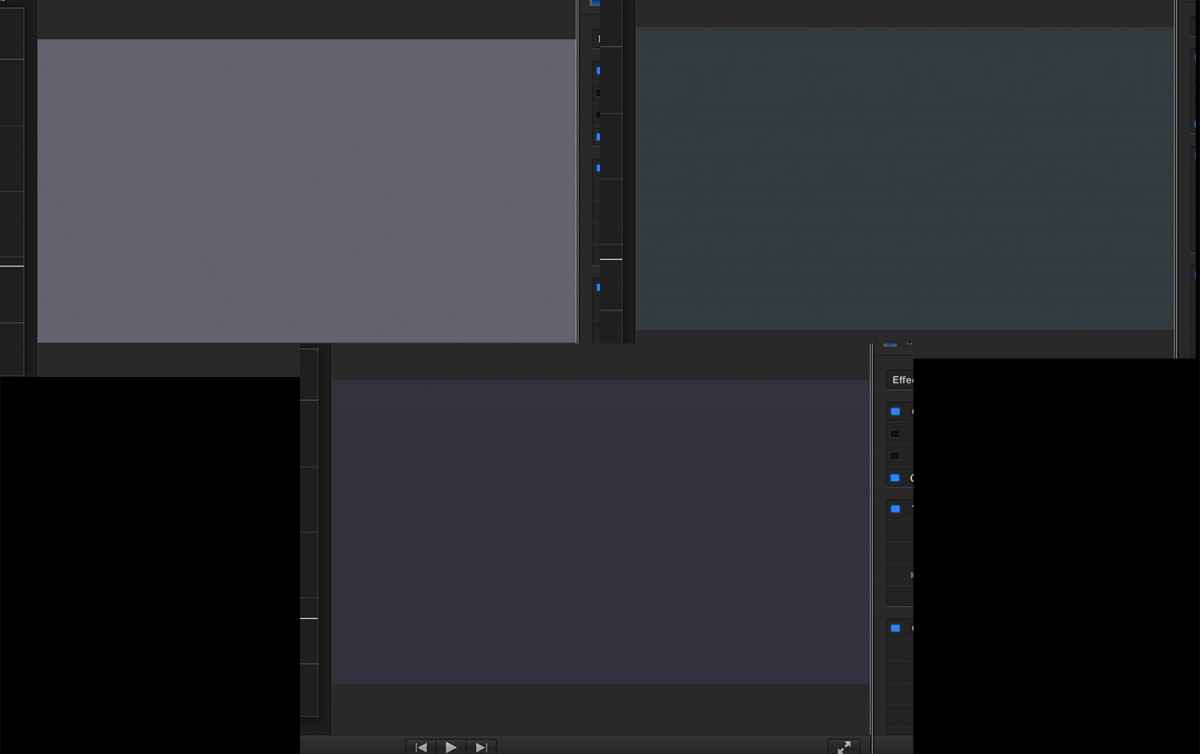
In the last days, when I apply a plugin in fcpx, the image gets all grey (and flashes betweens different greys and whites), Like in the pictures below. It happens with the Coremelt DSLR deflat, sometimes with Neat Video, and many others.
I'm running fcpx 10.1.3 on Yosemite.
I tried searching information about this issue, but I didn't find anything.
Anybody has the same problem?
Please Log in to join the conversation.
- ronny courtens
-

- Offline
- Moderator
-

Less
More
- Posts: 4455
- Thank you received: 962
10 Jan 2015 16:35 #58284
by ronny courtens
Replied by ronny courtens on topic FCPX plugins problem - Images disappear
So this issue suddenly came up? Has anything changed in your setup or your software since the last time everything worked well?
Any other issues you are seeing besides the plugins problem?
Do you have an external monitor connected to your system?
- Ronny
Any other issues you are seeing besides the plugins problem?
Do you have an external monitor connected to your system?
- Ronny
Please Log in to join the conversation.
10 Jan 2015 16:45 #58285
by corrado
Replied by corrado on topic FCPX plugins problem - Images disappear
Thanks for your reply.
Nothing changed in the software or setup. The project just got bigger and heavier (I had really noisy footage so I had to apply neat video almost everywhere), and suddendly effects (like dslr deflat) that worked the day before, started giving me this problem. So it could be related with fcpx being "tired", but it's really random.
I notice that if I close fcpx and launch it again, sometimes they stop doing it, but after a while the problem reappears. I don't have an external monitor; I tried exporting and the grey it's there, so it's not only in the viewer.
Nothing changed in the software or setup. The project just got bigger and heavier (I had really noisy footage so I had to apply neat video almost everywhere), and suddendly effects (like dslr deflat) that worked the day before, started giving me this problem. So it could be related with fcpx being "tired", but it's really random.
I notice that if I close fcpx and launch it again, sometimes they stop doing it, but after a while the problem reappears. I don't have an external monitor; I tried exporting and the grey it's there, so it's not only in the viewer.
Please Log in to join the conversation.
- ronny courtens
-
- Offline
- Moderator
-
Less
More
- Posts: 4455
- Thank you received: 962
10 Jan 2015 16:50 #58287
by ronny courtens
Replied by ronny courtens on topic FCPX plugins problem - Images disappear
Neat is a terrible plugin, especially when you work on a slower system. Are all your clips that have the Neat filter applied to them rendered? If not, this will probably solve the problem.
- Ronny
- Ronny
Please Log in to join the conversation.
10 Jan 2015 17:00 - 10 Jan 2015 17:01 #58288
by corrado
Replied by corrado on topic FCPX plugins problem - Images disappear
Yeah, I was afraid it could be a NV related problem, I'll check if everything is rendered and try again
You think it would be better to apply NV separately? (sporting the project and apply it to the export. even if it means having to cut the export every time there is a different clip)
Anyway, Thanks!
You think it would be better to apply NV separately? (sporting the project and apply it to the export. even if it means having to cut the export every time there is a different clip)
Anyway, Thanks!
Last edit: 10 Jan 2015 17:01 by corrado. Reason: forgot a word
Please Log in to join the conversation.
