


- Posts: 66
- Thank you received: 2
3 Post Moderation Rule for New Boarders (25 Jan 2021)
New boarders will have their posts moderated - Don't worry if you cannot see your post immediately.
collaborating with producer/director online
- KarlSutton
-
 Topic Author
- Offline
- Senior Member
-

Less
More
17 Nov 2014 15:07 #56124
by KarlSutton
collaborating with producer/director online was created by KarlSutton
With high bandwidth internet connections these days is there a way to do an edit session online with the producer/director at another location? Any recommendations to solutions for this?
Thank you!
Thank you!
Please Log in to join the conversation.

17 Nov 2014 17:32 #56125
by smg669
Replied by smg669 on topic collaborating with producer/director online
Look into getting Slingbox hardware on each end... and then Slingbox the output of your Mac to the producer's Slingbox on the other end.
Please Log in to join the conversation.


18 Nov 2014 13:46 #56150
by Emmanuel
Replied by Emmanuel on topic collaborating with producer/director online
We're all hoping a solution similar to the "Final Cut iChat Theater" will come back soon.
Please Log in to join the conversation.
- cinemaloha
-
- Offline
- Elite Member
-

Less
More
- Posts: 163
- Thank you received: 36
19 Nov 2014 00:52 #56183
by cinemaloha
Replied by cinemaloha on topic collaborating with producer/director online
The built-in OSX Messages App has videochat/screensharing. I've used Google Hangouts & share your screen with some success, it all depends on your connection speed. There's also Splashtop App for iOS & OSX. When in bed & I can't sleep, I use Splashtop on an iPad Air to rough cut some projects. Test all three to see which fits your needs best. The first two are free & Splashtop is $2.99/month & cancel anytime. IIRC.
Please Log in to join the conversation.
19 Nov 2014 11:01 #56203
by Emmanuel
Replied by Emmanuel on topic collaborating with producer/director online
Cinemaloha: I've never used Messages before. Does it stream the audio as well ?
Please Log in to join the conversation.
- cinemaloha
-
- Offline
- Elite Member
-
Less
More
- Posts: 163
- Thank you received: 36
19 Nov 2014 18:55 - 19 Nov 2014 18:56 #56221
by cinemaloha
Yes.
Replied by cinemaloha on topic collaborating with producer/director online
manoucho wrote: Does it stream the audio as well ?
Yes.
Here's more detailed info from Messages Help.
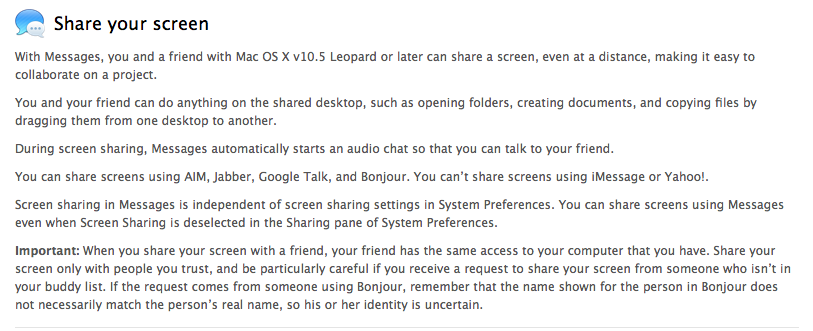
With Messages, you and a friend with Mac OS X v10.5 Leopard or later can share a screen, even at a distance, making it easy to collaborate on a project.
You and your friend can do anything on the shared desktop, such as opening folders, creating documents, and copying files by dragging them from one desktop to another.
During screen sharing, Messages automatically starts an audio chat so that you can talk to your friend.
You can share screens using AIM, Jabber, Google Talk, and Bonjour. You can’t share screens using iMessage or Yahoo!.
Screen sharing in Messages is independent of screen sharing settings in System Preferences. You can share screens using Messages even when Screen Sharing is deselected in the Sharing pane of System Preferences.
Important: When you share your screen with a friend, your friend has the same access to your computer that you have. Share your screen only with people you trust, and be particularly careful if you receive a request to share your screen from someone who isn’t in your buddy list. If the request comes from someone using Bonjour, remember that the name shown for the person in Bonjour does not necessarily match the person’s real name, so his or her identity is uncertain.
Last edit: 19 Nov 2014 18:56 by cinemaloha.
Please Log in to join the conversation.
19 Nov 2014 19:05 #56222
by Emmanuel
Replied by Emmanuel on topic collaborating with producer/director online
Thanks Cinemaloha!
I don't see in that help you can send the audio output of FCPX to your friend. How do you do it then ?
I don't see in that help you can send the audio output of FCPX to your friend. How do you do it then ?
Please Log in to join the conversation.
21 Nov 2014 03:54 #56296
by Deano
Replied by Deano on topic collaborating with producer/director online
I agree about really missing the benefits that iChat Theater gave...
It was very helpful with full Timecode display etc. in making edit decisions that were frame accurate!
It was very helpful with full Timecode display etc. in making edit decisions that were frame accurate!
Please Log in to join the conversation.
