


- Posts: 47
- Thank you received: 3
3 Post Moderation Rule for New Boarders (25 Jan 2021)
New boarders will have their posts moderated - Don't worry if you cannot see your post immediately.
FCP X balance color feature and scopes
- Paul Anderegg
-
 Topic Author
- Offline
- Senior Member
-

Less
More
21 Sep 2014 22:34 - 21 Sep 2014 22:43 #53016
by Paul Anderegg
FCP X balance color feature and scopes was created by Paul Anderegg
I bought a DSC CamAlign chart for a JVC HM790, and I have been attempting to use a handheld vectorscope which does not include the mandatory 2x gain function. Can't get vectors into boxes in other words, have to sort of guestimate where they should end up. My main concern was that each color was pointed in the appropriate direction, and that they were the correct lengths for the colors in question, relative to each other I mean.
The main problems with these HM790 cameras stock is that they tend to produce yellow faces in daytime, red faces at night, and overall give a very green cast to images. This is evident in dark scenes as well as bright scenes. The cameras also do not know how to white balance correctly. I began playing around with how to use the DSC chart to color correct in FCP X, and have been seeing how the automatic balance feature works on the full chart image, as well as how it works when I crop just the center grey boxes. I am including some tests I did, and I was hoping someone who knows how a scope "should" look can advise on which looks best. I will continue to try to get the camera perfectly aligned on a real scope, but it would be helpful if the chart itself when shot can be corrected enough for breaking news footage direct to air.
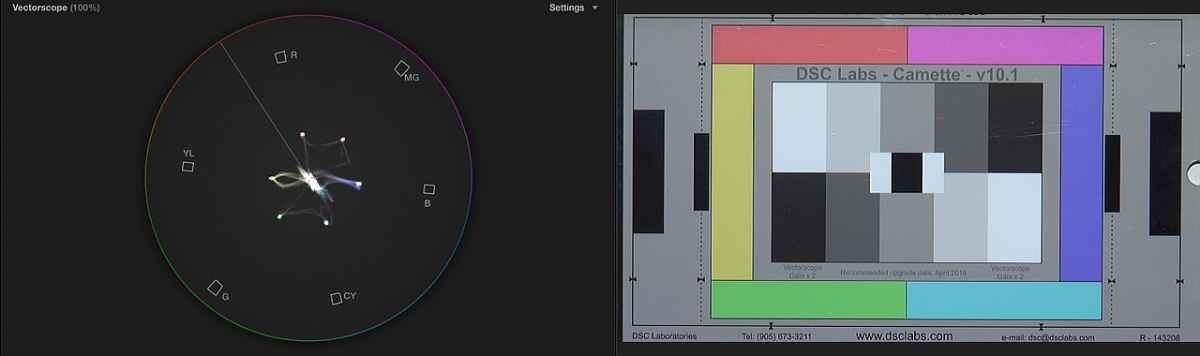
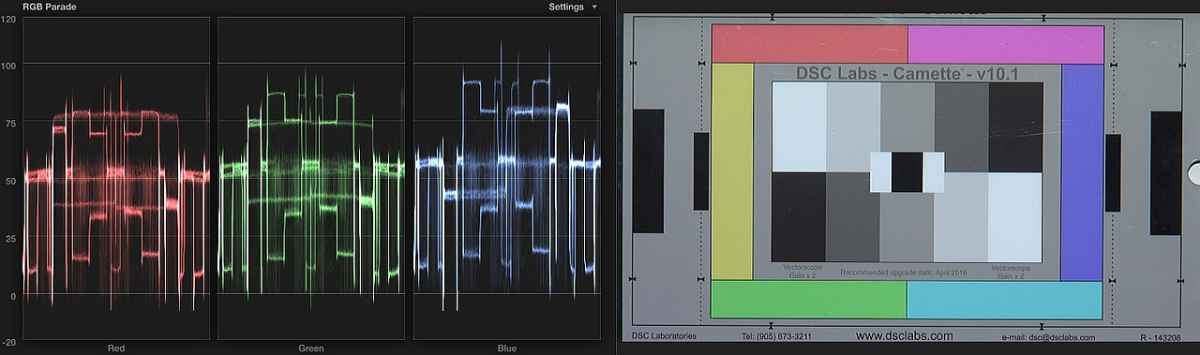
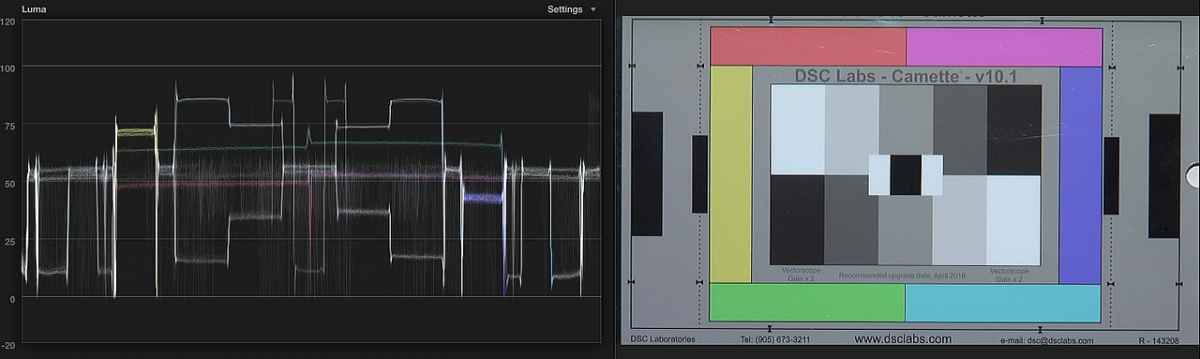
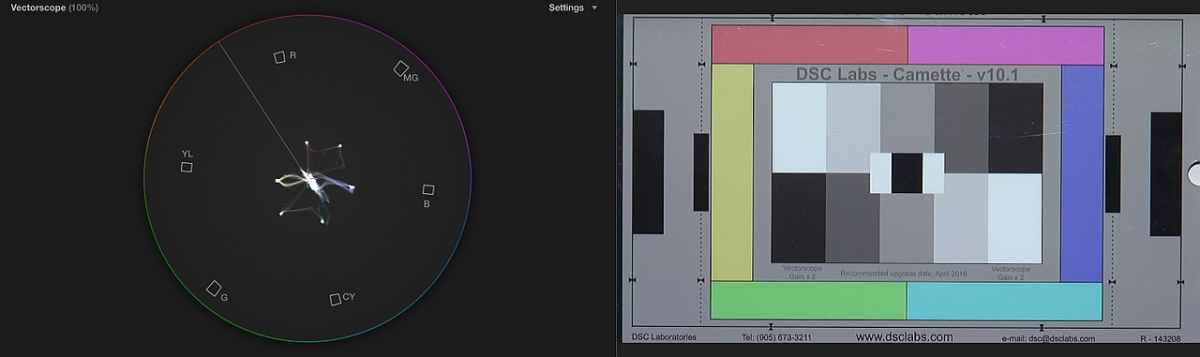
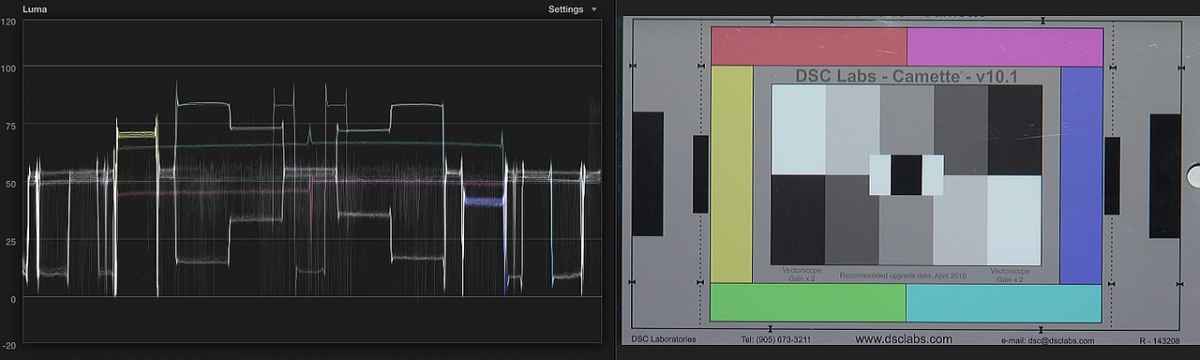
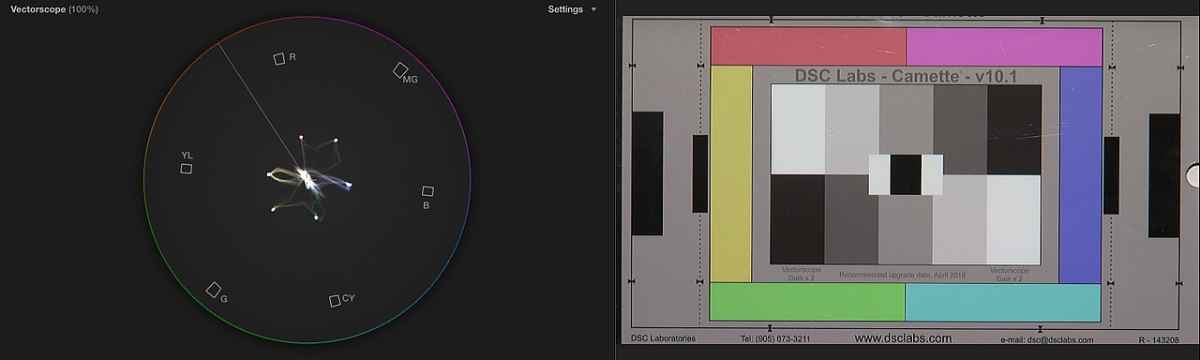
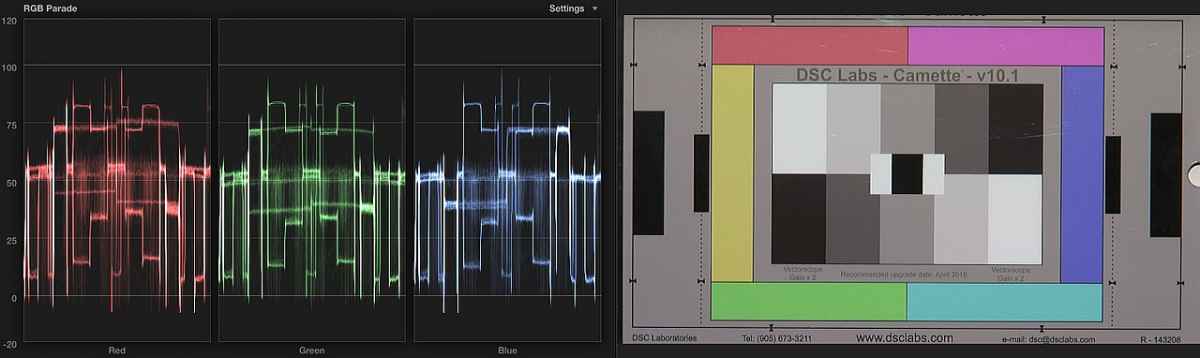
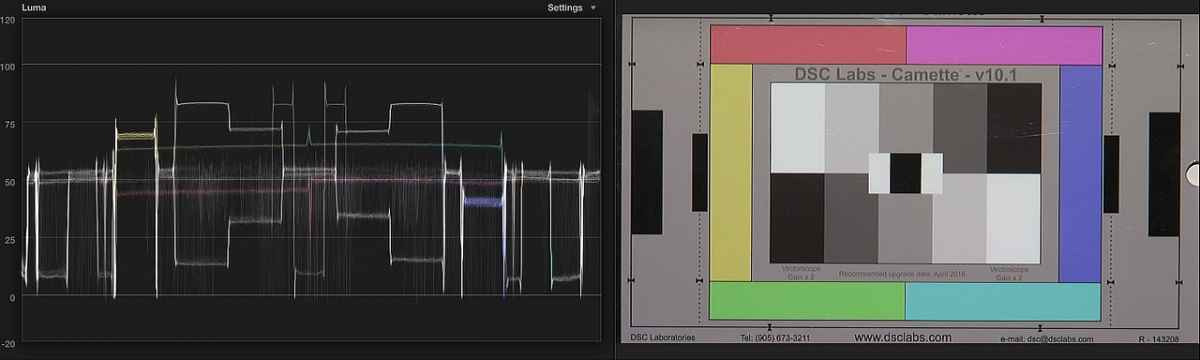
Each set of screen captures shows the vectorscope, then RGB parade, then standard waveform. These are all on camera 3200k preset with incandescent lighting. Whites were exposed at just under 90% zebra. First 3 (1-3) are bone stock. Next 3 (4-6) are matrix adjusted. Next 3 (7-9) are matrix adjusted, balance color feature applied to full image. Last 3 (10-12) are matrix adjusted, balance color feature applied to cropped greyscale portion of frame.
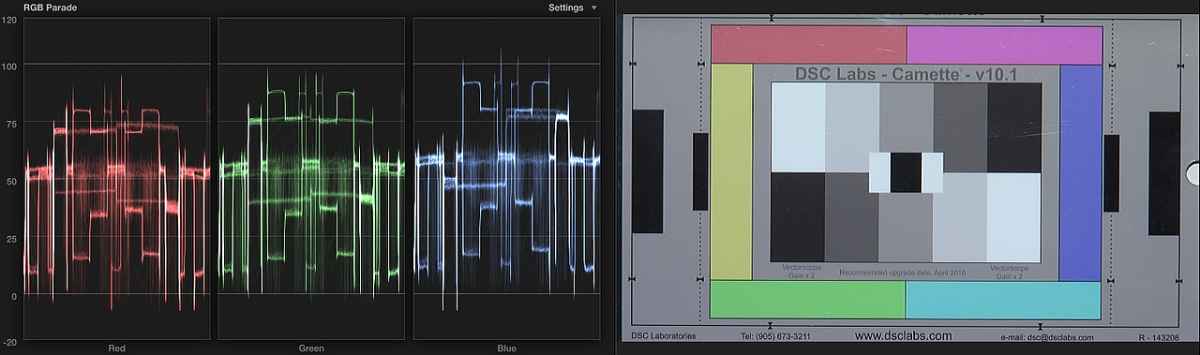
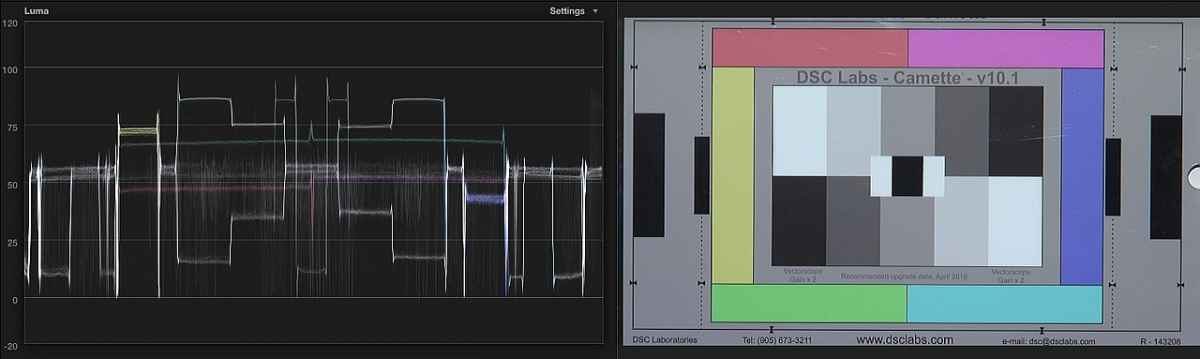
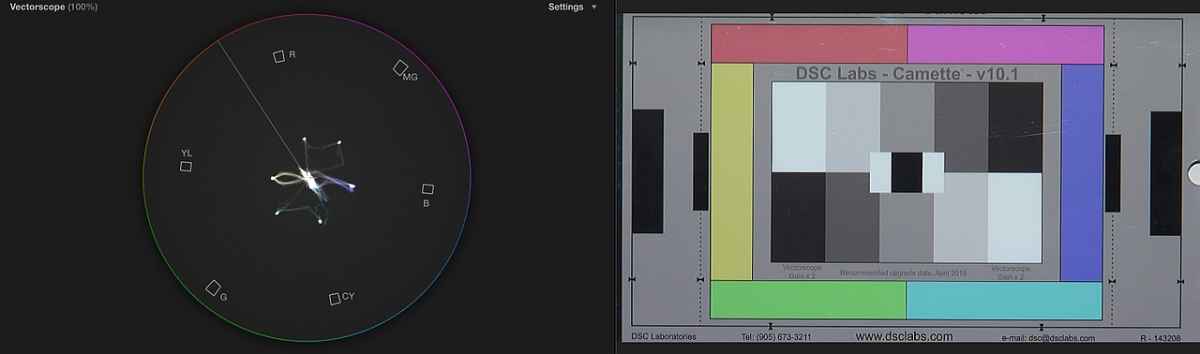
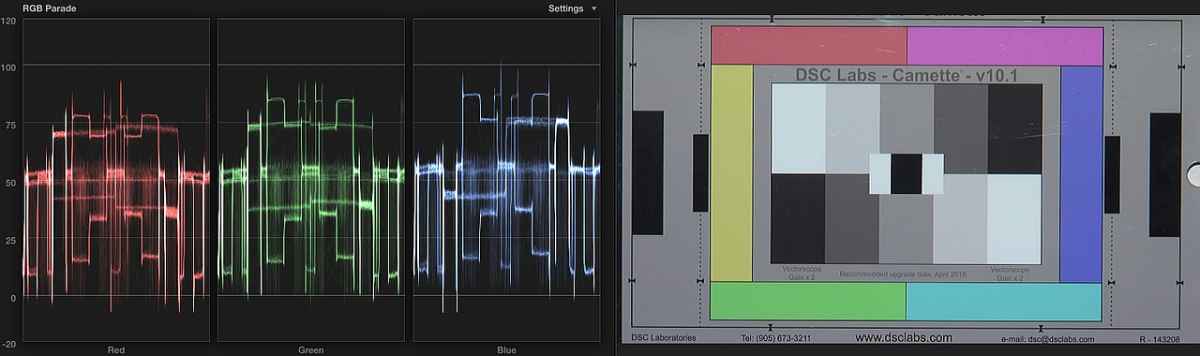
The main problems with these HM790 cameras stock is that they tend to produce yellow faces in daytime, red faces at night, and overall give a very green cast to images. This is evident in dark scenes as well as bright scenes. The cameras also do not know how to white balance correctly. I began playing around with how to use the DSC chart to color correct in FCP X, and have been seeing how the automatic balance feature works on the full chart image, as well as how it works when I crop just the center grey boxes. I am including some tests I did, and I was hoping someone who knows how a scope "should" look can advise on which looks best. I will continue to try to get the camera perfectly aligned on a real scope, but it would be helpful if the chart itself when shot can be corrected enough for breaking news footage direct to air.
Each set of screen captures shows the vectorscope, then RGB parade, then standard waveform. These are all on camera 3200k preset with incandescent lighting. Whites were exposed at just under 90% zebra. First 3 (1-3) are bone stock. Next 3 (4-6) are matrix adjusted. Next 3 (7-9) are matrix adjusted, balance color feature applied to full image. Last 3 (10-12) are matrix adjusted, balance color feature applied to cropped greyscale portion of frame.
Last edit: 21 Sep 2014 22:43 by Paul Anderegg.
Please Log in to join the conversation.
