


- Posts: 379
- Thank you received: 6
3 Post Moderation Rule for New Boarders (25 Jan 2021)
New boarders will have their posts moderated - Don't worry if you cannot see your post immediately.
Adding an effect crops the image
- Marc Lucas
-
 Topic Author
- Offline
- Platinum Member
-

Less
More
03 Jul 2014 10:28 #49102
by Marc Lucas
Adding an effect crops the image was created by Marc Lucas
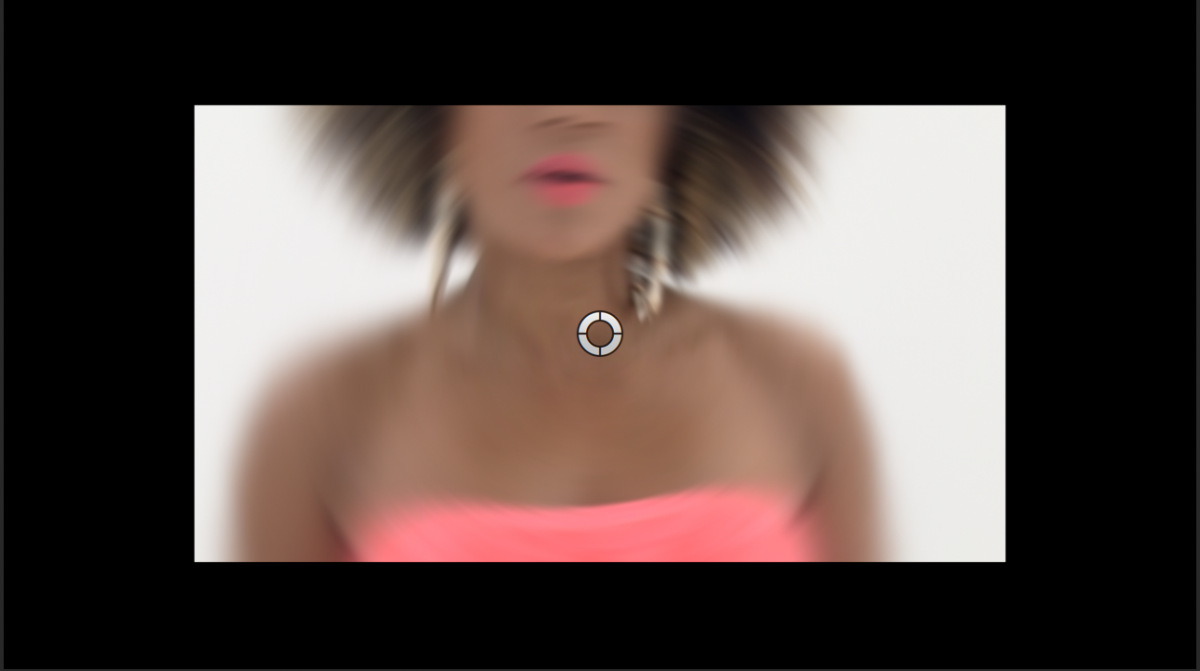
When applying an effect to a section of a Multicam clip I get a cropped image. Original footage 1080p The project 720p. All the individual clips are set to None in Spatial conform before I Multicamed them. It must be something to do with the 1080/720 resolution but not sure why its happening.
Please Log in to join the conversation.
- Marc Lucas
-
Topic Author
- Offline
- Platinum Member
-
Less
More
- Posts: 379
- Thank you received: 6
03 Jul 2014 10:33 #49103
by Marc Lucas
Replied by Marc Lucas on topic Adding an effect crops the image
Because I set the Spatial Conform to None on the original files when I brought them into the MC clip I had to scale them down to around 68% so they would fit into the 720p timeline. When the effect is applied the image gets cropped like in the screen grab previous. To combat this I had to then scale back up to 100% to get the clip to fit, why is that?
Please Log in to join the conversation.
- Marc Lucas
-
Topic Author
- Offline
- Platinum Member
-
Less
More
- Posts: 379
- Thank you received: 6
03 Jul 2014 11:51 #49106
by Marc Lucas
Replied by Marc Lucas on topic Adding an effect crops the image
I think the situation has raised because the MC clip was also set to 720 rather than 1080
I have changed the settings of the MC clip in the browser by selecting and modifying the settings to 1080 but that doesn't sort the problem because if I select any portion of the MC clip in the Storyline and check the info pane it still says the MC is 720. When I try and change the value nothing happens, so is there a work around to get the existing parts of the MC to revert to 1080 because the project is near enough cut
I have changed the settings of the MC clip in the browser by selecting and modifying the settings to 1080 but that doesn't sort the problem because if I select any portion of the MC clip in the Storyline and check the info pane it still says the MC is 720. When I try and change the value nothing happens, so is there a work around to get the existing parts of the MC to revert to 1080 because the project is near enough cut
Please Log in to join the conversation.
