


- Posts: 12
- Thank you received: 0
3 Post Moderation Rule for New Boarders (25 Jan 2021)
New boarders will have their posts moderated - Don't worry if you cannot see your post immediately.
External Monitor Blocking from FCPX
26 Nov 2013 23:06 #34703
by marsmock
External Monitor Blocking from FCPX was created by marsmock
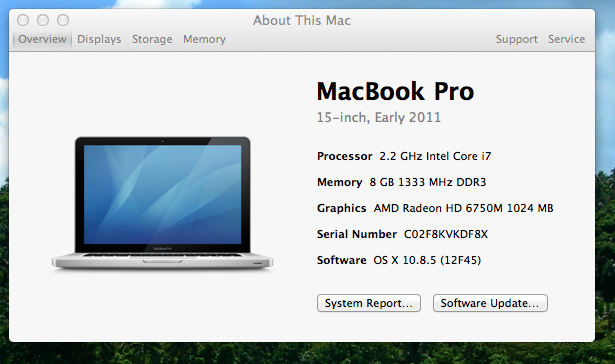
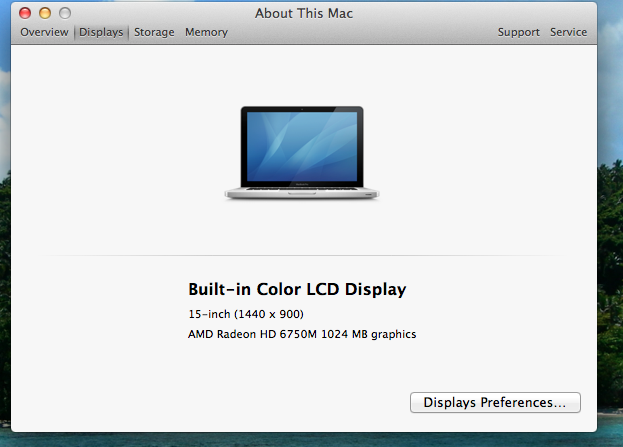
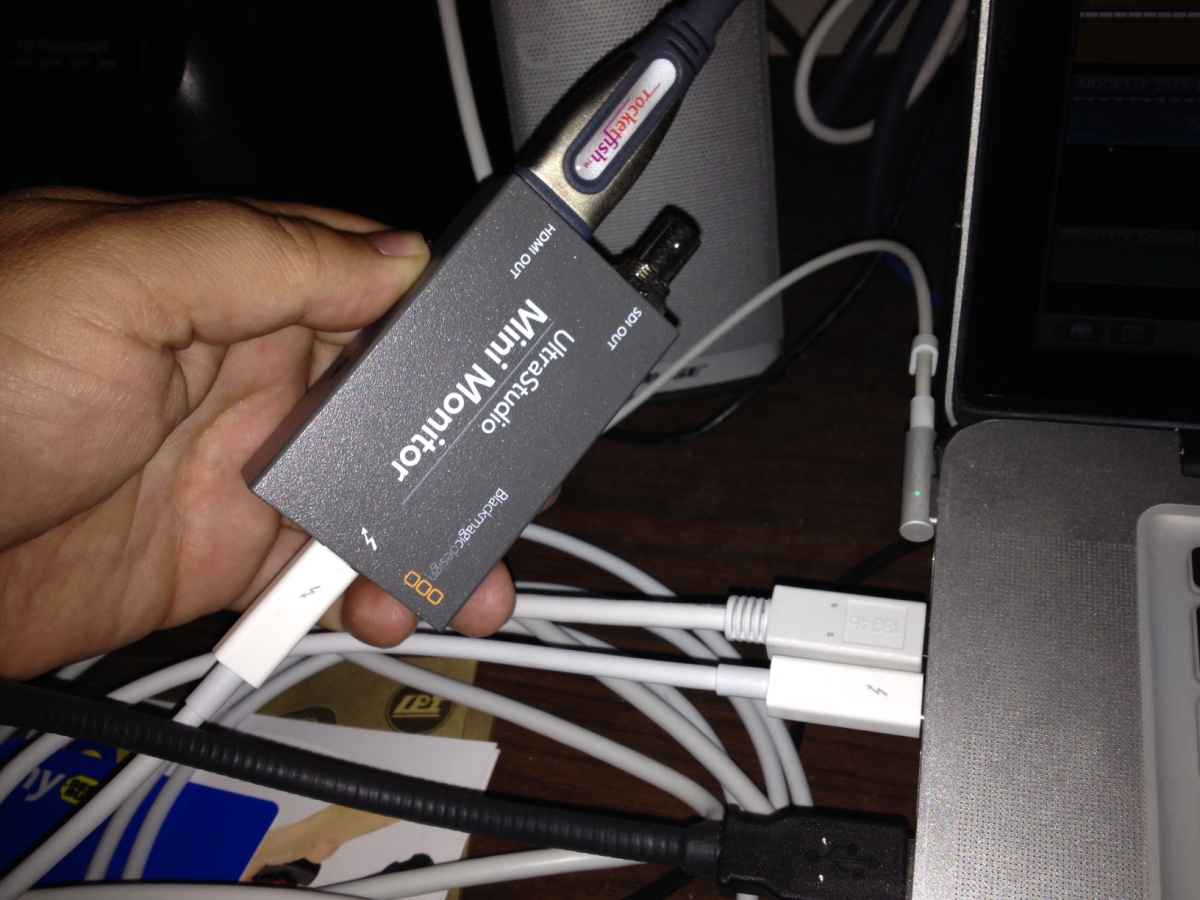
I have a 2011 MBP running FCPX. I have a BlackMagic Ultrastudio Mini Monitor and an ASUS PA246Q connected as follows:
MBP Thunderbolt out to-
BlackMagic Mini Monitor Thunderbolt in to-
Mini Monitor HDMI out to-
ASUS HDMI in
I am getting very blocky/pixelation for my FCPX timeline in the monitor.
MBP Thunderbolt out to-
BlackMagic Mini Monitor Thunderbolt in to-
Mini Monitor HDMI out to-
ASUS HDMI in
I am getting very blocky/pixelation for my FCPX timeline in the monitor.

Please Log in to join the conversation.

26 Nov 2013 23:15 #34706
by BenB
Replied by BenB on topic External Monitor Blocking from FCPX
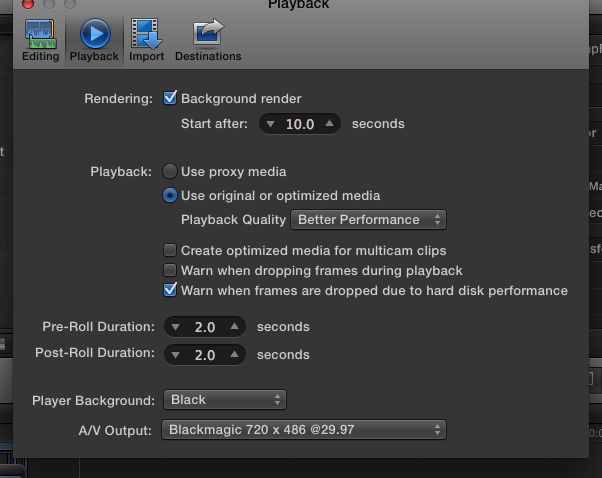
Looks like, since you're editing standard definition footage (720x486), going out to a high definition monitor (1920x1200), it is being enlarged beyond 100 percent frame size. This enlarging will cause lose of image quality (pixelation as you put it).
Please Log in to join the conversation.
26 Nov 2013 23:20 #34710
by marsmock
Replied by marsmock on topic External Monitor Blocking from FCPX
I'm editing 1920x1080. I'm not sure why the output says that.
Please Log in to join the conversation.
27 Nov 2013 00:12 #34713
by marsmock
Replied by marsmock on topic External Monitor Blocking from FCPX
Found it. A setting in BlackMagic software setting in settings. Thanks.
Please Log in to join the conversation.
- haysoos123
-

- Offline
- Platinum Member
-

Less
More
- Posts: 402
- Thank you received: 72
27 Nov 2013 00:19 #34714
by haysoos123
Replied by haysoos123 on topic External Monitor Blocking from FCPX
Go to System Preferences and click on Blackmagic Design settings. This is where you set the output format (under "Set default video standard as"). Make sure it's set to the 1080p setting that matches your framerate. Reboot FCPX.
FCPX uses whatever is set here to output in whatever format. When you change this, you have to reboot FCPX for it to take effect (which is a pain).
However, the mini monitor is made to output a broadcast-type signal, so you should really be connecting it to a broadcast monitor, not your computer monitor. Not too sure, but I think the native res on your ASUS monitor is 1920x1200. I don't know if it will even take a 1080p signal... it might, but it might do some weird scaling. Also, it'll probably not work with some of the fps like 23.976.
If you don't have a broadcast monitor, you can output to a normal HDTV via HDMI on the mini monitor. It'll only work with 1080i 59.94 or 720p 59.94, so if you have a 1080p 23.976 timeline, it'll add pulldown to display on your HDTV.
FCPX uses whatever is set here to output in whatever format. When you change this, you have to reboot FCPX for it to take effect (which is a pain).
However, the mini monitor is made to output a broadcast-type signal, so you should really be connecting it to a broadcast monitor, not your computer monitor. Not too sure, but I think the native res on your ASUS monitor is 1920x1200. I don't know if it will even take a 1080p signal... it might, but it might do some weird scaling. Also, it'll probably not work with some of the fps like 23.976.
If you don't have a broadcast monitor, you can output to a normal HDTV via HDMI on the mini monitor. It'll only work with 1080i 59.94 or 720p 59.94, so if you have a 1080p 23.976 timeline, it'll add pulldown to display on your HDTV.
Please Log in to join the conversation.
