


- Posts: 2
- Thank you received: 0
3 Post Moderation Rule for New Boarders (25 Jan 2021)
New boarders will have their posts moderated - Don't worry if you cannot see your post immediately.
Final Cut Pro Title Kinetic
03 Nov 2013 14:32 #33623
by Veraa93
Final Cut Pro Title Kinetic was created by Veraa93
Hi Guys,
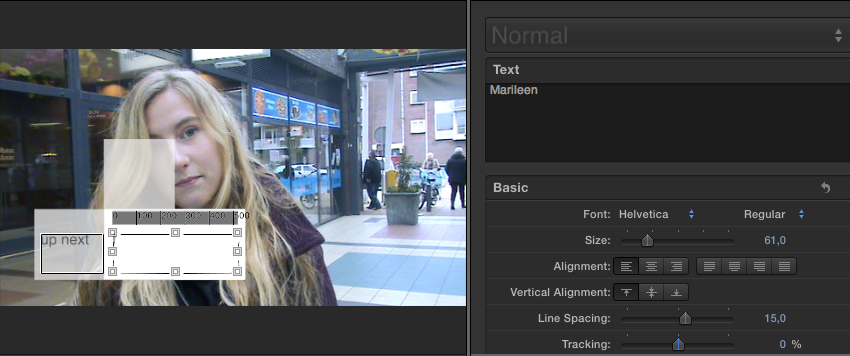
I have just one question.. Is it possible to move the standard titles in Final Cut pro, like the theme kenetic? (with the white boxes and all).. Like in the photo, if i push the trim button and try to change the location of the title, the background (original vid) is also moving... I only want to move the title to the right of the screen.. Does anyone know if this is possible with FCPX and if so, how it's done?
Thanx!!
I have just one question.. Is it possible to move the standard titles in Final Cut pro, like the theme kenetic? (with the white boxes and all).. Like in the photo, if i push the trim button and try to change the location of the title, the background (original vid) is also moving... I only want to move the title to the right of the screen.. Does anyone know if this is possible with FCPX and if so, how it's done?
Thanx!!
Please Log in to join the conversation.
- Tom Wolsky
-

- Offline
- Moderator
-

03 Nov 2013 15:03 #33624
by Tom Wolsky
Replied by Tom Wolsky on topic Final Cut Pro Title Kinetic
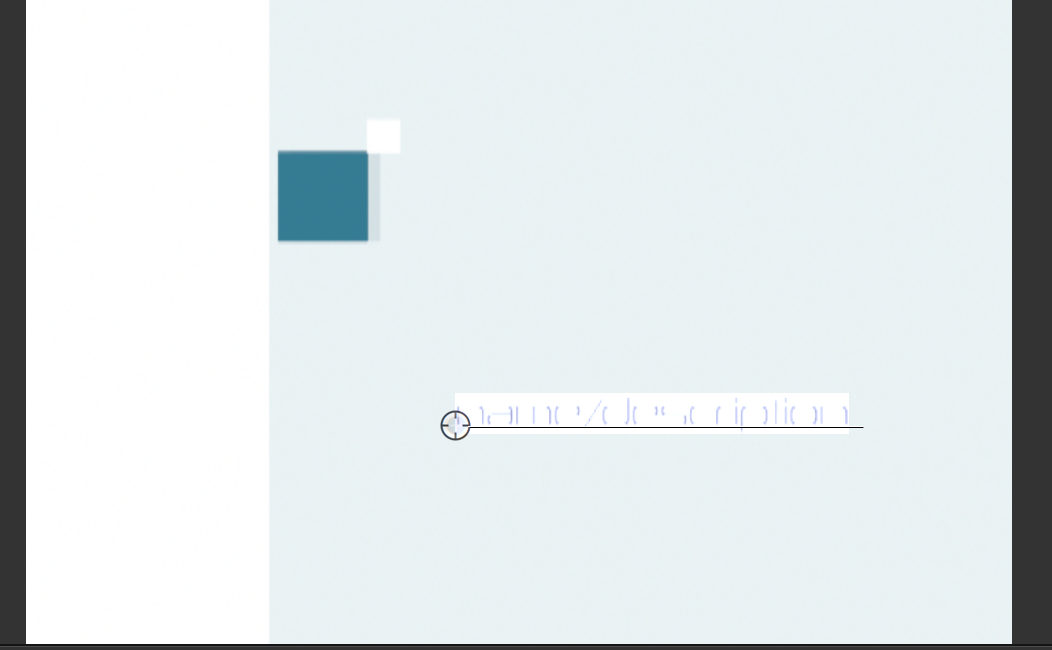
Double click the text and a target button appears at the end of the line. Grab the target and drag the text wherever you want.
Please Log in to join the conversation.
04 Nov 2013 11:11 #33657
by Veraa93
Replied by Veraa93 on topic Final Cut Pro Title Kinetic
I see,  but I can't get the same result using "Left" and "Upper" as kinetic texts..
I'm using these to explain who's who but this box is way to big and fading away his head, so I want to move this box to the right of the screen..
I know it is a template, so I was asking myself if it just isn't possible.. that would be an explanation
But thanx for your help!
Greetz
but I can't get the same result using "Left" and "Upper" as kinetic texts..I'm using these to explain who's who but this box is way to big and fading away his head, so I want to move this box to the right of the screen..
I know it is a template, so I was asking myself if it just isn't possible.. that would be an explanation
But thanx for your help!
Greetz
Please Log in to join the conversation.
- Tom Wolsky
-
- Offline
- Moderator
-
04 Nov 2013 11:17 #33659
by Tom Wolsky
Replied by Tom Wolsky on topic Final Cut Pro Title Kinetic
The boxes can't be moved. You could use the open copy in Motion function and customize the positions.
Please Log in to join the conversation.
- Andreas Kiel
-

- Offline
- Platinum Member
-

Less
More
- Posts: 1077
- Thank you received: 189
04 Nov 2013 11:46 #33661
by Andreas Kiel
Replied by Andreas Kiel on topic Final Cut Pro Title Kinetic
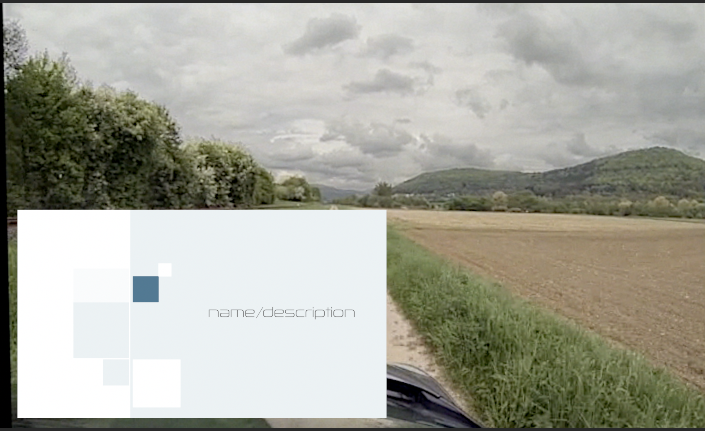
You make a compound with the title alone. Then it behave like any other clip.
-Andreas
-Andreas
Please Log in to join the conversation.
