


- Posts: 163
- Thank you received: 36
3 Post Moderation Rule for New Boarders (25 Jan 2021)
New boarders will have their posts moderated - Don't worry if you cannot see your post immediately.
Edge Feathering
- cinemaloha
-
 Topic Author
- Offline
- Elite Member
-

Less
More
08 Aug 2013 17:46 - 08 Aug 2013 18:06 #29613
by cinemaloha
Edge Feathering was created by cinemaloha
Hey All,
I am trying to feather the left & right edge of a clip (see screenshots below). I have searched FCP.co to no avail.
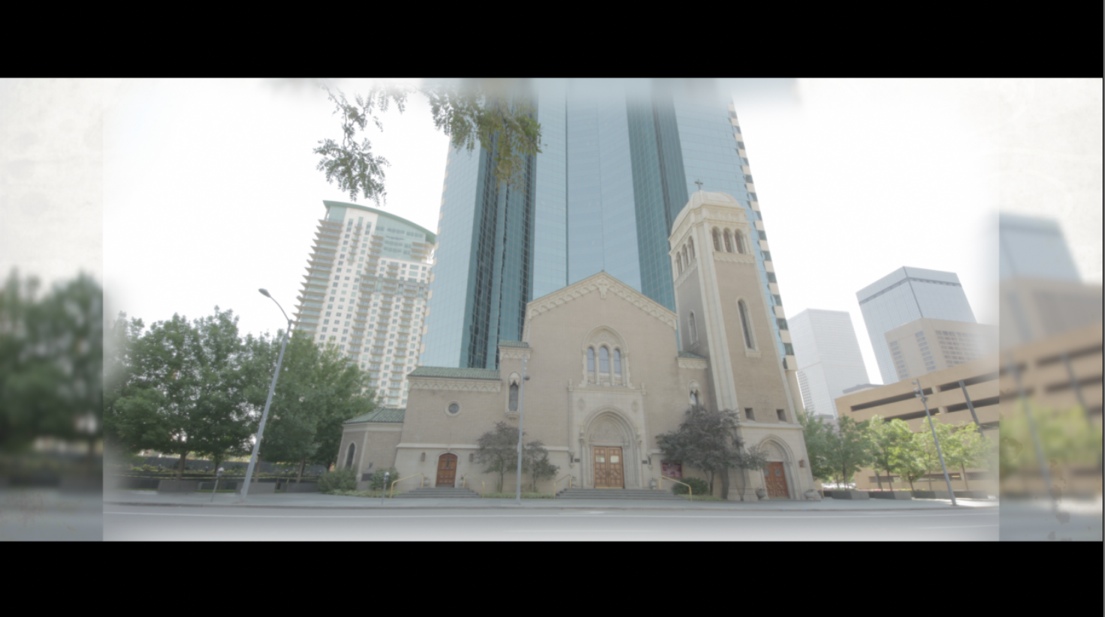
So far, I have tried layering two clips with a generator in between.
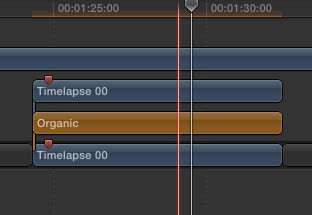
The top clip has several SliceX 'Blur Shape Masks', the Generator has a 20% opacity, and the bottom clip has a 'Gaussian Blur'. See attached screenshots.
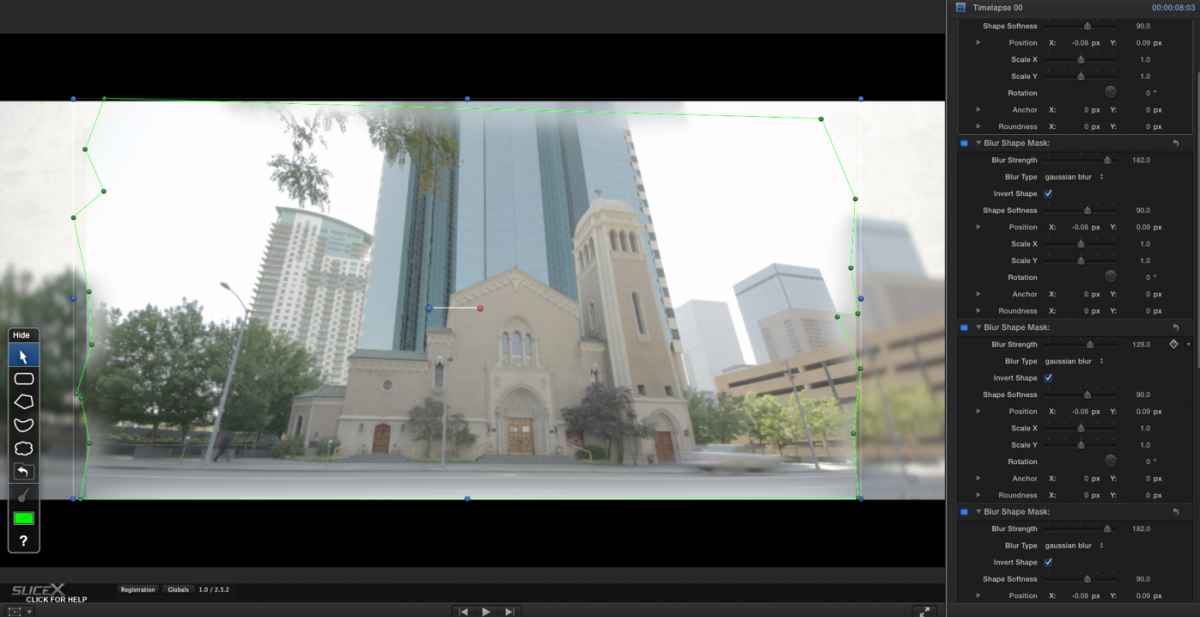
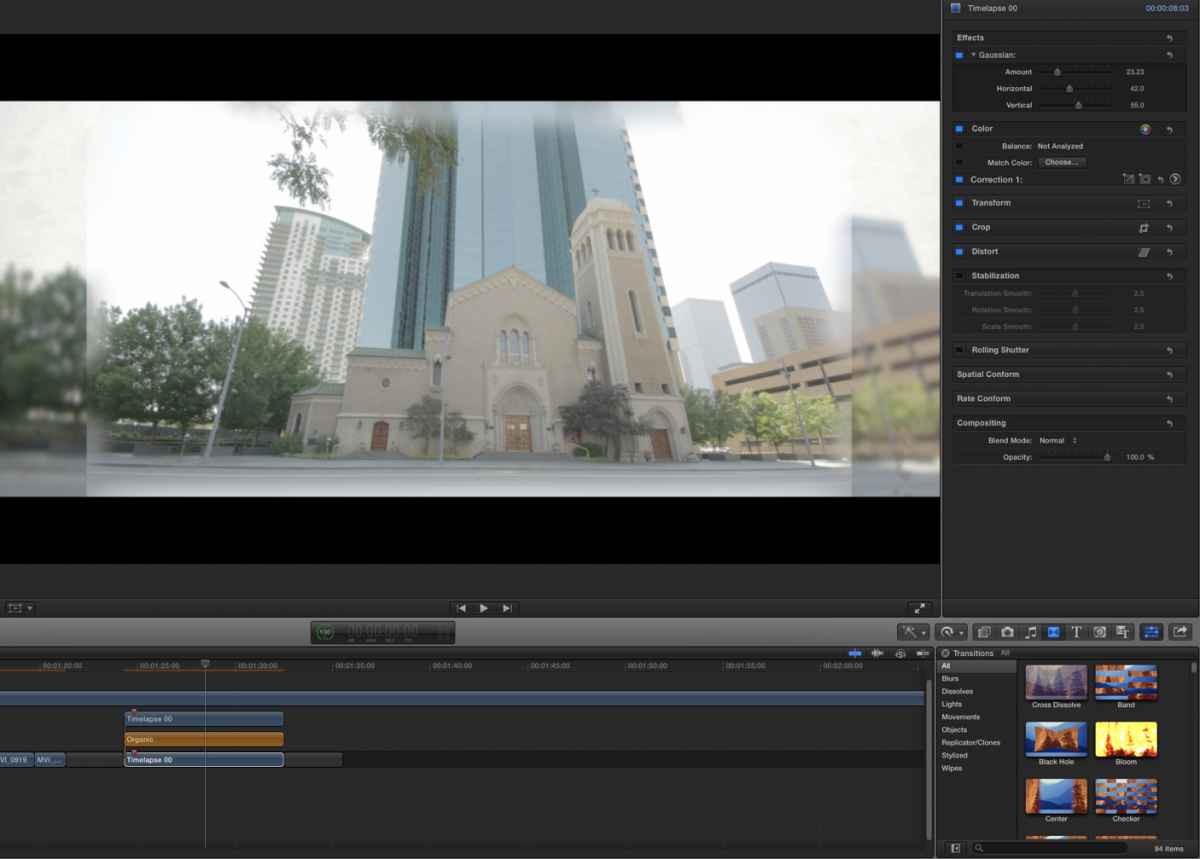
I am doing this because the Aspect Ratio of this timelapse was incorrect and I didn't want to "stretch" the image.
Thanks in advance to those that know how to feather the edge.
I am trying to feather the left & right edge of a clip (see screenshots below). I have searched FCP.co to no avail.
So far, I have tried layering two clips with a generator in between.
The top clip has several SliceX 'Blur Shape Masks', the Generator has a 20% opacity, and the bottom clip has a 'Gaussian Blur'. See attached screenshots.
I am doing this because the Aspect Ratio of this timelapse was incorrect and I didn't want to "stretch" the image.
Thanks in advance to those that know how to feather the edge.
Last edit: 08 Aug 2013 18:06 by cinemaloha. Reason: Screenshots did not upload.
Please Log in to join the conversation.
- cinemaloha
-
Topic Author
- Offline
- Elite Member
-
Less
More
- Posts: 163
- Thank you received: 36
08 Aug 2013 19:44 #29616
by cinemaloha
Replied by cinemaloha on topic Edge Feathering
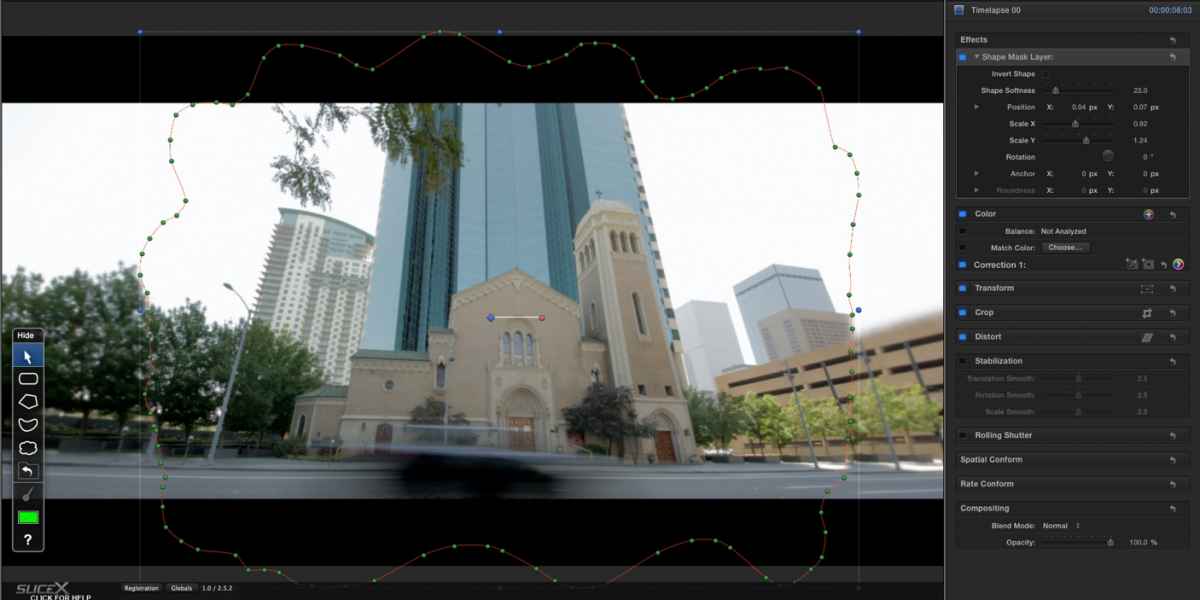
Figured it out. I used a Shape Mask Layer instead of a Blur Shape Mask.
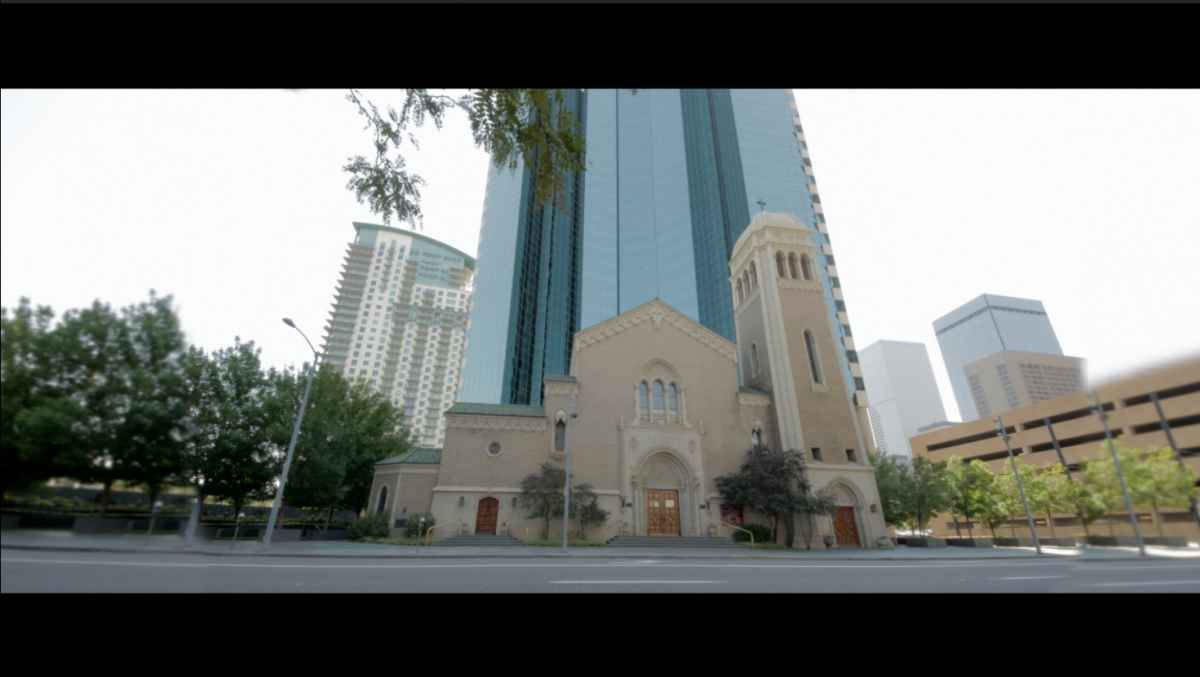
The top layer clip contains the Shape Mask and the bottom clip contains an object remover.

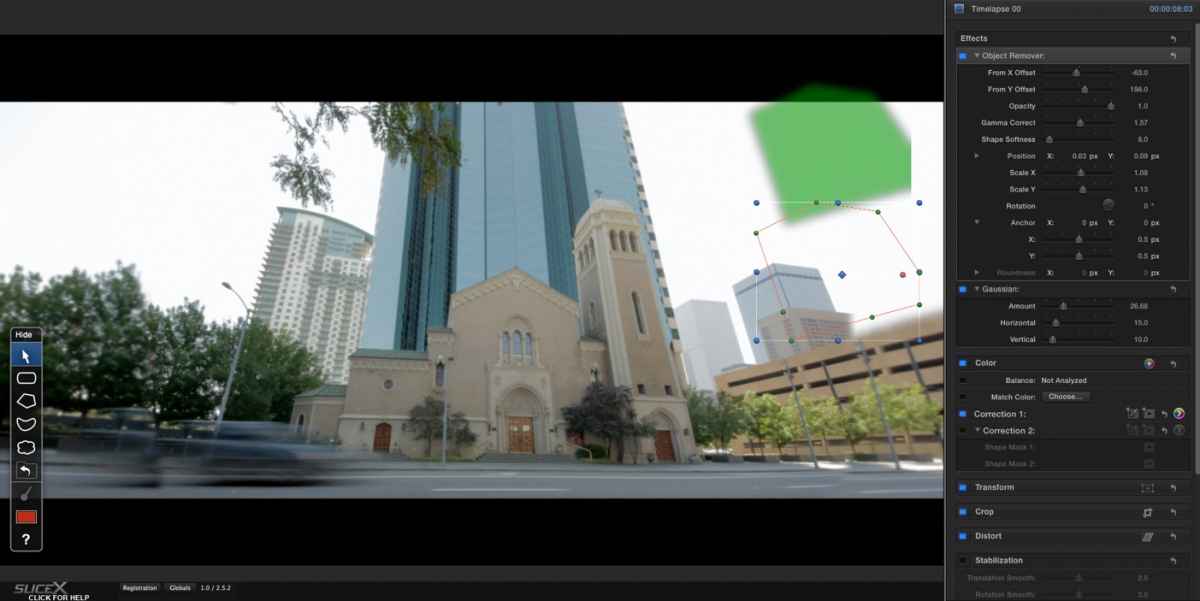
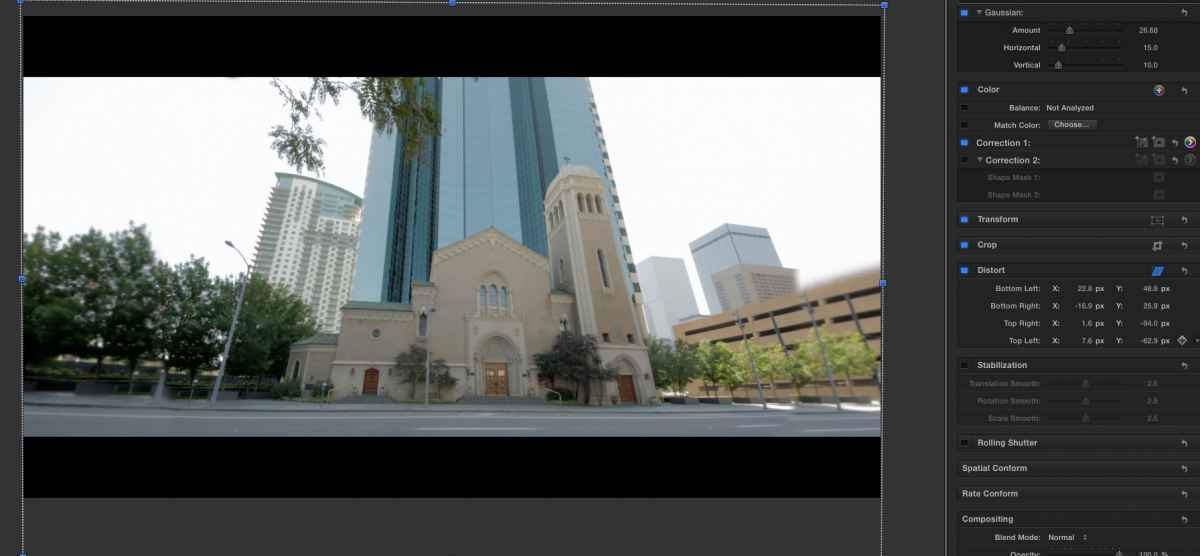
It turned out better than my first attempt. I also used the 'Distort' to line the image on the left and right edge.
The top layer clip contains the Shape Mask and the bottom clip contains an object remover.
It turned out better than my first attempt. I also used the 'Distort' to line the image on the left and right edge.
Please Log in to join the conversation.
- cinemaloha
-
Topic Author
- Offline
- Elite Member
-
Less
More
- Posts: 163
- Thank you received: 36
09 Aug 2013 01:42 #29619
by cinemaloha
Replied by cinemaloha on topic Edge Feathering
I opted for a simple 'Distort' of the entire image instead of the layered clips because the car movement in the foreground was "chopped" at the left/right edge.
Originally, I overlooked Distorting the image because I thought it would stretch too much. After experimentation....it does not look bad. I will do a sky replacement to add to the timelapse effect. Just documenting my experience and hope someone else can use it for their future needs.
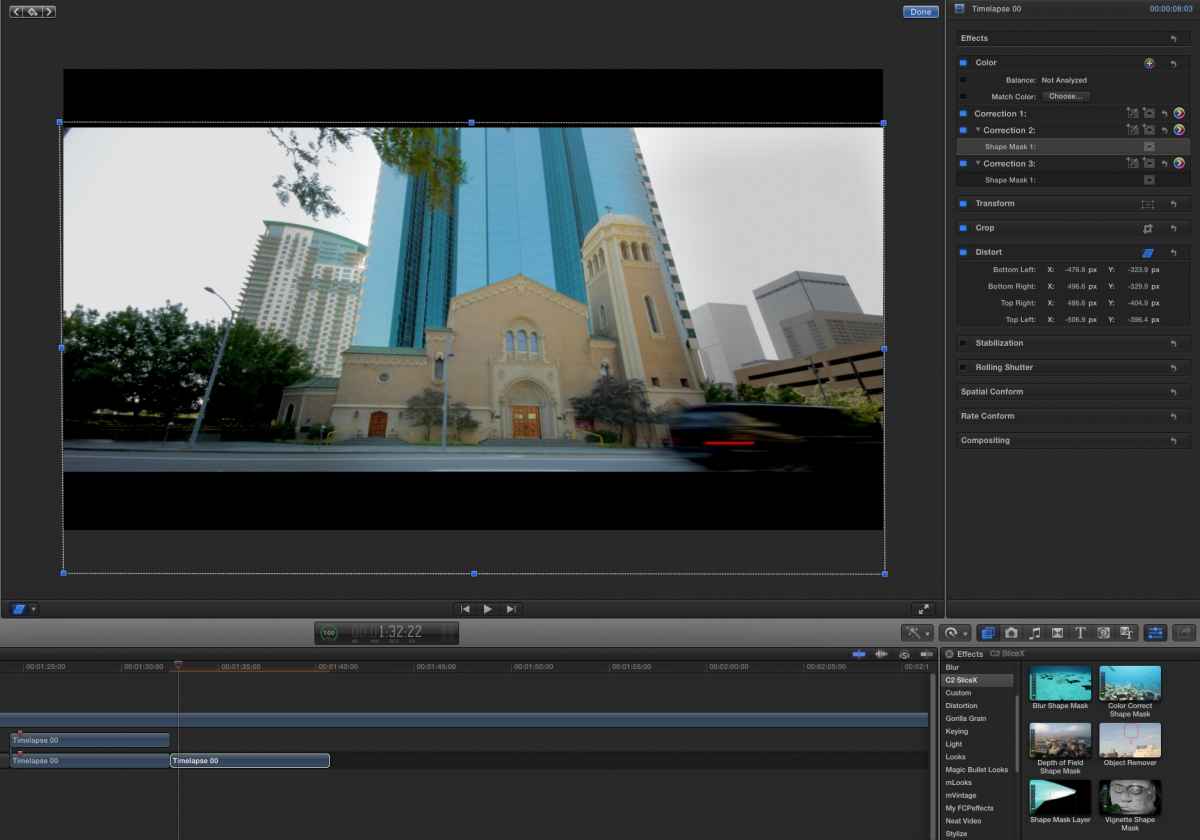
Originally, I overlooked Distorting the image because I thought it would stretch too much. After experimentation....it does not look bad. I will do a sky replacement to add to the timelapse effect. Just documenting my experience and hope someone else can use it for their future needs.
Please Log in to join the conversation.
- cinemaloha
-
Topic Author
- Offline
- Elite Member
-
Less
More
- Posts: 163
- Thank you received: 36
09 Aug 2013 19:11 #29640
by cinemaloha
Replied by cinemaloha on topic Edge Feathering
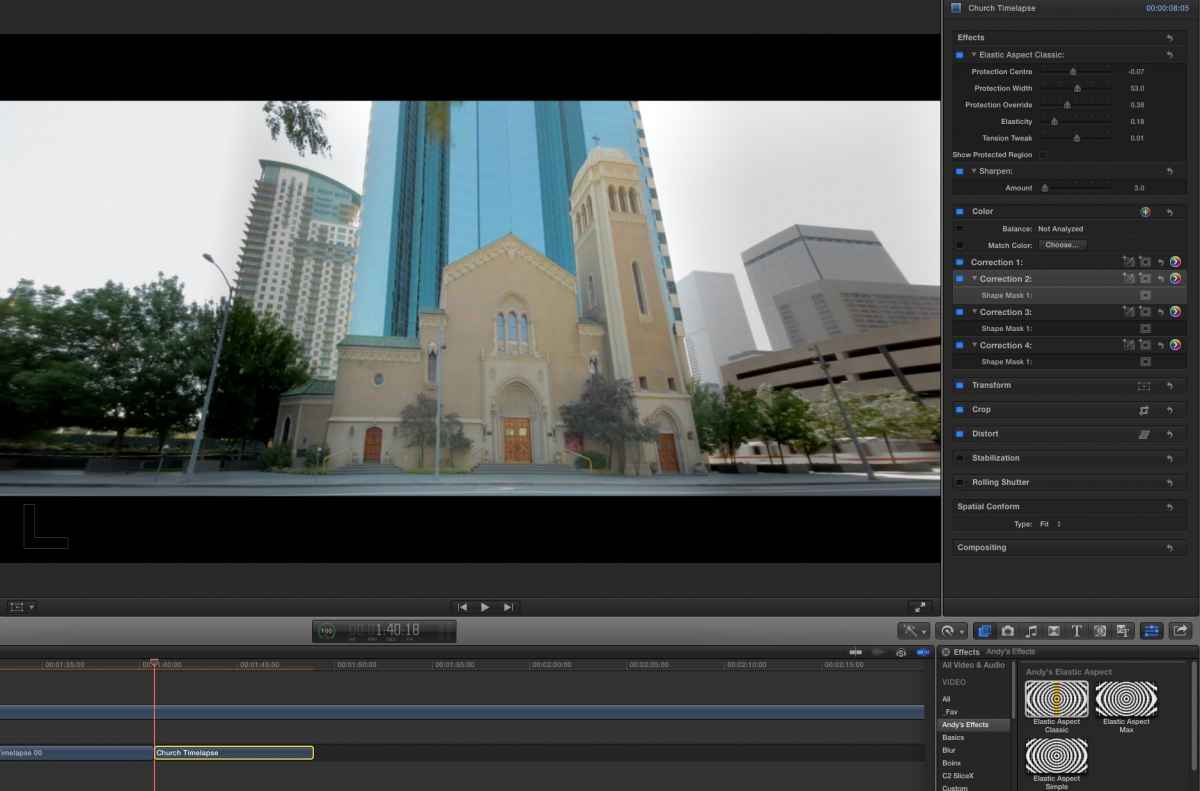
I remember a post about Aspect Ratio plugin and a quick search on FCP.co revealed
Andy Mee's Elastic Aspect Ratio
. The final result looks a lot better than a stretched & distorted video. Thank you FCP.co!
Please Log in to join the conversation.
