


- Posts: 59
- Thank you received: 1
3 Post Moderation Rule for New Boarders (25 Jan 2021)
New boarders will have their posts moderated - Don't worry if you cannot see your post immediately.
Keyword collection - change range selection
31 Jul 2013 14:56 #29289
by frandu
Keyword collection - change range selection was created by frandu
I'm having a hard time working with keyword collections. I'm setting Ins and Outs on an interview and keying word it, so far so good.
But sometimes I need to change the range selection, to set new Ins and Outs but to keep the same keyword collections. It's just a review. What happens is that if I set In or Out, I lose the keyword collection, so I have to redo it and I get a duplicate keyword.
Anyone know how can I work inside a keyword collection and set new Ins and Outs? A few seconds more or less...
Best,
Chico
But sometimes I need to change the range selection, to set new Ins and Outs but to keep the same keyword collections. It's just a review. What happens is that if I set In or Out, I lose the keyword collection, so I have to redo it and I get a duplicate keyword.
Anyone know how can I work inside a keyword collection and set new Ins and Outs? A few seconds more or less...
Best,
Chico
Please Log in to join the conversation.
- Tom Wolsky
-

- Offline
- Moderator
-

31 Jul 2013 17:49 #29301
by Tom Wolsky
Replied by Tom Wolsky on topic Keyword collection - change range selection
You need to do this in the event not the keyword collection if I understand what you're doing. In the collection you can't extend the selection and you can't make the selection shorter without removing the keyword first.
Please Log in to join the conversation.
31 Jul 2013 23:06 #29322
by frandu
Replied by frandu on topic Keyword collection - change range selection
Thanks for the help, Tom.
Let me try to explain it better. I attached 2 screenshots as an example:
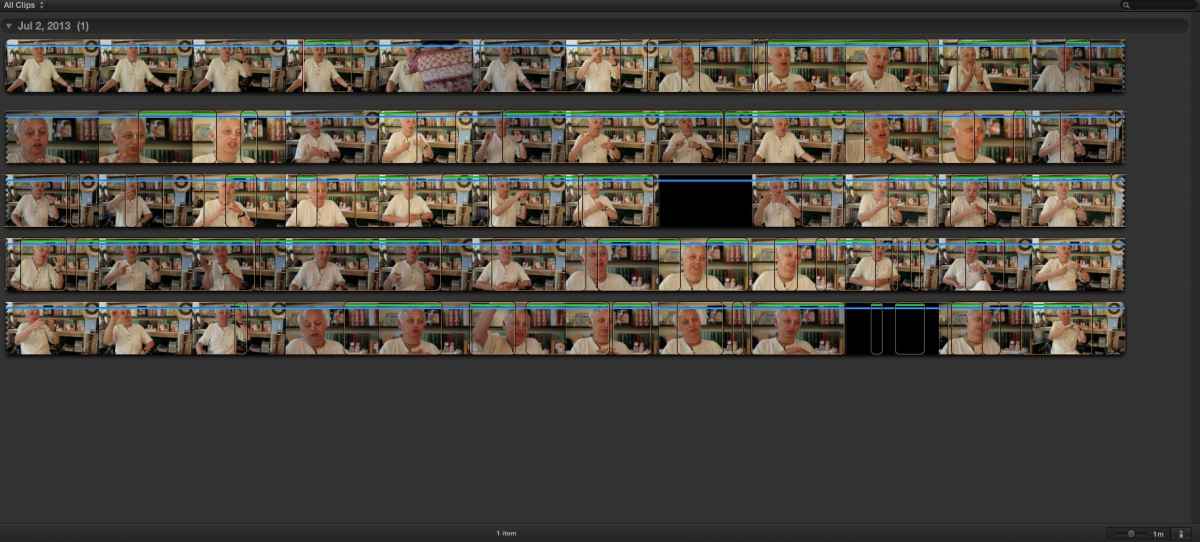
In the first one, I can see the entire interview and all keywords and favorites marks. If I click in the range selection I want to review or change, I can see the keywords that I gave to that selection (Command+K). If I need to move that range selection a little bit more, say for example about 5 seconds more, the keywords disappears and I have to retype it again, giving me 2 ranged selections in the same keyword collection. One with the regular time and another one with the 5 seconds added.
Are there any way to edit this ranged selections?
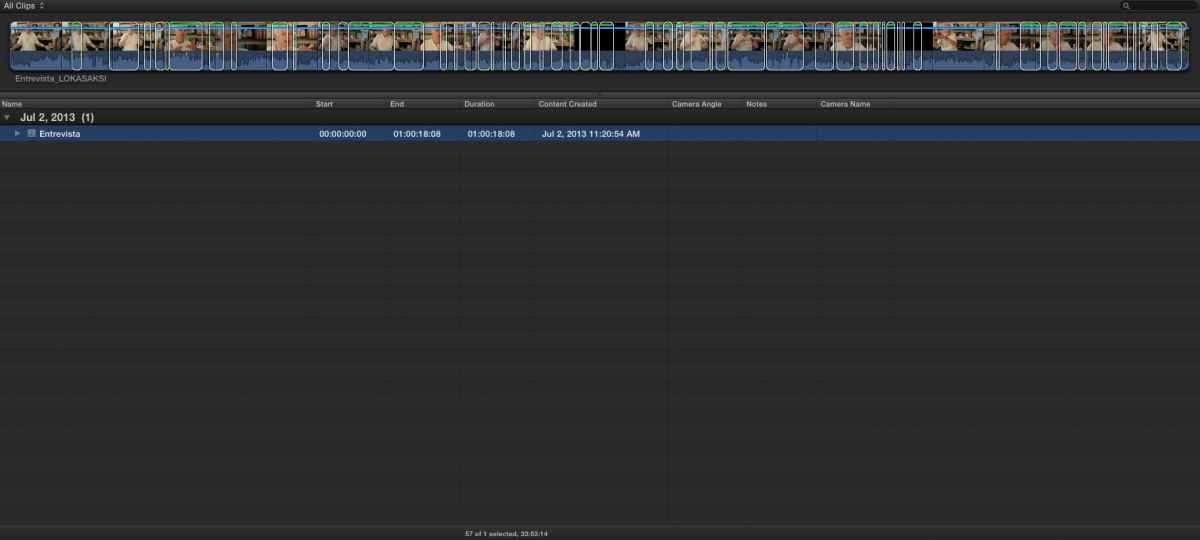
The example 2 is another way to view the interview. Everytime I try to rearrange the selection, ban, the keyword is "lost" and I have to do it again, spending precious time to delete the previous ranged selection.
I hope it's clear now and if anyone can help me, it will be appreciated.
Let me try to explain it better. I attached 2 screenshots as an example:
In the first one, I can see the entire interview and all keywords and favorites marks. If I click in the range selection I want to review or change, I can see the keywords that I gave to that selection (Command+K). If I need to move that range selection a little bit more, say for example about 5 seconds more, the keywords disappears and I have to retype it again, giving me 2 ranged selections in the same keyword collection. One with the regular time and another one with the 5 seconds added.
Are there any way to edit this ranged selections?
The example 2 is another way to view the interview. Everytime I try to rearrange the selection, ban, the keyword is "lost" and I have to do it again, spending precious time to delete the previous ranged selection.
I hope it's clear now and if anyone can help me, it will be appreciated.
Please Log in to join the conversation.
- Tom Wolsky
-
- Offline
- Moderator
-
31 Jul 2013 23:16 #29323
by Tom Wolsky
Replied by Tom Wolsky on topic Keyword collection - change range selection
This is much easier to do in list view where you can see the keywords. When you have two keyword selections overlapping as you describe, select the one you wan to eliminate, and then with the keyword UD open select the keyword and delete it.
Twirl open Entrevista to see the keywords. Are you in the keyword collection or in the event? If you remove a keyword for a selected portion when you're in the collection then that clip will disappear from the collection.
Twirl open Entrevista to see the keywords. Are you in the keyword collection or in the event? If you remove a keyword for a selected portion when you're in the collection then that clip will disappear from the collection.
Please Log in to join the conversation.
