


3 Post Moderation Rule for New Boarders (25 Jan 2021)
New boarders will have their posts moderated - Don't worry if you cannot see your post immediately.
DVD Menu - It is Pixels for me...
- finalbug.net
-
 Topic Author
- Offline
- Platinum Member
-

- Absence of Quality is the essence of squareness.
Less
More
06 Apr 2013 07:35 #23886
by finalbug.net
DVD Menu - It is Pixels for me... was created by finalbug.net
Well there is no DVD SP Pro forum in here. And no I do not want one. But necessity being the mother of all invention I get to do a DVD about once in a blue moon and hey compressor used to go hand in hand with DVD SP many moons ago!
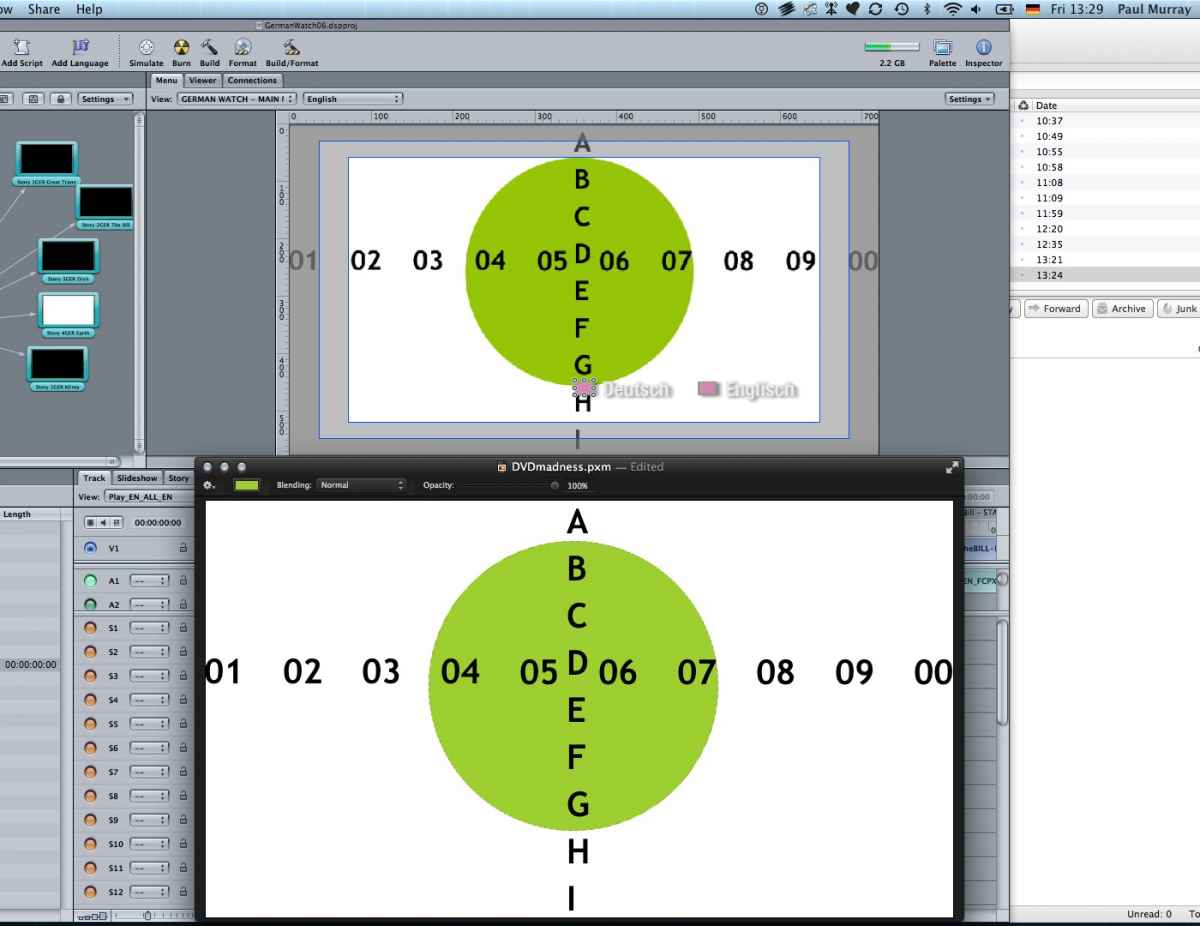
How can I import a 872 times 486 menu from a client into DVD SP and have it look correct in Pal land. I thought that the maths was 1024*576 Square converts to 720*576 Non Square!!! It is the bloody pixels isn´t it???
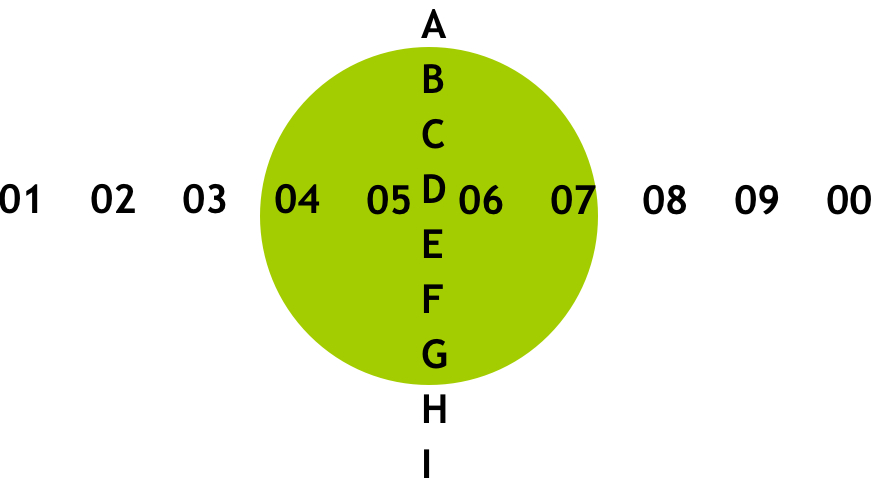
I could not believe my eyes or my brain so I double checked it by building a little graphic 872*486 and it works perfectly. What am I missing any ideas?
Any old school DVD SP experts still alive? :woohoo:
How can I import a 872 times 486 menu from a client into DVD SP and have it look correct in Pal land. I thought that the maths was 1024*576 Square converts to 720*576 Non Square!!! It is the bloody pixels isn´t it???
I could not believe my eyes or my brain so I double checked it by building a little graphic 872*486 and it works perfectly. What am I missing any ideas?
Any old school DVD SP experts still alive? :woohoo:
Please Log in to join the conversation.
- finalbug.net
-
Topic Author
- Offline
- Platinum Member
-
- Absence of Quality is the essence of squareness.
06 Apr 2013 11:25 #23891
by finalbug.net
Replied by finalbug.net on topic DVD Menu - It is Pixels for me...
The answer lies here
www.ict4e.net/wiki_mirror/index.php?page...o/Pixel_Aspect_Ratio
Credit where credit is due a guy called Peter Patten came up with the goods.
872 divide by 486 gives 1.8 that is all that I need to know.
:woohoo:
www.ict4e.net/wiki_mirror/index.php?page...o/Pixel_Aspect_Ratio
Credit where credit is due a guy called Peter Patten came up with the goods.
872 divide by 486 gives 1.8 that is all that I need to know.
:woohoo:
Please Log in to join the conversation.


06 Apr 2013 12:05 #23896
by BenB
Replied by BenB on topic DVD Menu - It is Pixels for me...
Open Photoshop or Pixelmator, start a project that is HD 1080 or 720 from the presets. Paste it into that, resize as necessary. Always used to work for me.
Please Log in to join the conversation.
