




- Posts: 22
- Thank you received: 0
3 Post Moderation Rule for New Boarders (25 Jan 2021)
New boarders will have their posts moderated - Don't worry if you cannot see your post immediately.
[SOLVED] "Clear Selected Ranges" doesn't seem to work on stills
06 Jan 2023 11:06 - 06 Jan 2023 12:18 #123528
by rleiman
Greetings,
It seems that the "Clear Selected Ranges" menu item under "Mark" does work with still images. Here are the steps I took to recreate the problem I'm having.
1. Make a range on a still image.
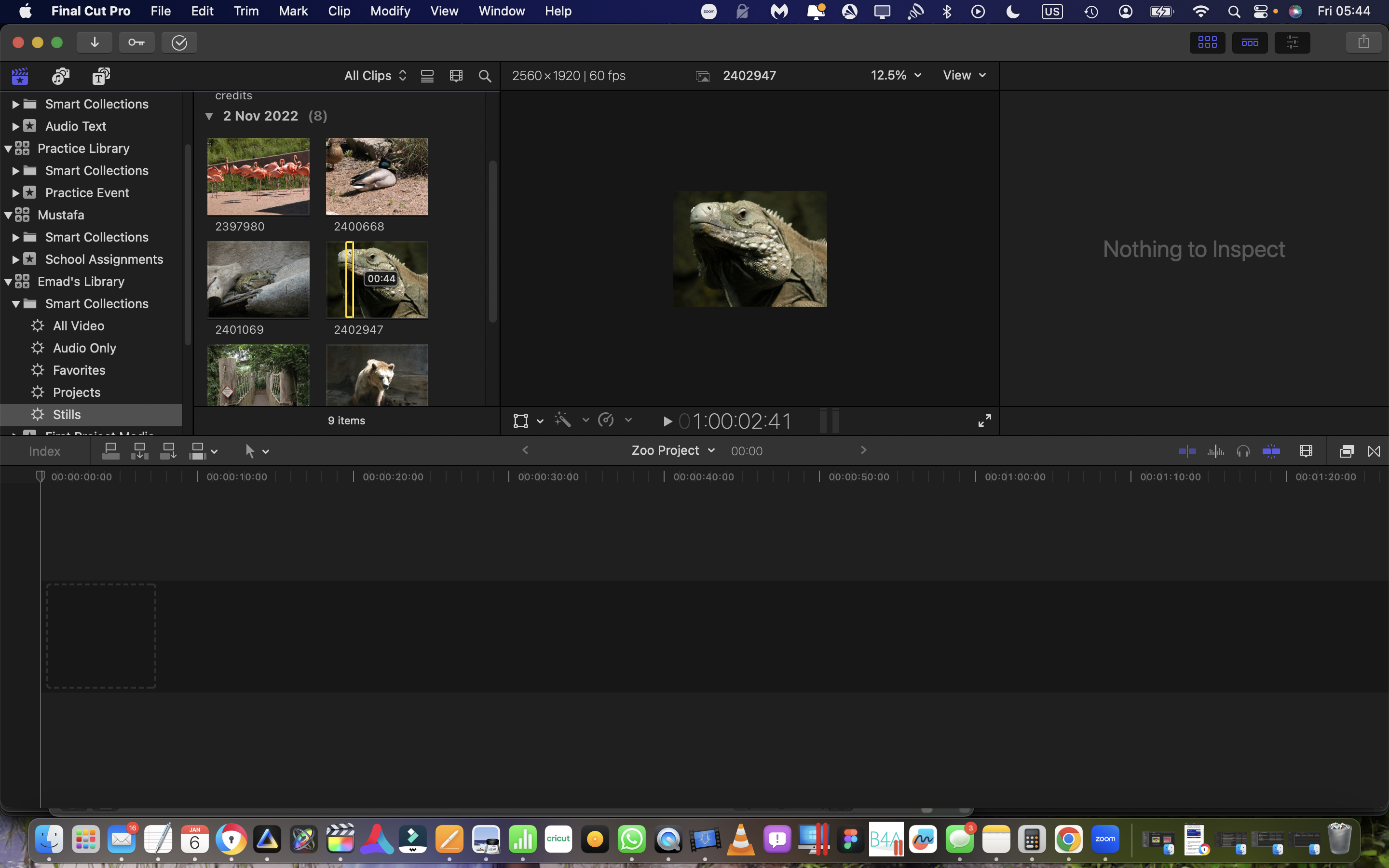
2. Select "Clear Selected Ranges".
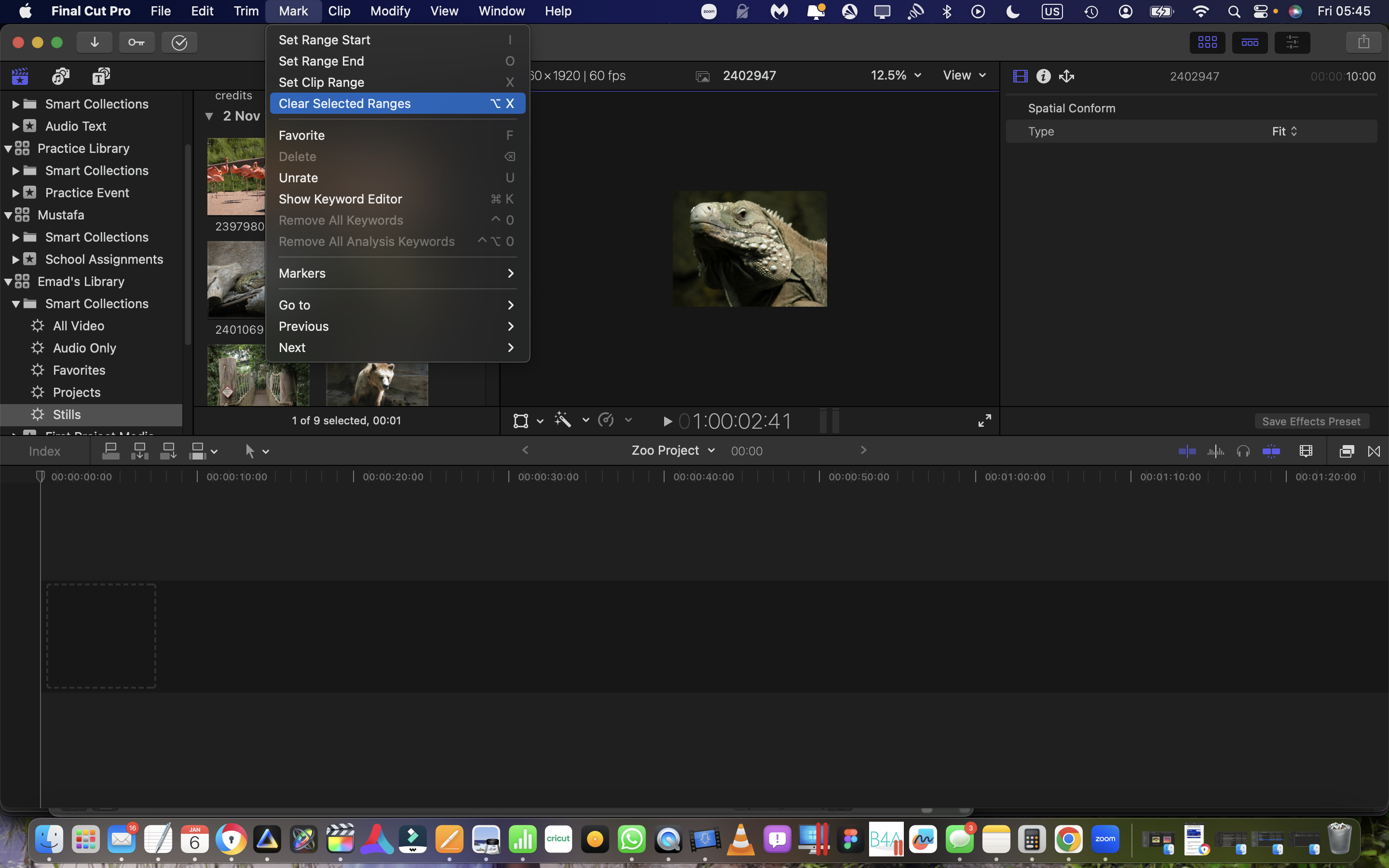
3. The range disappears from the image thumbnail.
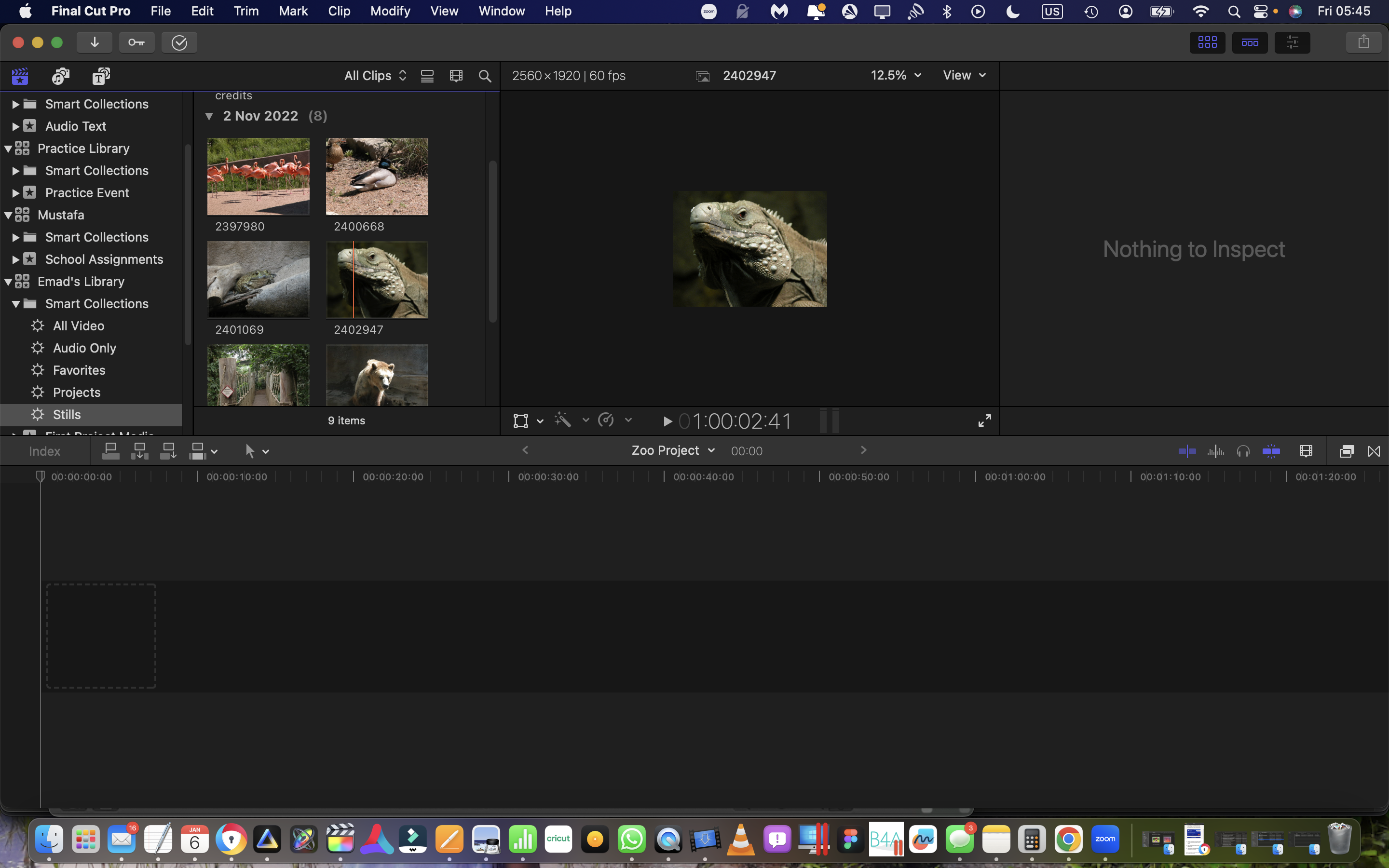
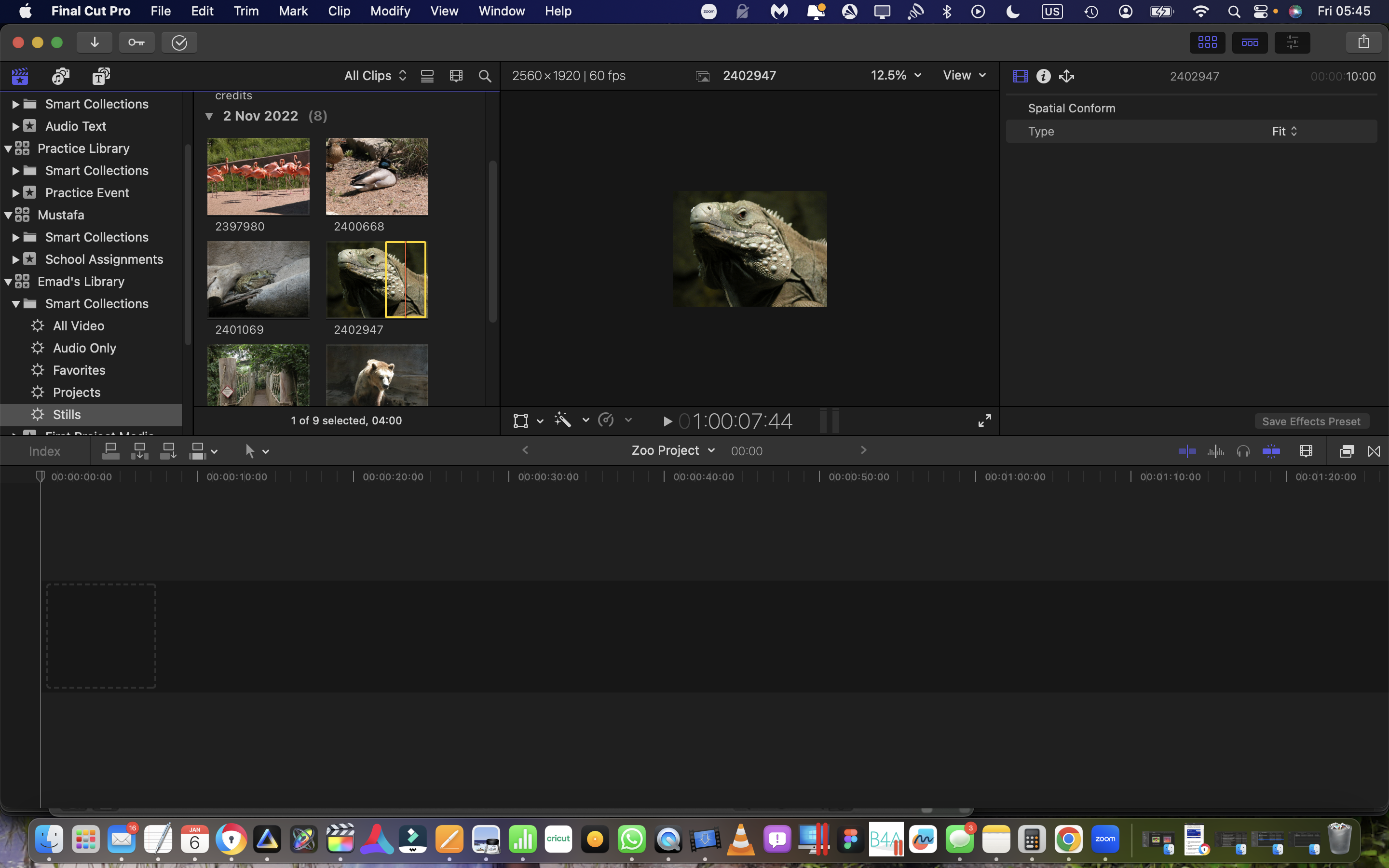
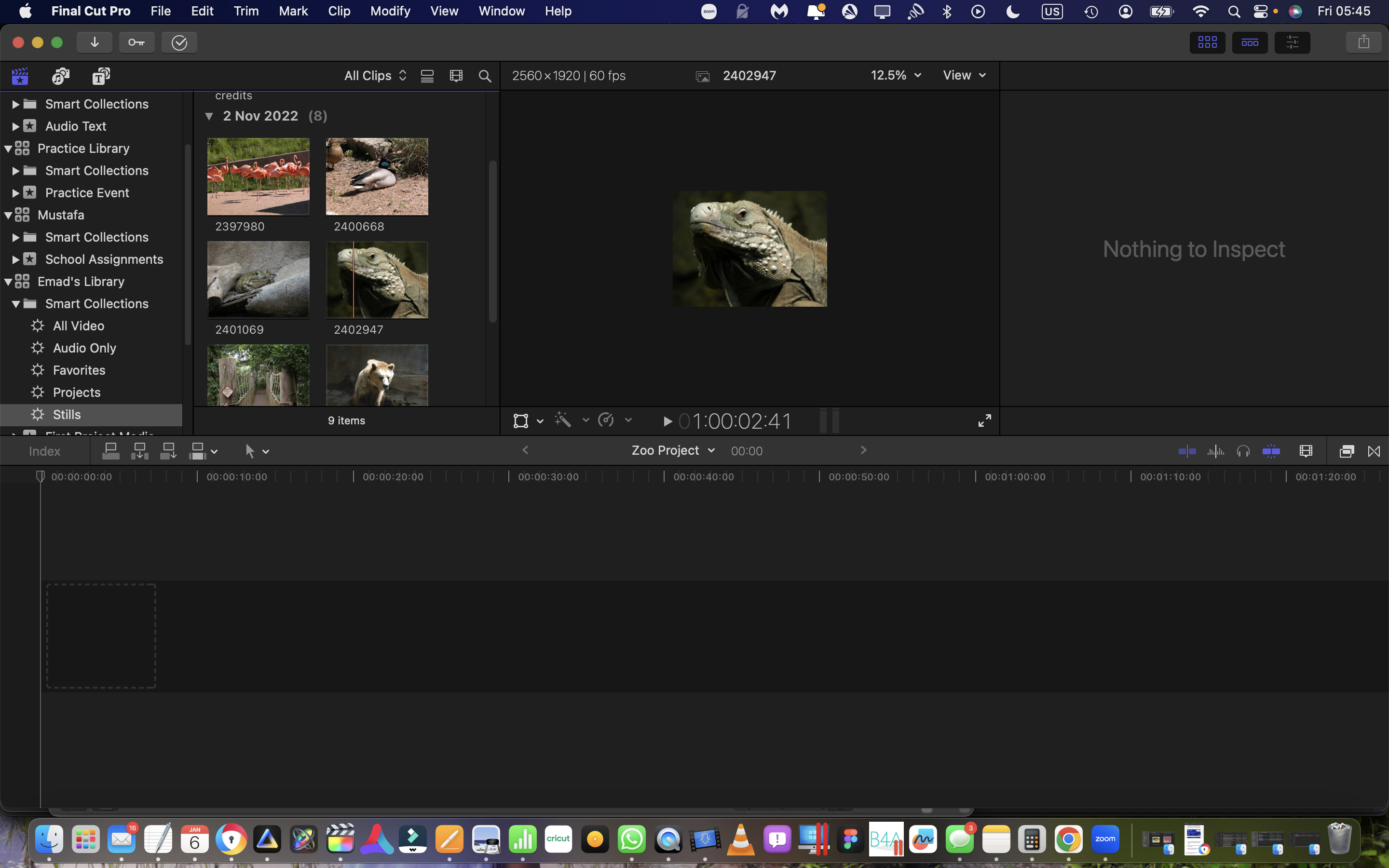
4. Get ready to click on the image thumbnail so the entire thumbnail is selected. The red line in the screenshot shows where my cursor is located when I clicked to select it.
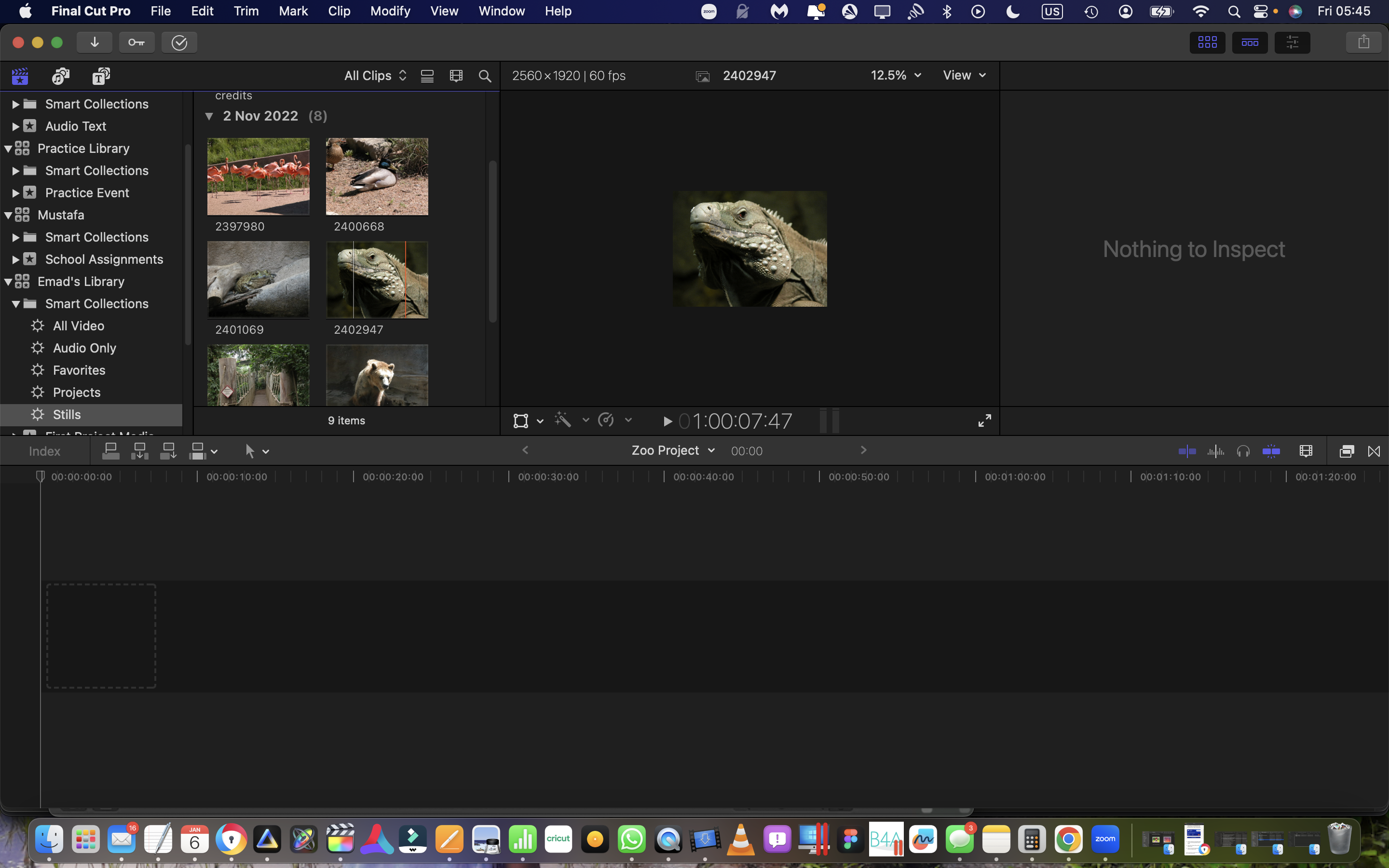
5. Instead of the entire thumbnail being selected by the yellow boarder line, the yellow boarder show a new range has been created and selected instead of the entire thumbnail being selected.
Is there is something in the Final Cut settings that will stop this from happening? I really don't want to expand the ranges the software creates every time I want to drag an image into my timeline. I could lasso by dragging then dragging the still into the timeline but I feel more comfortable just clicking first on the image prior to dragging like I do with videos.
Truly,
Emad
It seems that the "Clear Selected Ranges" menu item under "Mark" does work with still images. Here are the steps I took to recreate the problem I'm having.
1. Make a range on a still image.
2. Select "Clear Selected Ranges".
3. The range disappears from the image thumbnail.
4. Get ready to click on the image thumbnail so the entire thumbnail is selected. The red line in the screenshot shows where my cursor is located when I clicked to select it.
5. Instead of the entire thumbnail being selected by the yellow boarder line, the yellow boarder show a new range has been created and selected instead of the entire thumbnail being selected.
Is there is something in the Final Cut settings that will stop this from happening? I really don't want to expand the ranges the software creates every time I want to drag an image into my timeline. I could lasso by dragging then dragging the still into the timeline but I feel more comfortable just clicking first on the image prior to dragging like I do with videos.
Truly,
Emad
Last edit: 06 Jan 2023 12:18 by rleiman. Reason: I had to edit out duplicate html tags of the screenshots.
Please Log in to join the conversation.
- Tom Wolsky
-

- Offline
- Moderator
-

06 Jan 2023 11:16 #123529
by Tom Wolsky
Replied by Tom Wolsky on topic "Clear Selected Ranges" doesn't seem to work on stills
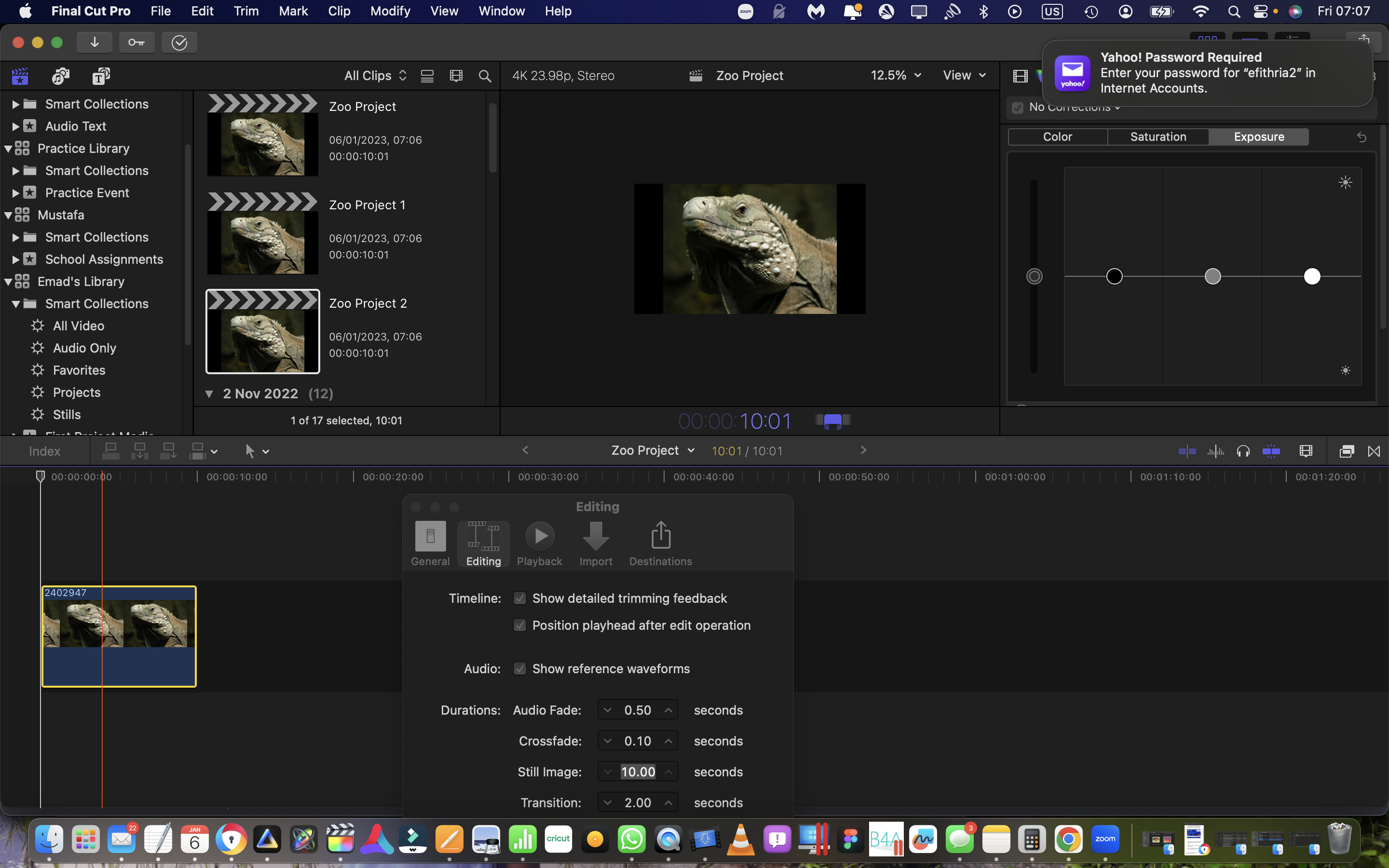
The length of the selected range is set in FCP preferences.
Please Log in to join the conversation.
06 Jan 2023 12:16 #123530
by rleiman
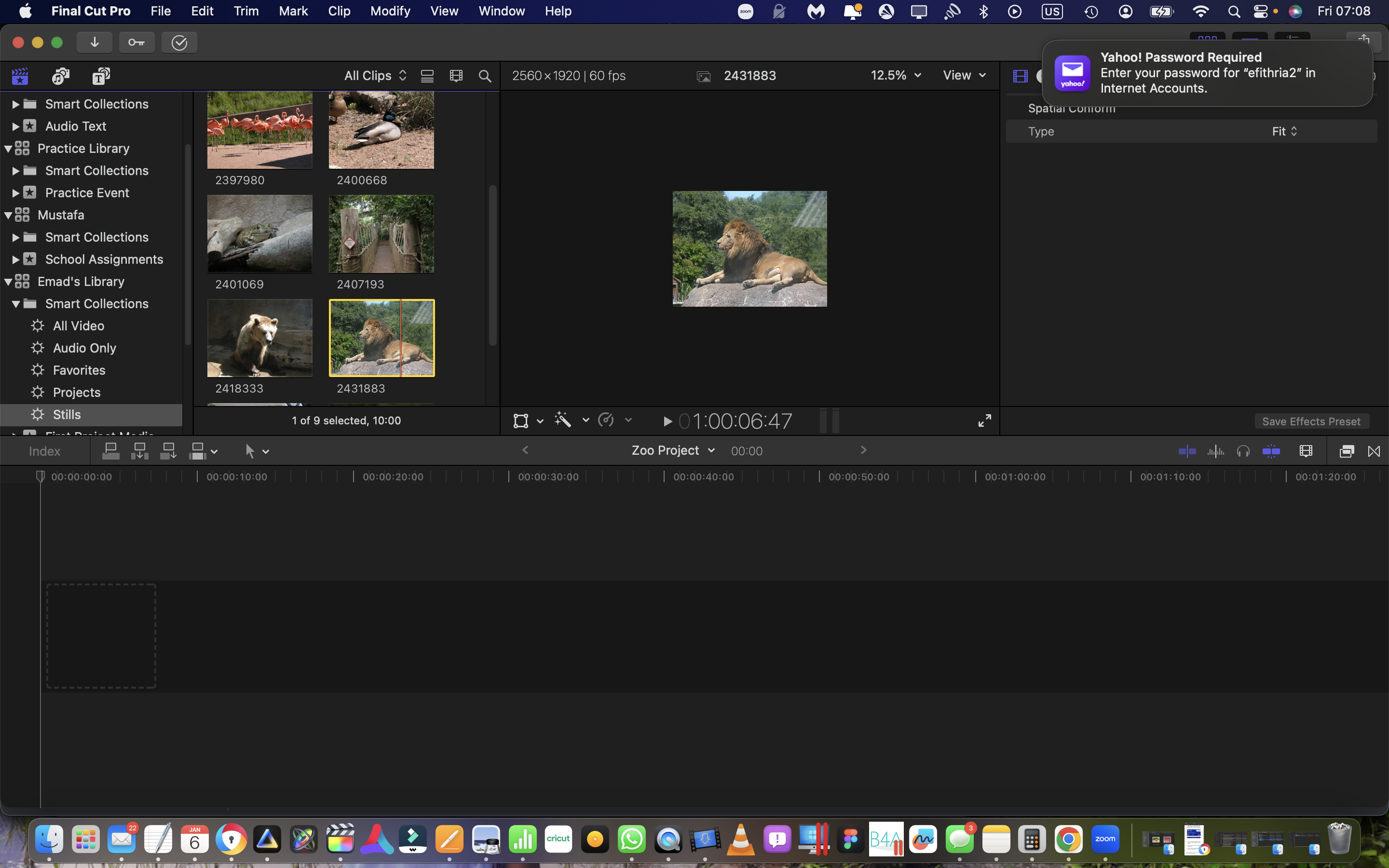
Thanks for the quick reply. Found it. I noticed the duration of the range was 4 seconds and the image was at 10 seconds so I made the change.
Truly,
Emad
Replied by rleiman on topic "Clear Selected Ranges" doesn't seem to work on stills
The length of the selected range is set in FCP preferences.
Thanks for the quick reply. Found it. I noticed the duration of the range was 4 seconds and the image was at 10 seconds so I made the change.
Truly,
Emad
Please Log in to join the conversation.
