
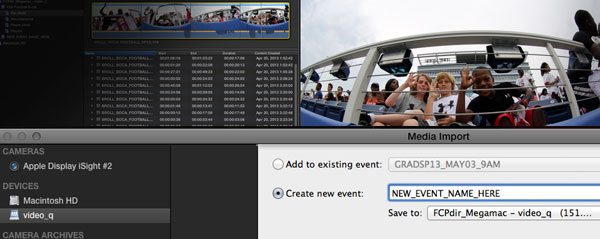
Amanda Burns from the Florida Atlantic University put a post on our Forum about using FCPX across multiple workstations on a SAN. We asked her for some screen grabs and thought her experiences would make an excellent front page story.


Amanda Burns from the Florida Atlantic University put a post on our Forum about using FCPX across multiple workstations on a SAN. We asked her for some screen grabs and thought her experiences would make an excellent front page story.
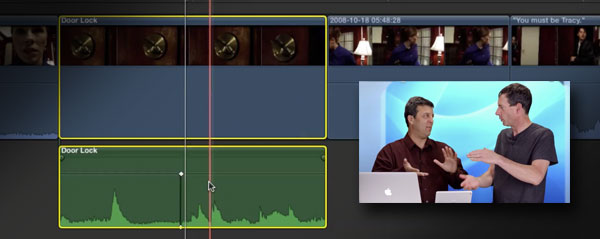
Sub-frame audio editing in FCP is nothing new, FCP7 had the ability to access smaller increments than a frame. But how do you go about sub-frame editing in Final Cut Pro X?
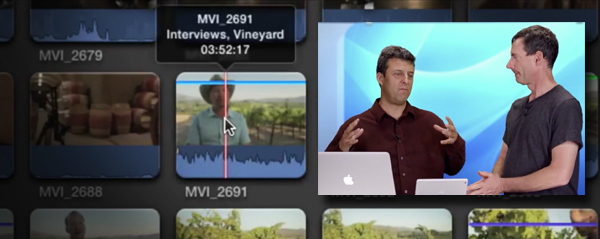
The key to good editing in FCPX is organisation before you start. We are familiar with Keywords, but what's the quickest way to label up your clips? The usual duo find out...

Yes you read the title right, layers. Some editors love the FCPX magnetic timeline, other editors aren't that keen and have found alternative workarounds. Isazaly Mohd Isa uses a special way to lay out his audio which helps organise clips.

Moving up a level from the Ken Burns moves is the technique of modifying and animating layers of a photo for 'The Kid Stays in the Picture' effect. What it is, and how to do it in this new MacBreak Studio episode.
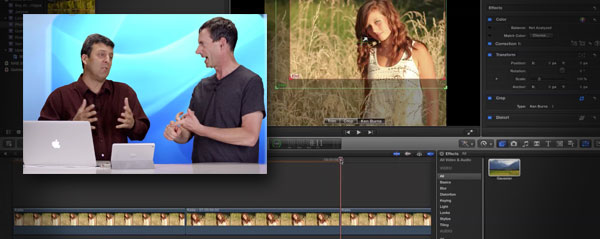
In this week's episode of MacBreak Studio, Steve and Mark take a look how to extend the functionality of the built-in Ken Burns picture moving tool. If you want a pause in the movement, then read on.
***Winner Announced***
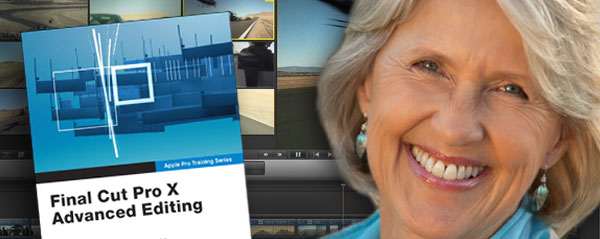
Diana Weynand's recent FCPX online course was very popular and she's now just announced a new three hour seminar that will concentrate on multicam editing. Of course, we also have a free place to give away to a lucky FCP.co reader!

Larry says your eyes lie to you and if you want to colour correct or grade properly, then you need to fire up the 'scopes in FCPX. That's exactly what he does and he also shares some great skin tone percentage range tips at the end too.

There is no doubt that the introduction of video shooting DSLRs has revolutionised the industry. Final Cut Pro X is perfect for the photographer who wants to get into video production. Calumet are running one day courses for 'hands on' DSLR & FCPX workflow. We also have a coupon code for discount.
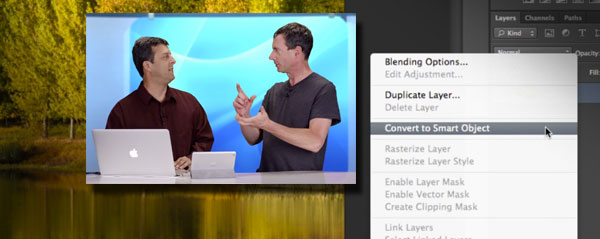
With more and more of us shooting RAW images on DSLRs, what is the best way to handle them in FCPX? With a bit of help from Photoshop, this new episode of MacBreak Studio shows us how.

FCPX is very quick when it comes to editing, but sharing can take its time depending on what you are sending and to where. Ben Balser has a handy tip to let you know when a share has finished.

It's been a while since we featured a presentation from the LACPUG here on FCP.co. This is a good one, Sam Mestman from Lumaforge takes the audience through a 4K RED workflow on Final Cut Pro X.
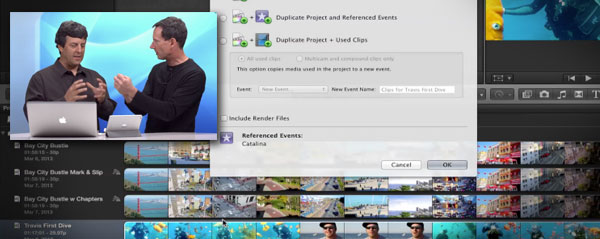
So you've finished your edit in FCPX, how do you archive off a project for safe storage? In this new episode of MacBreak Studio we look at the correct way to make sure a project will come back to life in the future.
Page 22 of 36
© fcp.co 2010-2026
